
MT4 </> Source Premium
Premium source codes for Expert Advisors and indicators. Get the .mq4 and .mq5 files, fully customizable. Pay with PayPal, card or crypto, and get 25% off when you pay with crypto.









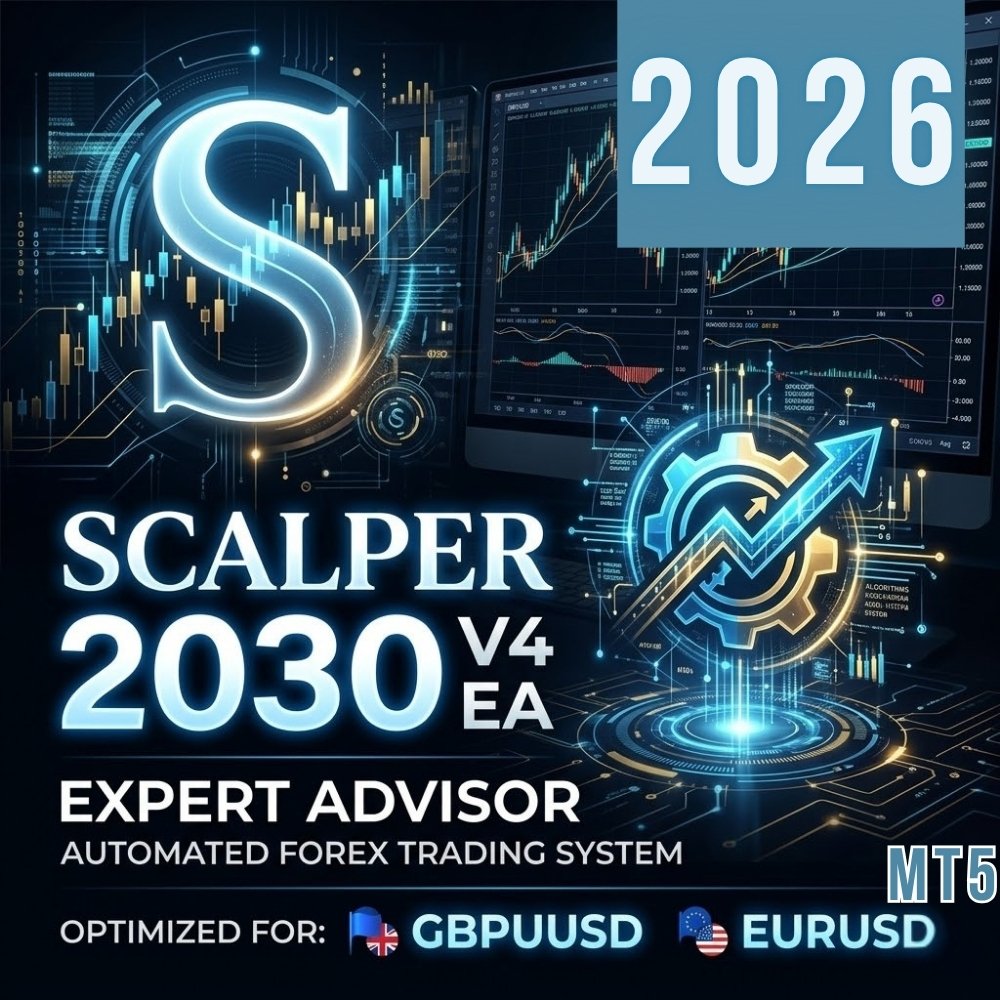
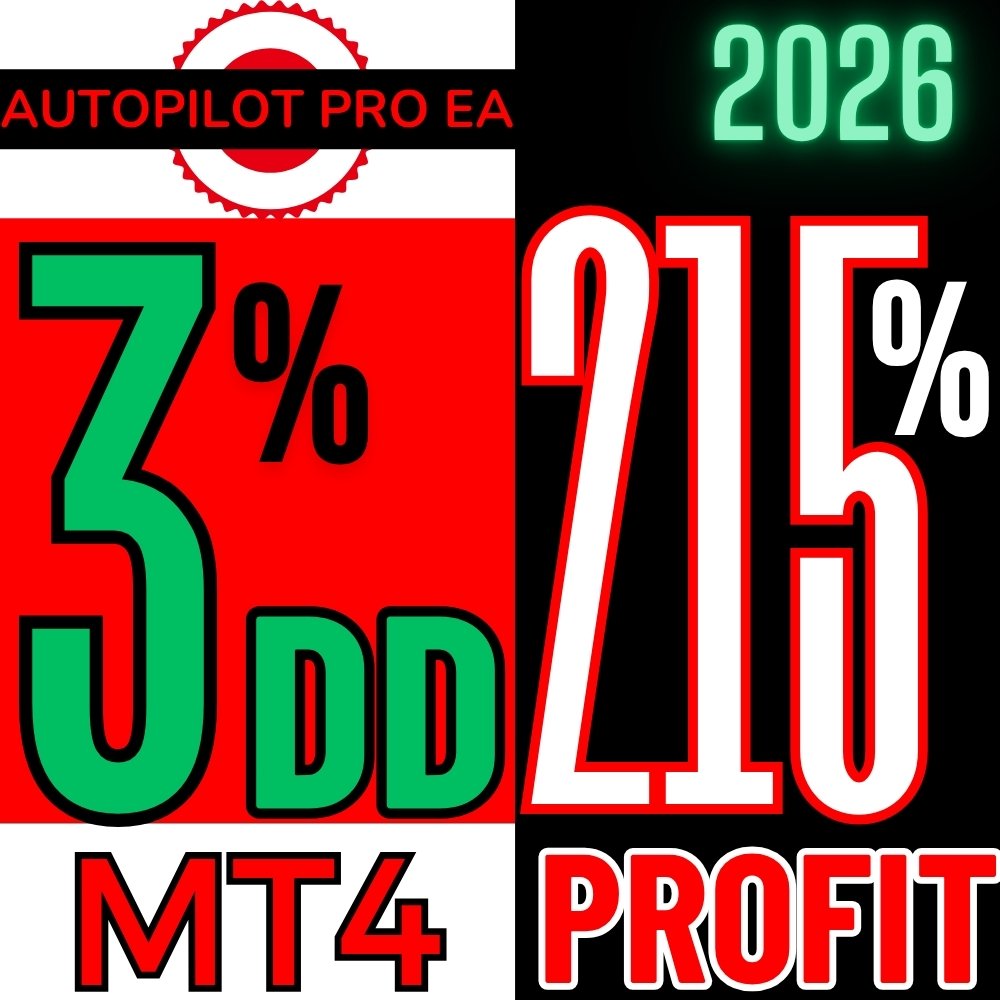






































































































































![MT5 Echo Forecast [LUX] Indicator - MQL Source Code](https://forextradingstore.com/wp-content/uploads/2026/07/mt5-echo-forecast-lux-indicator.webp)































































































Source codes are sold through ForexTradingStore.com. You can pay with PayPal, debit or credit card, or cryptocurrency, and paying with crypto takes 25% off the price. Clicking "Buy" takes you to the secure checkout.
Everything you need to know about MQL source codes, customization, and building your own trading tools.
MQL (MetaQuotes Language) is the programming language used to create Expert Advisors, custom indicators, and scripts for the MetaTrader platform. MQL4 is used for MetaTrader 4, and MQL5 for MetaTrader 5.
When you buy a source code, you receive the raw .mq4 or .mq5 file — the human-readable code that you can open, study, modify, and compile yourself. This is different from compiled .ex4/.ex5 files, which are locked and cannot be edited.
Learn MQL programming: Study real, production-ready trading algorithms to understand how professional EAs and indicators work. Much faster than learning from scratch with online tutorials.
Customize strategies: Modify entry/exit rules, risk management parameters, timeframes, and currency pair settings to match your trading style.
Build your own tools: Use our source codes as a foundation to create entirely new trading systems. Combine logic from multiple sources to develop a unique edge in the market.
Step 1: Download the .mq4 or .mq5 file after purchase.
Step 2: Open MetaEditor (press F4 inside MetaTrader).
Step 3: Go to File → Open and select your source code file.
Step 4: Review and modify the code as needed.
Step 5: Click "Compile" (F7). The compiled .ex4/.ex5 file is automatically created.
Step 6: Switch to MetaTrader, refresh Navigator, and use the EA or indicator.
MQL4 is simpler and more widely used. Large community, thousands of examples online, easier for beginners. Most existing EAs are in MQL4.
MQL5 is more powerful and modern. Supports OOP, multi-currency testing, economic calendar access, and real tick data backtesting. MT5 is the future of MetaTrader.
Which to choose: If your broker uses MT4 and your tools are MQL4, stick with it. Starting fresh? Go with MQL5 for newer features.
You can pay with PayPal, debit or credit card, or cryptocurrency (USDT, BTC, ETH, Binance Pay). All three give you instant access to your files.
Crypto pays 25% less. Card and PayPal payments carry processing fees and chargeback risk that crypto does not, so we pass that saving straight back to you. The discount is applied automatically at checkout.
Privacy: paying with crypto means no personal financial data is shared. Your purchase stays between you and the blockchain.
Instant delivery: whichever method you choose, your download unlocks as soon as the payment confirms.
Personal use: All source codes are licensed for personal use. Modify, compile, and run them on your own accounts without restrictions.
What you can do: Edit the code, create derivative works for personal trading, run on unlimited personal accounts.
What you cannot do: Resell the original or modified source code, distribute it for free, or use it to create commercial products without a separate commercial license.