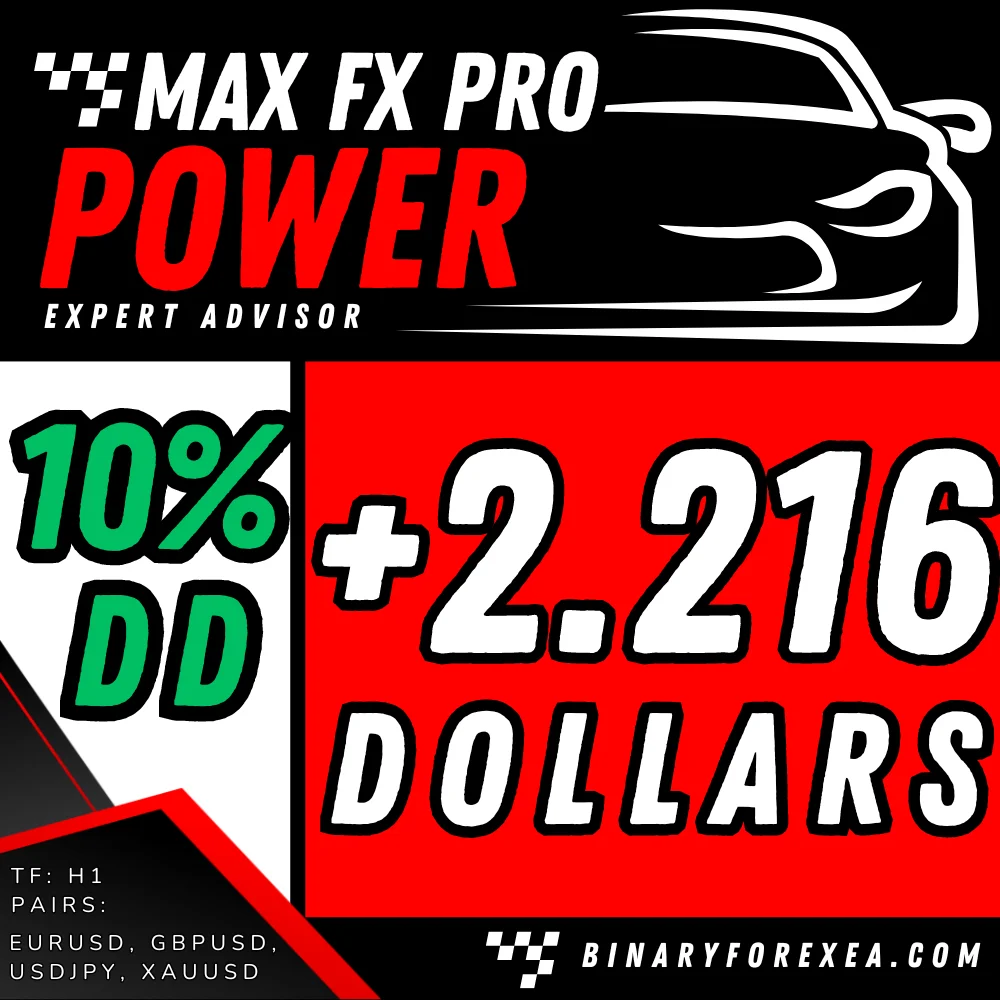
POWER FX PRO EA is a fully automated Expert Advisor for MT4, and it works on the H1 chart with a minimum capital of $1000 per pair. Moreover, it opens only one trade at a time, so the account never carries a stack of orders. Because the robot ships with default settings, you simply drop it on the chart and let it work.
POWER FX PRO EA specification
- PLATFORM: MT4
- TF: H1
- PAIRS: ALL BUT BEST: EURUSD, GBPUSD, USDJPY, XAUUSD
- MIN DEPOSIT: $1000 PER PAIR
- LEVERAGE: 1:500
- ACCOUNT: ECN OR PRO Low Spread
The indicators behind the robot
Forget about all the EAs you’ve tried so far…
The powerful POWER FX PRO EA, developed by the expert team of traders at binaryforexea, is unlike anything you’ve seen before. Say goodbye to guesswork and embrace the future of trading automation. Moreover, you can marvel at the impressive performance of this robot as it protects your investments while delivering outstanding returns.
Incorporating well-known indicators like Bollinger Bands, RSI, Pivot Points, Fibonacci levels, and an exclusive “mysterious” indicator utilized solely by binaryforexea’s traders, POWER FX PRO EA demonstrates unparalleled capabilities. Utilizing the MAXPOWER method, the robot works with a minimum capital of $1000 per pair, and it delivers impressive returns with a drawdown ranging from 10% to 22%, contingent upon the chosen currency pair and prevailing market conditions.
If the first name on that list is new to you, then read how Bollinger Bands measure volatility around a moving average. Afterwards, the logic of the entries becomes much easier to follow.
Technical requirements of POWER FX PRO EA
Please take a moment to review the following technical requirements:
- Pairs – TF:
The POWER FX PRO EA is optimized for outstanding performance on EURUSD, GBPUSD, and USDJPY pairs with default settings. However, it is adaptable to other currency pairs as well. Timeframe: H1. - MAXPOWER – DD:
The POWER FX PRO EA Professional Version runs with MAXPOWER. However, you have the flexibility to significantly reduce drawdown by adjusting the initial lot size to your preference. - Spread – SL – TP:
The maximum allowed spread is 5 pips. If your account is not a Pro or ECN account with low spread, the EA may not initiate trades due to its tight initial stop loss. Please refer to the SL-TP section for further details. While it’s possible to modify the Def_MaxSpread parameter to open trades with certain brokers, we recommend caution, because we reach our optimal performance on low spread ECN accounts. - SL-TP:
The default stop loss (SL) is set at 21 pips, with a maximum Def_SL of 100. The EA also features break-even functionality and a variable take profit (TP) mechanism. This includes a trailing stop that intelligently tracks prices and closes trades in a profit-preserving manner, similar to a stop loss (SL).
Key insights to consider
- POWER FX PRO EA operates with only one trade at a time and does not rely on a martingale strategy.
- By default, it uses an initial exponential lot size of 1 per 1000 in the account, with the potential to open up to 8 lots as the account balance permits. The robot reads the balance to size each lot, and it only raises that size when the balance grows.
- It’s important to understand the difference between Martingale and Exponential lot sizing.
- If you plan to use multiple trading pairs or combine this EA with another robot, adjust the Money Management (MM) parameters accordingly to specify the desired lot size.
- POWER FX PRO EA does not employ martingale, grid, or hedging strategies.
- We highly recommend a thorough trial of the robot on a DEMO account with your broker, so you can identify the most suitable currency pairs. Furthermore, that trial reveals the pairs with lower spreads and higher profitability on your own platform.
- Depending on your account type or broker, you may need to adjust the trailing distance. Therefore, watch the first orders on your broker or account. If trades close quickly at the beginning, it may indicate a short initial Stop Loss (SL) distance. In such cases, you can extend this distance by modifying the ‘Distance’ parameter.
- This EA has a maximum spread protection of 5, refraining from initiating trades when the spread exceeds this limit.
- The EA can open from 3 to 30 trades per day, depending on specific conditions.
Choosing the pair for POWER FX PRO EA
- POWER FX PRO EA has run on several pairs and can be employed with any pair. However, it’s vital to run your own trial on demo and select pairs with the lowest spreads available on your broker’s platform.
- For instance, if GBPUSD exhibits significant spread fluctuations during certain hours of the day, we advise you to avoid it. Instead, prioritize pairs with the lowest spreads available on your broker’s platform. By doing so, you will observe variations in performance on demo, as the outcome typically correlates with the spread.
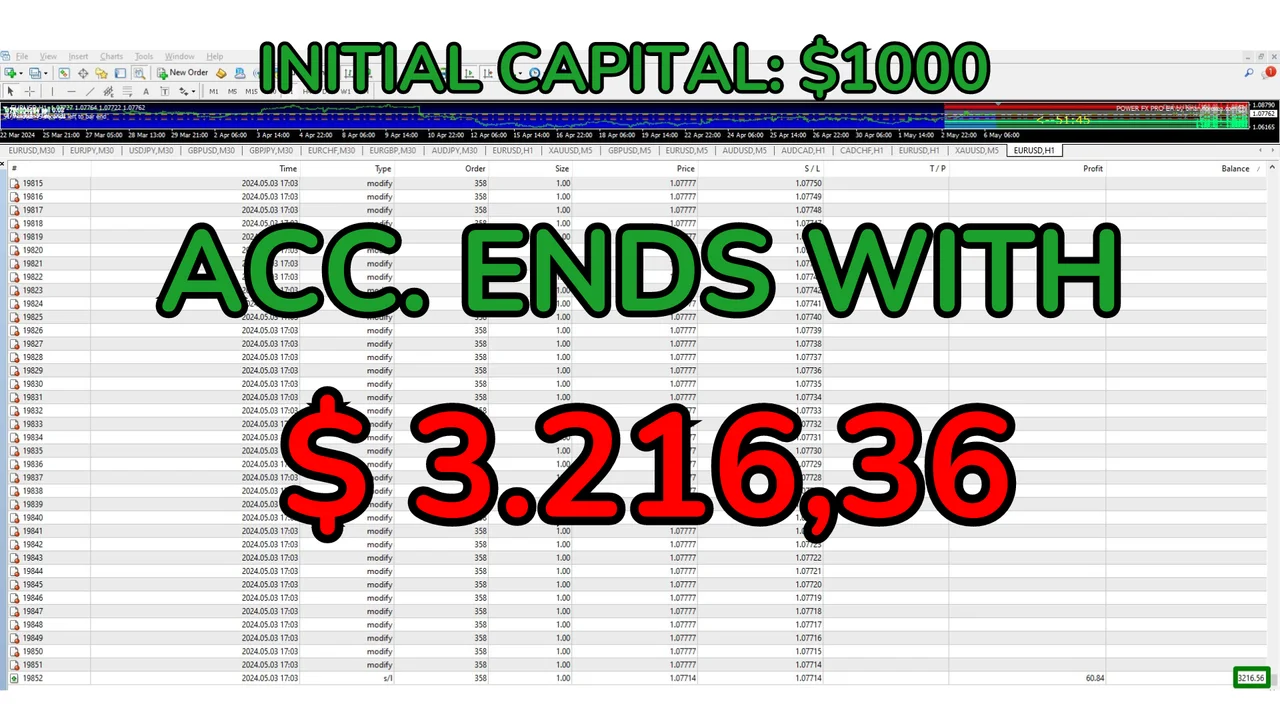
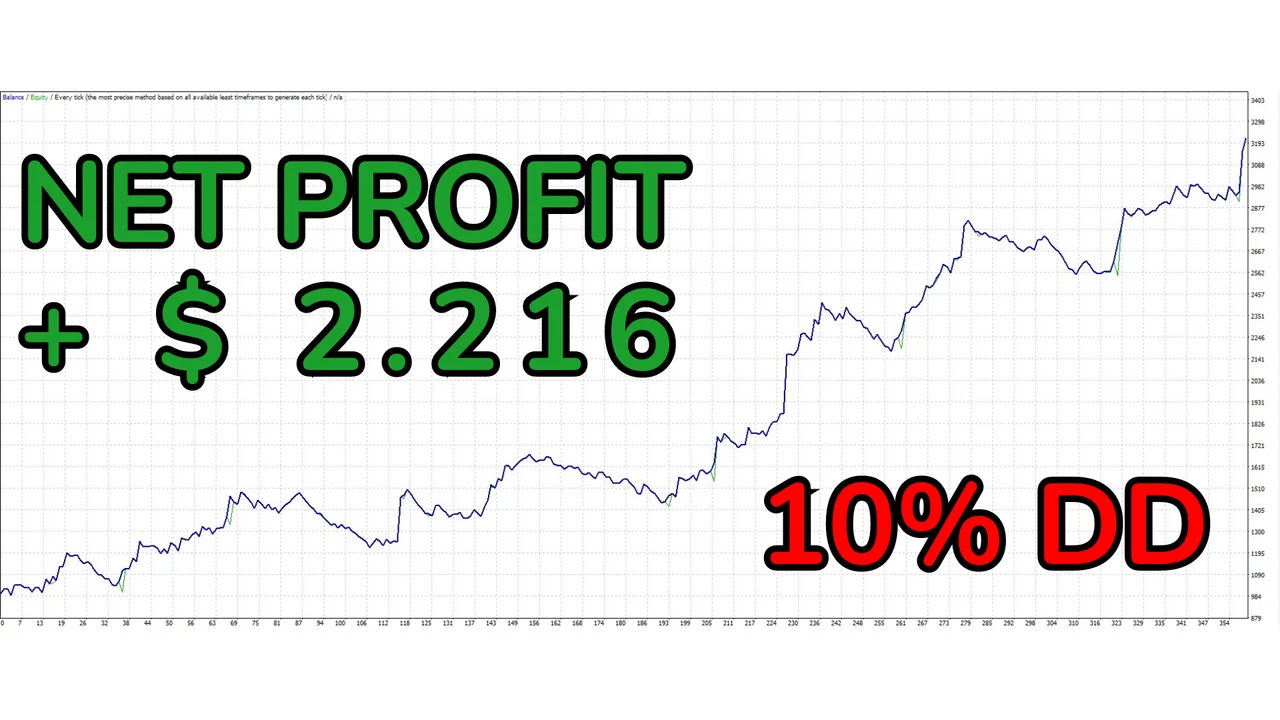
No preset configurations are necessary as it operates with default settings.
Simply open any pair and set the timeframe to H1 and place the EA.
Installing POWER FX PRO EA on MT4
First, open MetaTrader and click File > Open Data Folder. Then copy the robot into the Experts folder inside that data folder. Next, restart the platform or refresh the Navigator panel. After that, drag the Expert Advisor onto the H1 chart of the pair you picked. Finally, switch AutoTrading on, and check that the smiley face appears in the corner of the chart.
Before you start
Fund the account with $1000 for every pair you add, because the exponential lot sizing reads the balance. Trading involves risk, therefore only trade with money you can afford to lose. Past results do not guarantee future results. You trade at your own risk.
Would you like to compare the rest of our robots for MetaTrader? Then browse all our Expert Advisors.