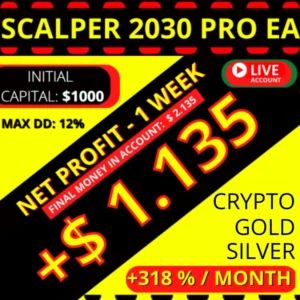
Scalper 2030 V3 PRO, the daily chart Scalper 2030 EA for MT4
Most robots of this family live on the fast timeframes. This one does not, because the Scalper 2030 EA in its V3 PRO form works best on the D timeframe, where a single candle holds a full trading day. Consequently it reads fewer signals, it holds them longer, and it leaves the M1 noise to other tools.
What sets Scalper 2030 Pro V3 EA apart?
Scalper 2030 Pro V3 EA isn’t just another run-of-the-mill trading robot; it’s a game-changer. Here’s what makes it stand out from the crowd:
- Optimized Performance: Built on extensive user feedback, this version boasts enhanced stability and reliability, ensuring consistent performance over time.
- Precision Parameter Settings: Fine-tuned parameters tailored for accuracy enable precise execution of trading strategies, minimizing risks and maximizing returns.
- Risk Management: With a conservative risk per trade, the robot prioritizes capital preservation while seizing lucrative opportunities in the market.
- Stabilized Drawdown: Say goodbye to unnerving drawdowns. The V3 PRO significantly stabilizes drawdown, providing peace of mind even during volatile market conditions.
- Expanded Functionality: Enjoy the convenience of strategy simulator support and a customizable interface with background color changes, enhancing user experience and flexibility.
- Compatible with: Build 1421 and above.
Where this Scalper 2030 EA trades
- Platform: MT4.
- Timeframe: best on D.
- Pairs: EURUSD.
- Leverage: 1:500.
The daily open, high, low and close of each session feeds the logic, so one new bar per day is all the robot waits for. Because of that, you can leave the chart alone between closes.
How does Scalper 2030 Pro V3 EA perform?
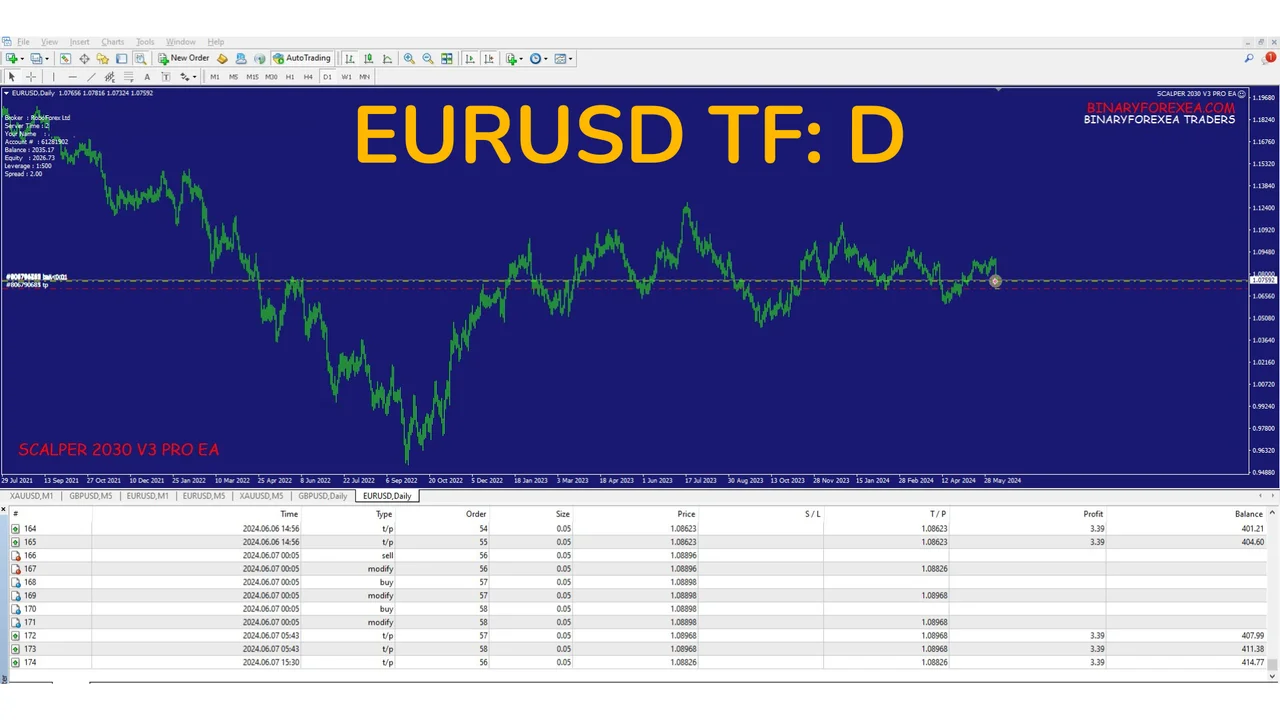
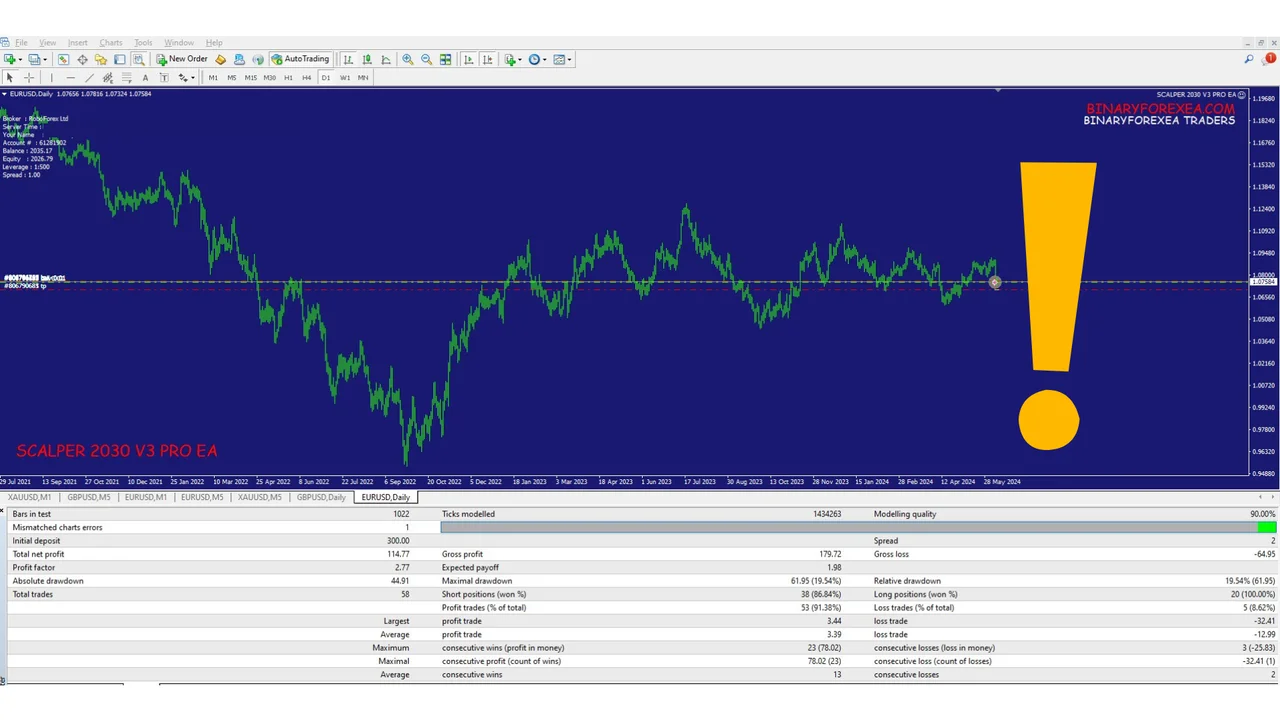
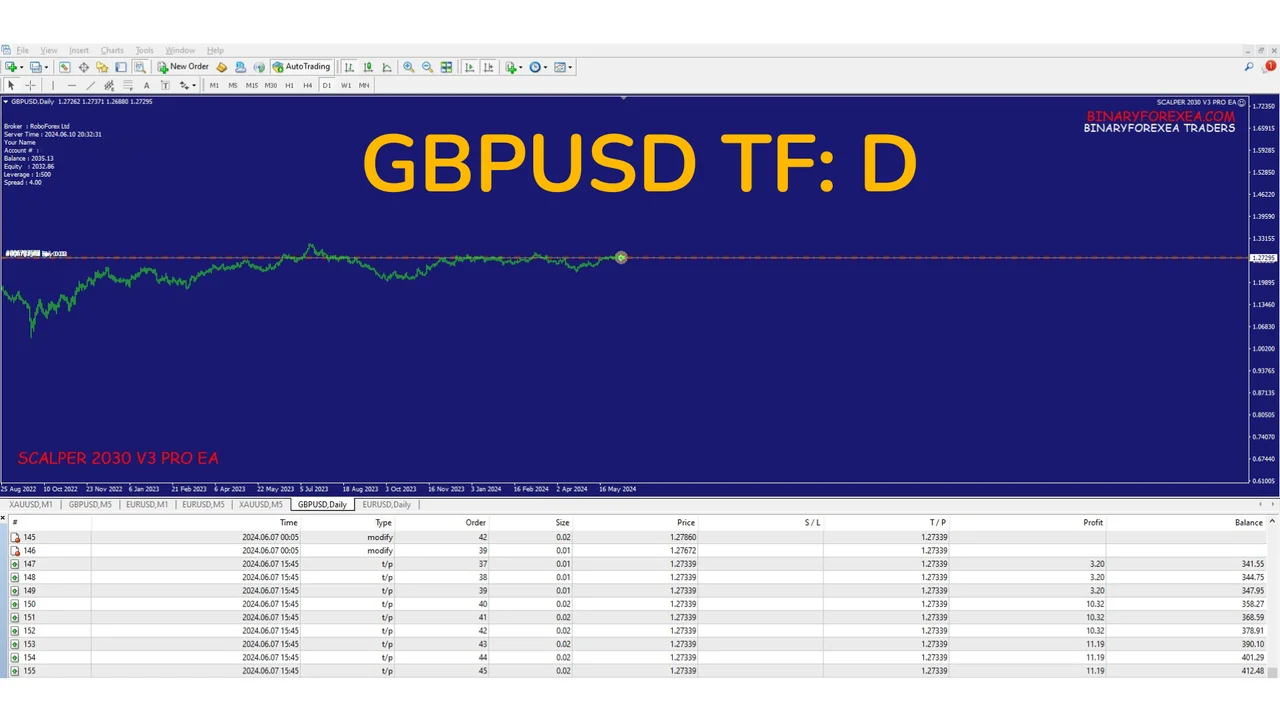
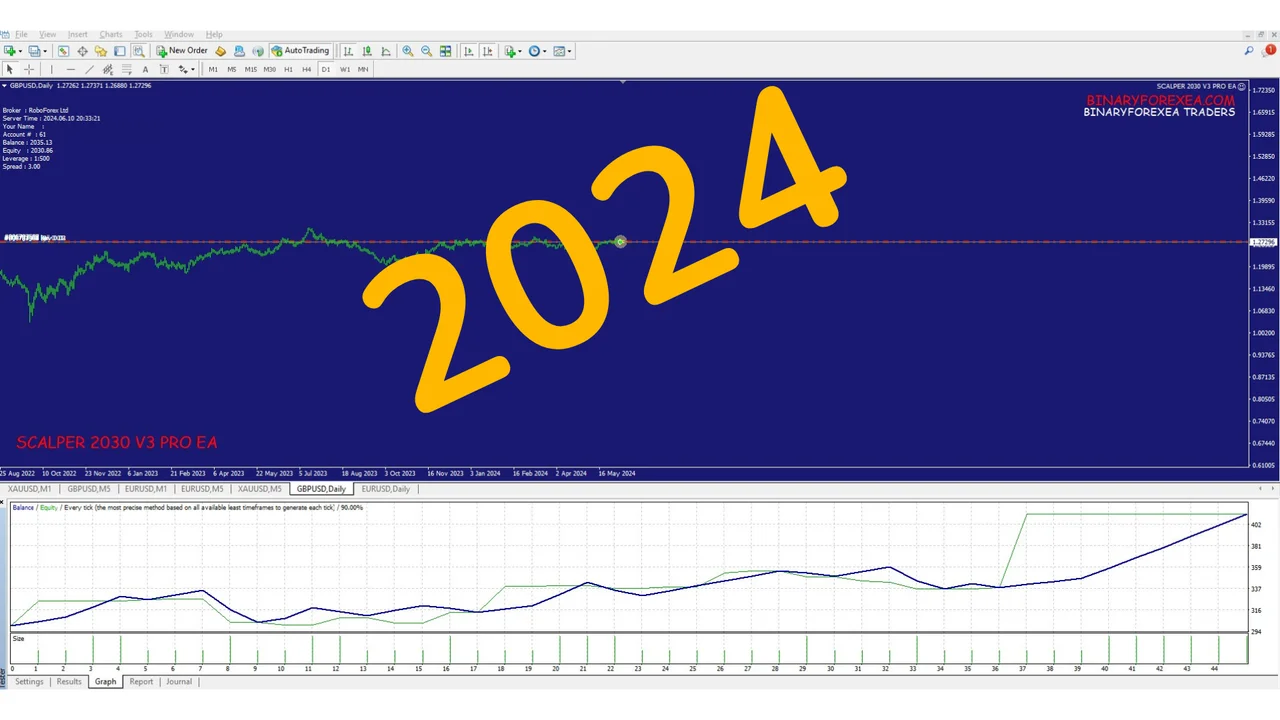
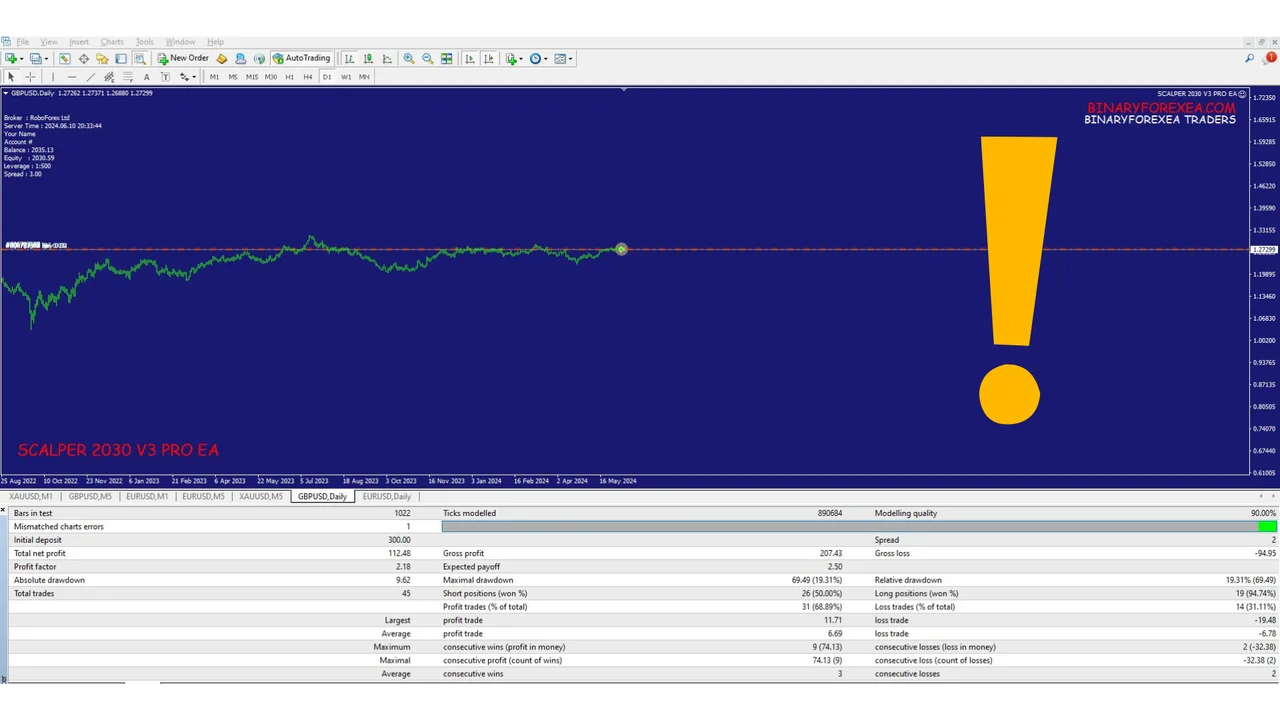
Let’s take a closer look at the performance of this version with two key currency pairs: EURUSD and GBPUSD.
EURUSD on the D timeframe
GBPUSD on the daily timeframe
Installing the Scalper 2030 EA on MT4
- First, open MetaTrader 4 and click File > Open Data Folder.
- Then copy the robot into the Experts folder inside that data folder.
- After that, refresh the Navigator, so the robot shows up in the list.
- Next, drag it onto a EURUSD chart and switch the timeframe to D.
- Finally, turn AutoTrading on and let the robot work.
Check that your terminal reports build 1421 or above before you start, because older builds are not supported. Moreover, a VPS keeps the platform online between daily closes, so the robot never misses a new bar.
Before you go live
Run it on a demo account first, since a daily strategy needs a few sessions before its rhythm becomes clear. Also, keep the risk per trade conservative, and add capital only once you understand how the robot behaves.
Unlock Your Trading Potential Today!
Experience the next level of Forex trading with Scalper 2030 Pro V3 EA. Whether you’re a seasoned trader or just starting, this advanced Expert Advisor offers the tools and capabilities to amplify your profits and navigate the intricacies of the Forex market with confidence.
Trading leveraged products carries a high level of risk to your capital. Past results do not guarantee future results. You trade at your own risk.
Looking for other automated robots? Then browse all our Expert Advisors and compare them side by side.