ULTIMATE PRO SCALPER EA
Ultimate Pro Scalper EA at a glance
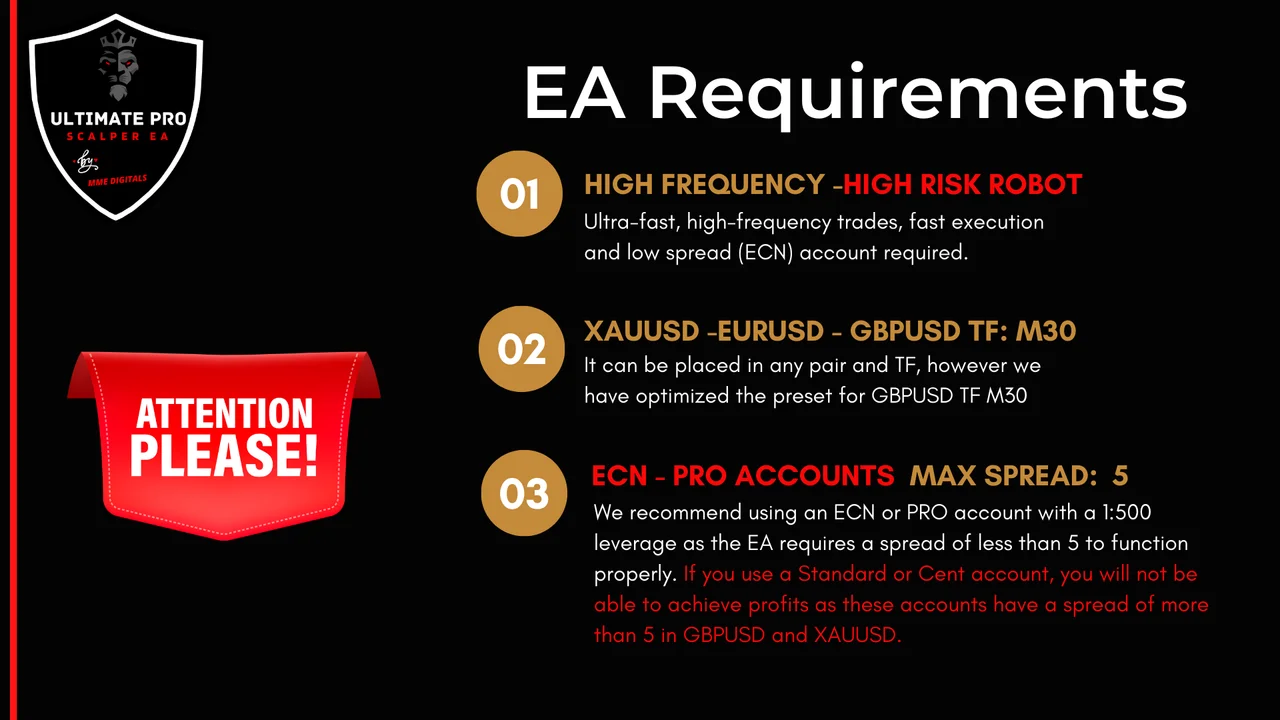
The Ultimate Pro Scalper EA is a fully automated Expert Advisor for MT4, so the robot opens and closes the trades for you. It runs on every timeframe, although M30 gives the best behaviour. Moreover, it works on all pairs, while GBPUSD, EURUSD and XAUUSD remain the favourites of the strategy.
- PLATFORM: MT4
- TF: ALL BUT BEST M30
- PAIRS: ALL BUT BEST: GBPUSD, EURUSD and XAUUSD
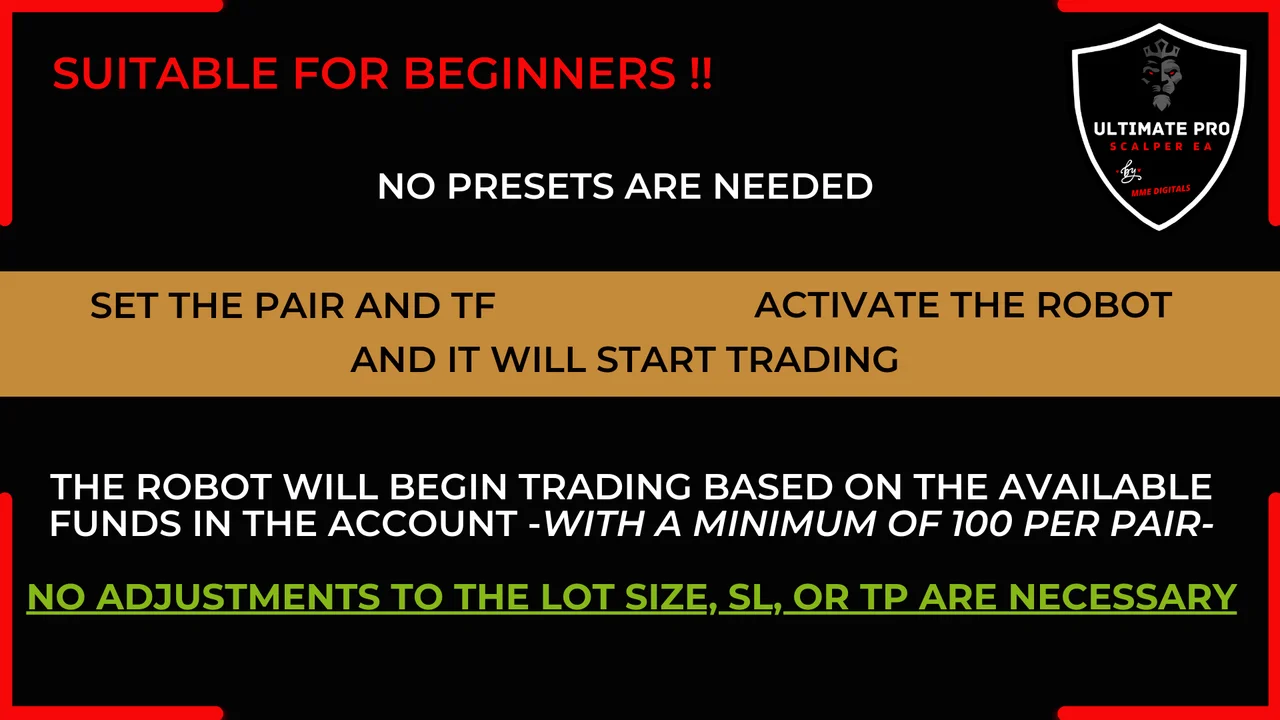
- MIN DEPOSIT: $100 PER PAIR
- LEVERAGE: 1:500
- ACCOUNT TYPE: ECN, PRO, LESS THAN 5 SPREAD
Settings and results of the Ultimate Pro Scalper EA
The gallery below walks you through the robot, from the input panel to the trades it leaves on the chart. First, look at the parameters and at the money rules. Then, follow the entries and the way each position closes. As a result, you know what to expect before you attach the Expert Advisor to a live account.
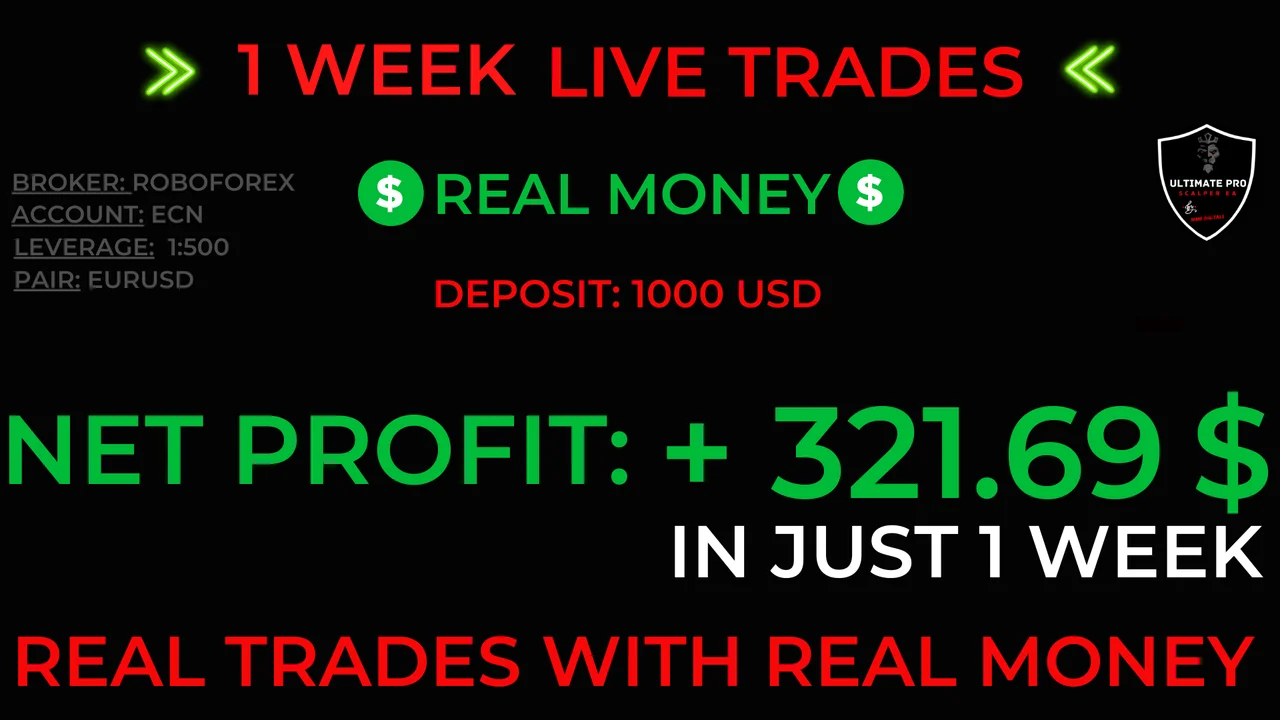
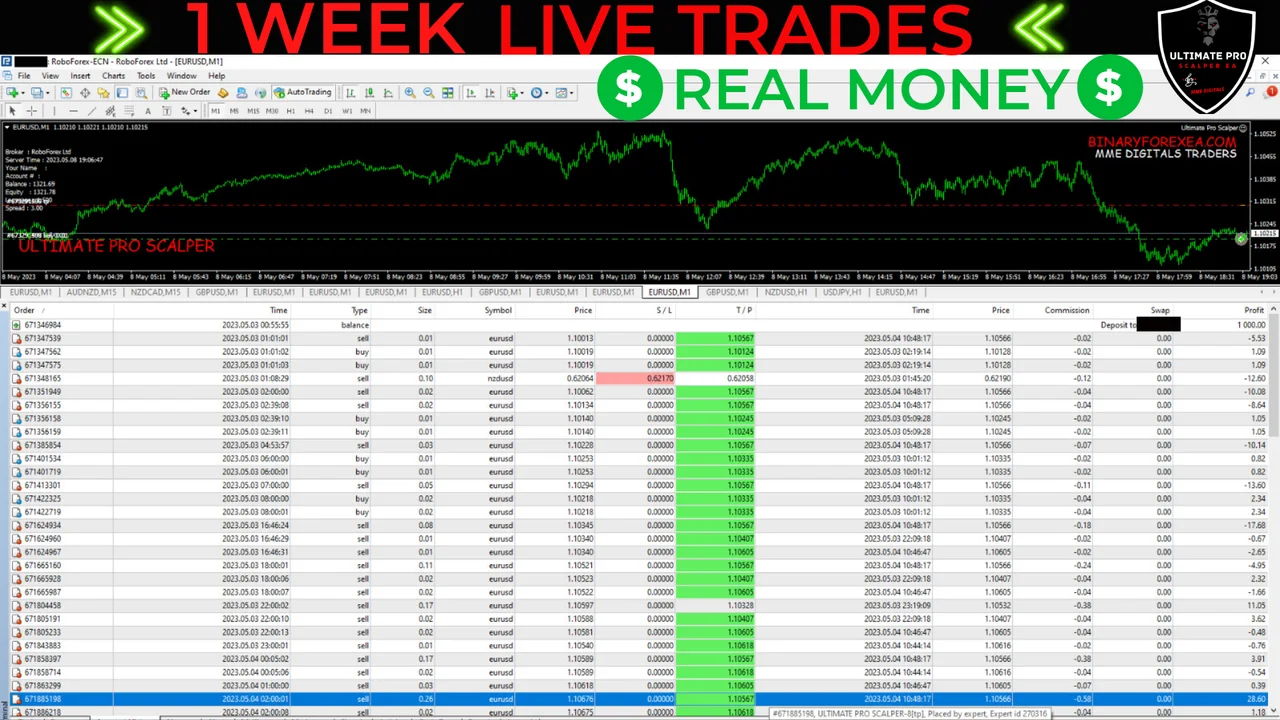
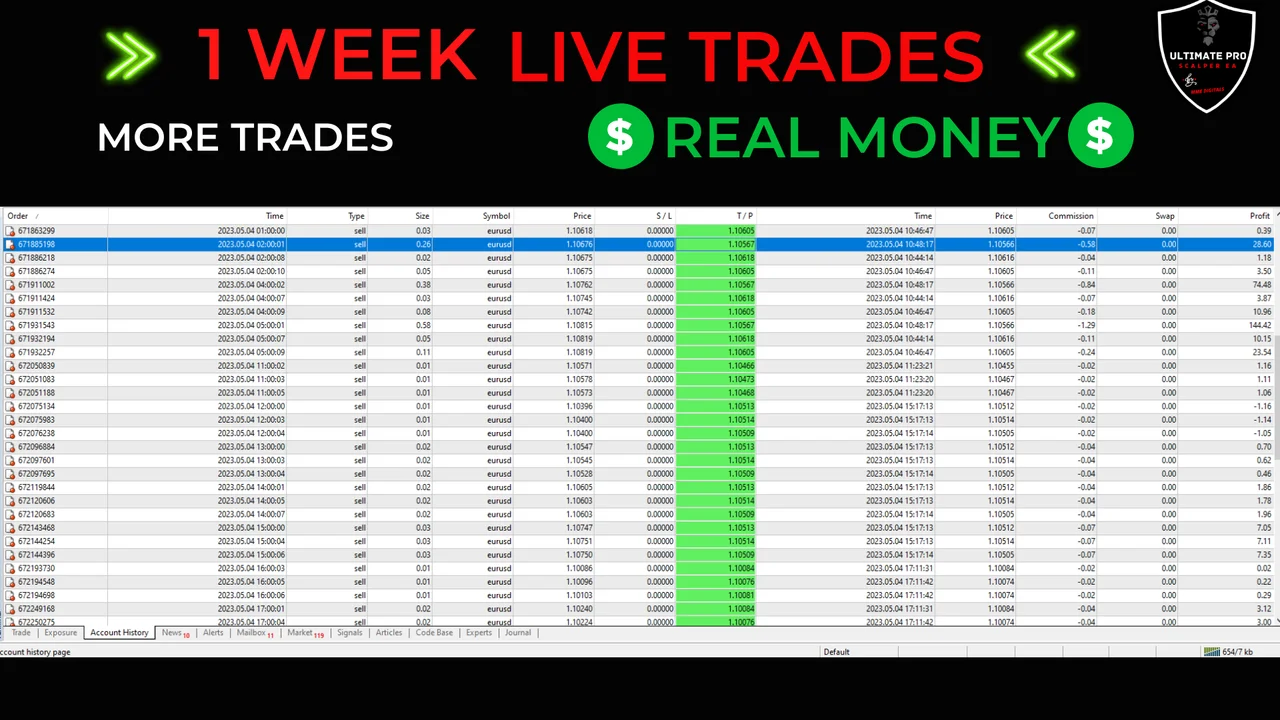
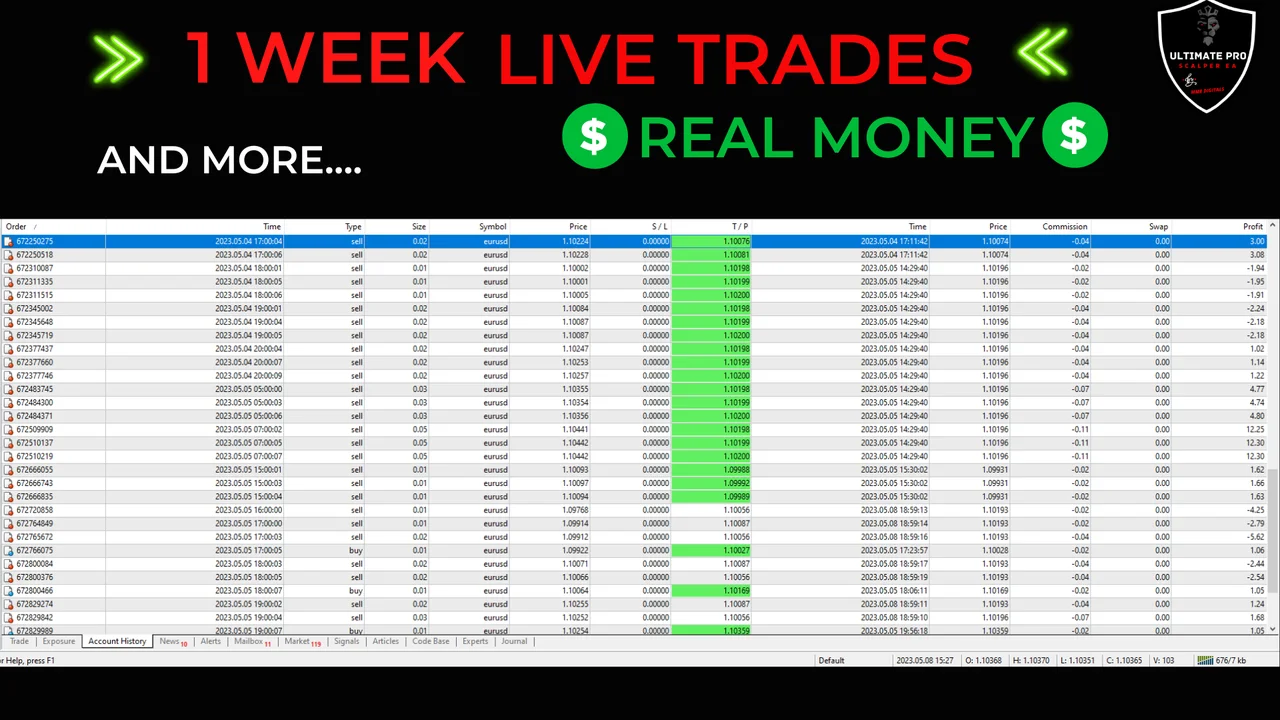
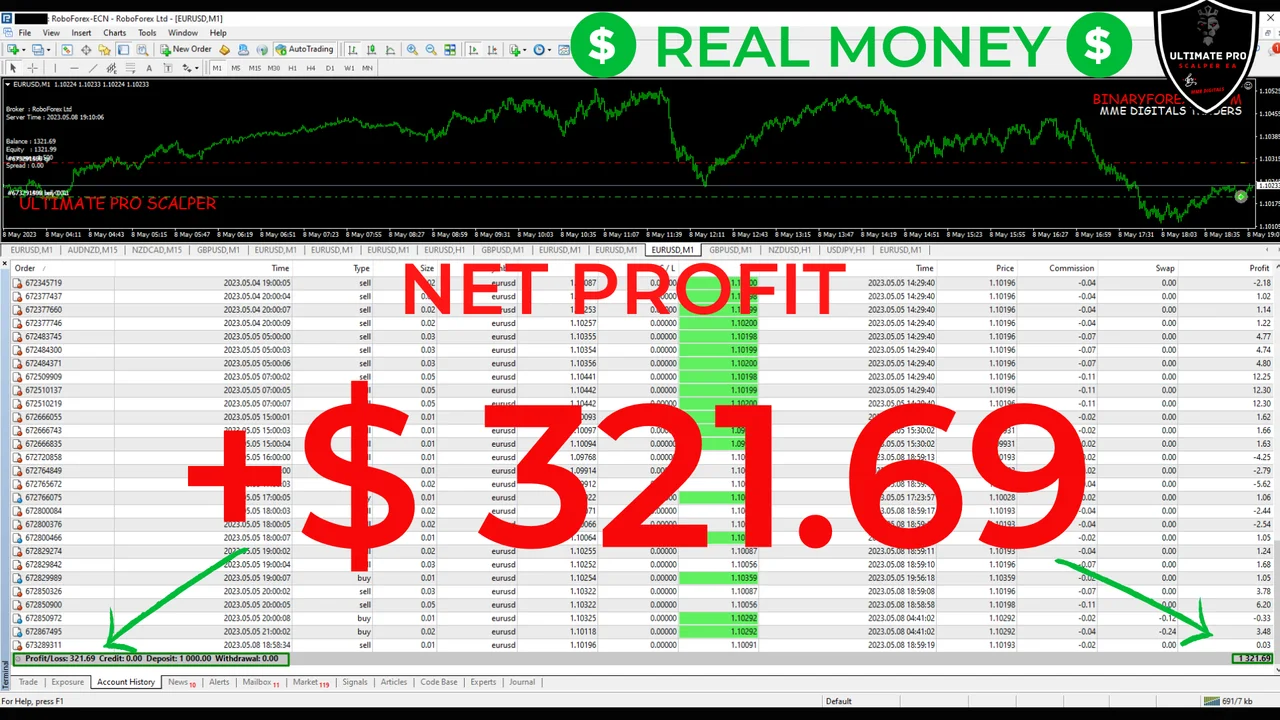
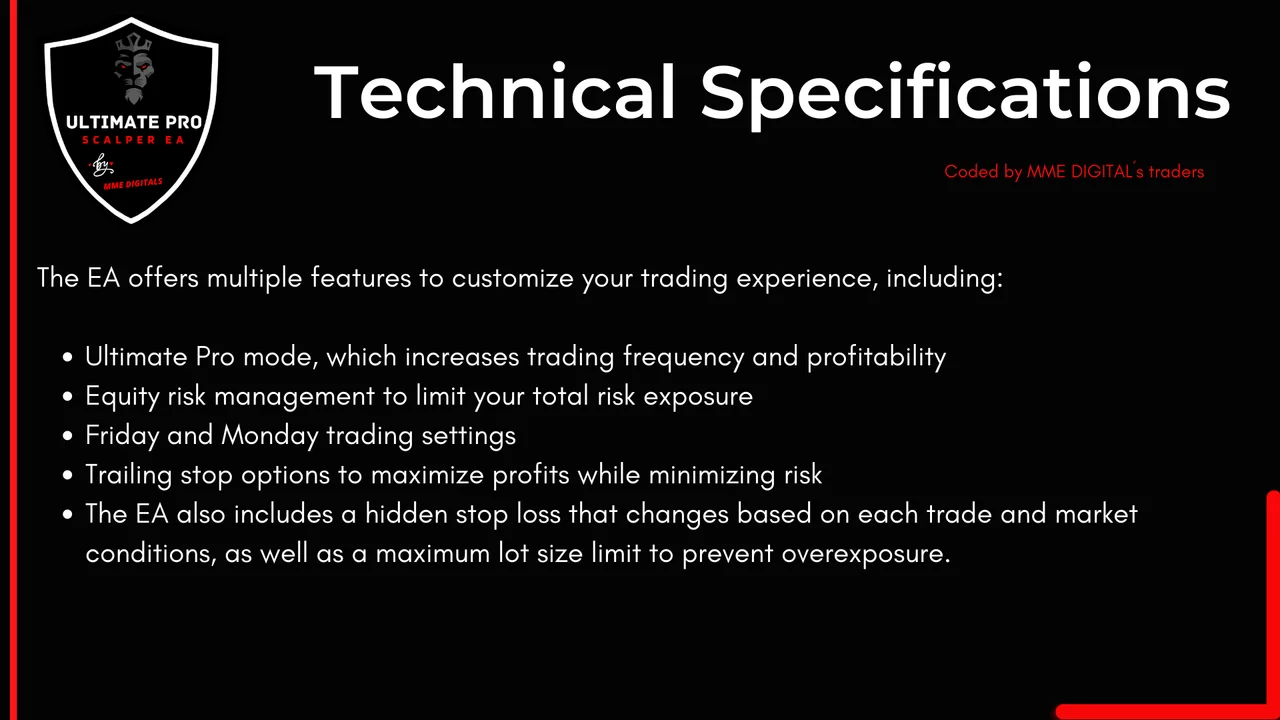
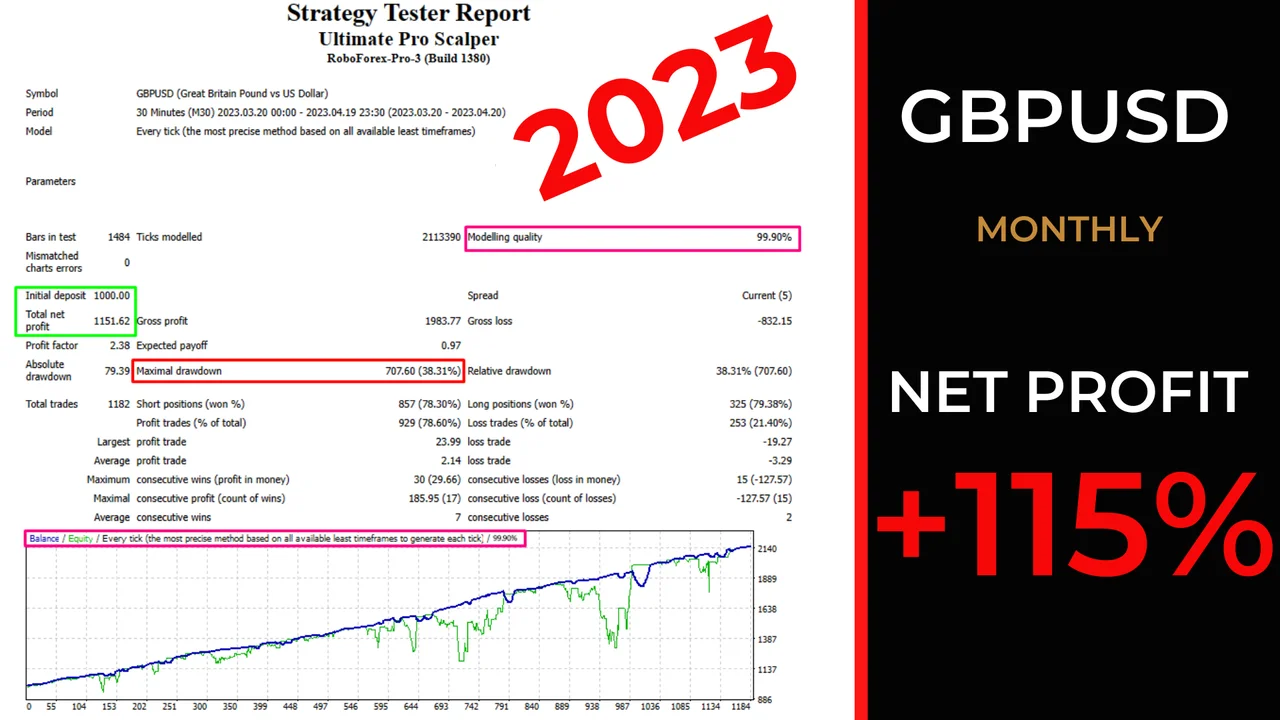
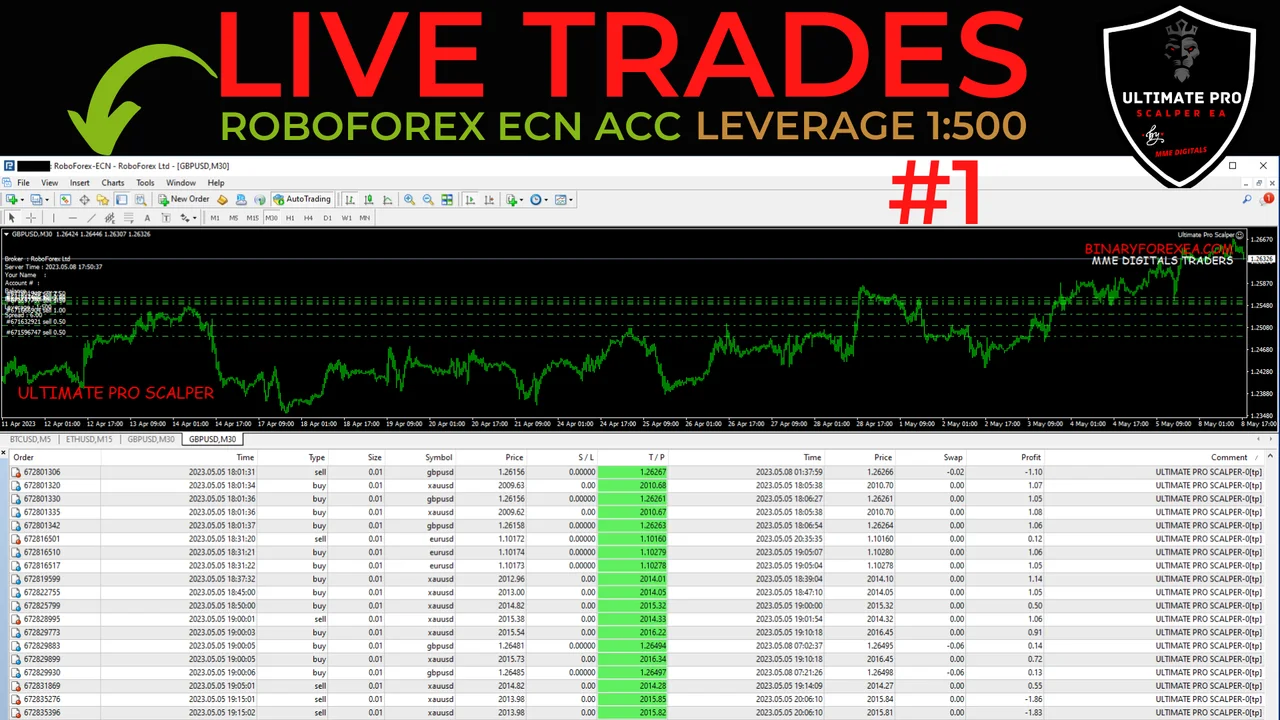
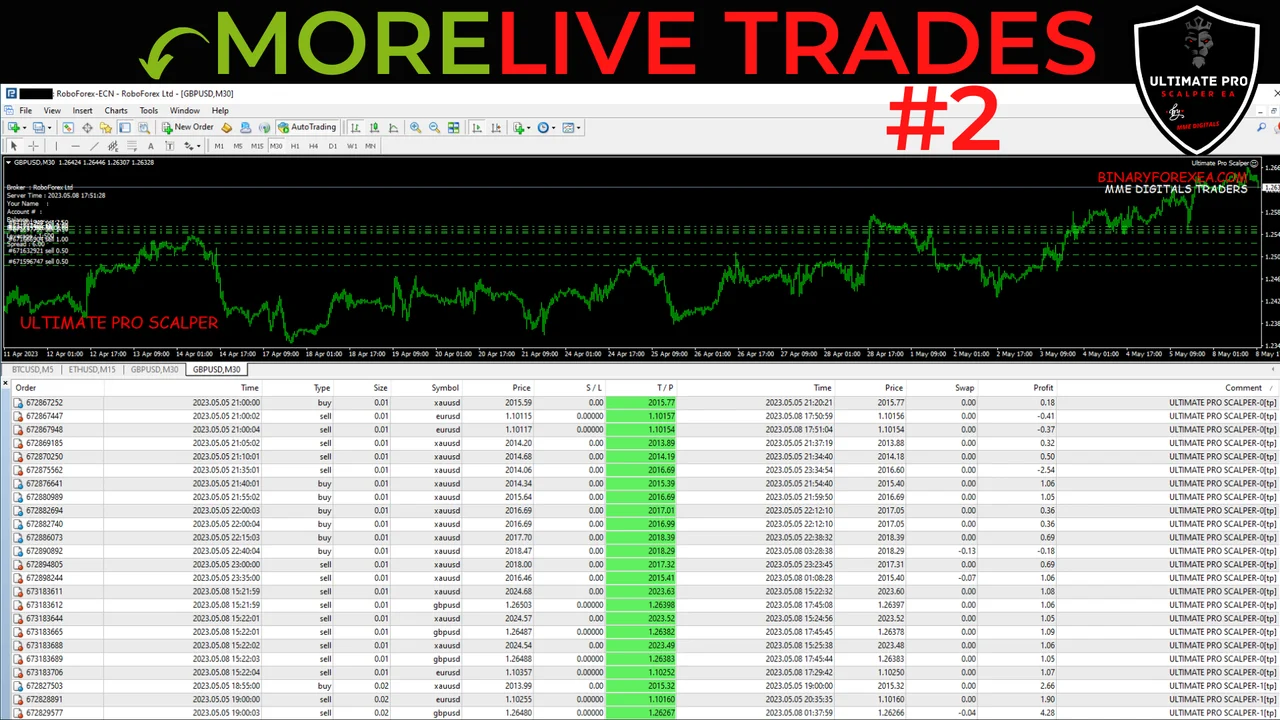
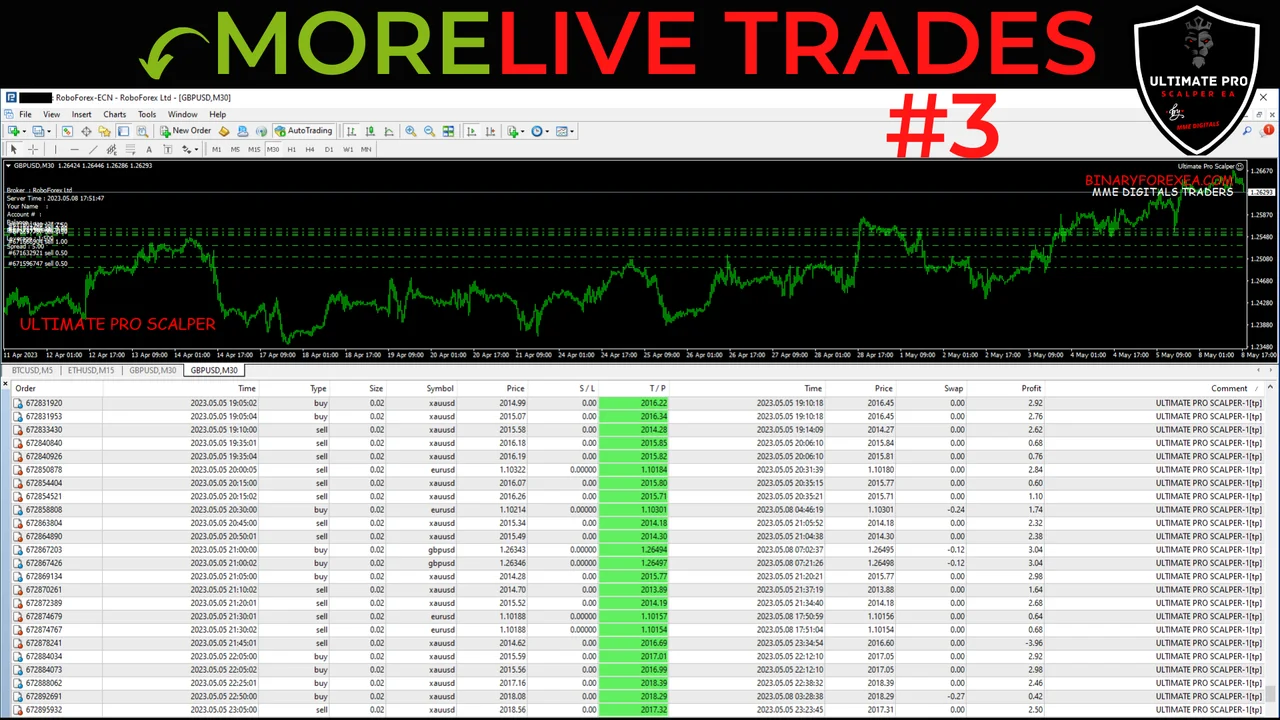
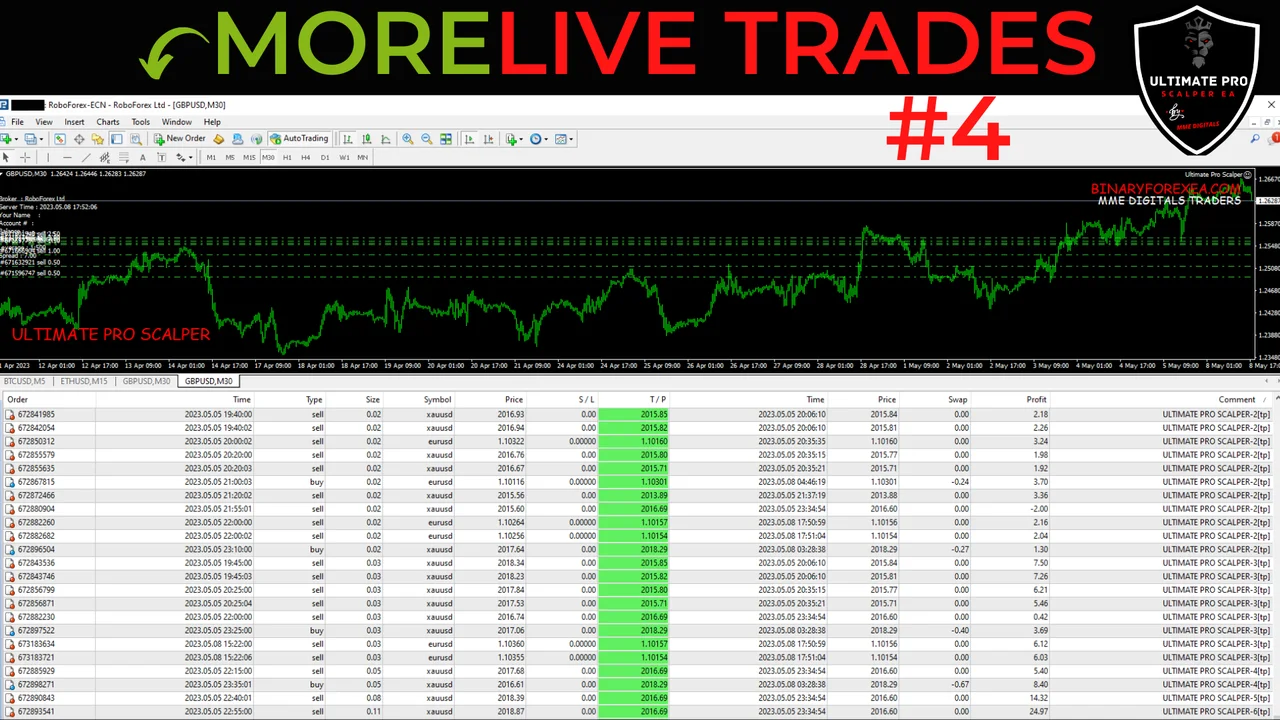
What the Ultimate Pro Scalper EA offers
The Ultimate Pro Scalper EA offers multiple features to customize your trading experience, including Equity Risk Management, trailing stop and hidden stop loss. Therefore, you decide how much of the balance the robot may put at work, and the trailing stop follows a move once price travels in your favour. In addition, the hidden stop loss stays on your side of the connection, so the broker does not see the level on the server.
Every parameter sits in the input tab of MT4, and you can change it before you attach the robot to a chart. Because of that, one licence covers a conservative profile and a more active one.
Broker and account
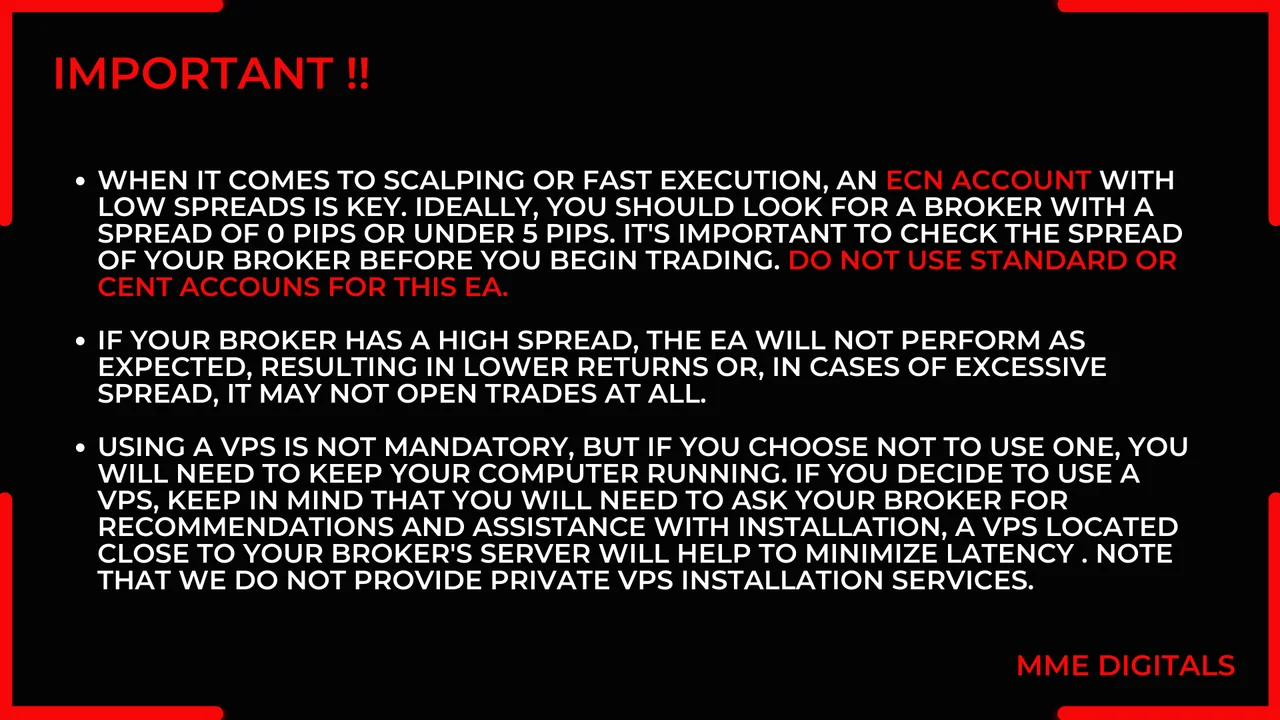
Use an ECN or PRO account with a spread under 5 points, since a scalper depends on cheap entries. Furthermore, keep at least $100 for each pair you run, and set the account at 1:500 leverage. If the spread of your broker climbs above that limit, the robot will not perform as expected.
Using a VPS is not mandatory. However, if you choose not to use one, you will need to keep your computer running, because the Expert Advisor only trades while the terminal stays open.
Installing the Ultimate Pro Scalper EA on MT4
First, open MetaTrader and click File > Open Data Folder. Then copy the robot into the Experts folder inside that data folder. Next, restart the platform or refresh the Navigator panel. After that, drag the Expert Advisor onto an M30 chart of the pair you chose. Finally, switch AutoTrading on, and check that the smiley face appears in the corner of the chart.
Before you run it
Start on a demo account or on a small balance while you learn the rhythm of the strategy. Also, run one chart per pair and never load the same pair twice. Trading involves risk, therefore only trade with money you can afford to lose. Past results do not guarantee future results. You trade at your own risk.
Looking for more robots for MetaTrader? Then browse all our Expert Advisors.