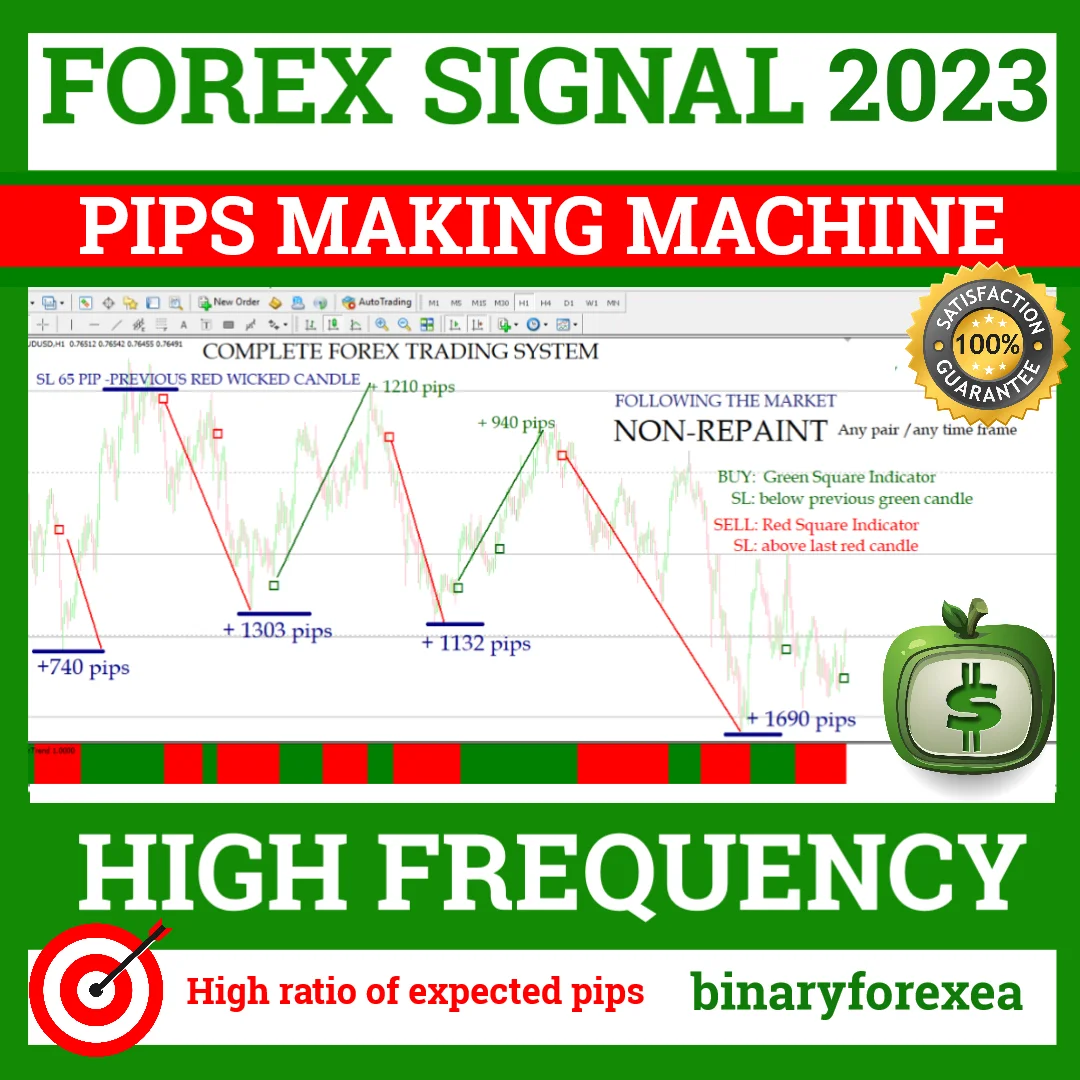
BUY SELL FOREX SIGNAL FOREX PIPS MAKING MACHINE, MT4 Signal (Non Repaint)
You read the two indicators and you place the order yourself. The pips making machine is a manual signal package for MT4, so nothing trades on your behalf. It draws a coloured square for the entry and a trend colour below the chart. Moreover, the reading works on any pair and on any timeframe, although H1 is the recommended one.
What the pips making machine gives you
- Accurate BUY-SELL signals: powerful and easy to read, no repainting.
- Template: Simple and clear. It highlights the current trend so you always know what to expect, a buy or sell signal.
- Suitable for scalping, day trading and swing trading. High ratio of expected pips based on a very tight SL.
- Build-in alerts
- Any pair and any time frame. Recommeded H1
- Template and indicators for MT4 platform.
- All you have to do is wait for the signal
In other words, the screen stays clean and the job stays simple. Because the alerts fire on their own, you do not need to watch the chart all day. Therefore a busy trader can follow several pairs and still keep a normal routine.
Buy trades with the pips making machine
Buy Trade:
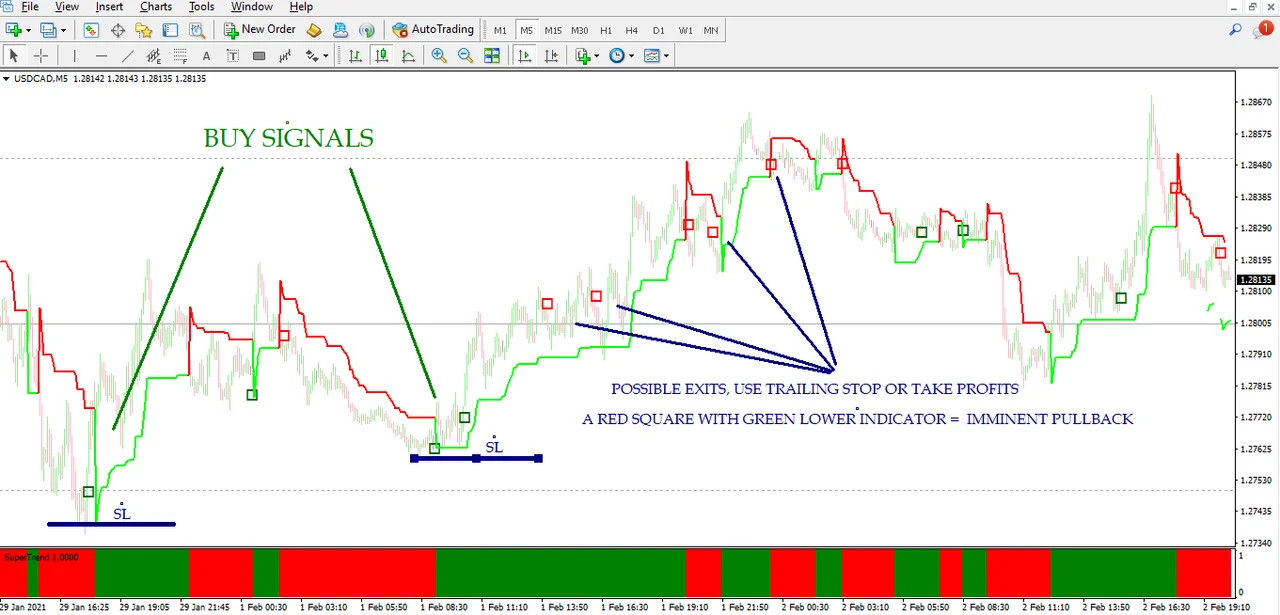
First of all, you should look at the color of the lower indicator to establish what trend it´s in, in case it´s green, you should expect a “Buy” trade.
Second, when the signal appears (green square) you´ll place your BUY trade by setting your SL just below the previous green candle (recommended). It can also be placed below the last resistance, but you will find that it is often not necessary.
Sell trades step by step
Sell Trade:
First of all, you should look at the color of the lower indicator to establish what trend it´s in, in case it´s red, you should expect a “Sell” trade
Second, when the signal appears (red square) you will place your SELL trade by setting your SL just above the last red candle (recommended). It can also be set above the last resistance but you will see that many times this isn’t necessary.
The logic mirrors the buy side, so there is very little to memorise. In addition, the tight stop keeps the risk small on every attempt. As a result, a single good move can pay for several quiet ones.
The rule that protects your entries
Important: Buy or Sell Trades:
Do not place your order only when you see the indicator below is in green or red. You should wait for both indicators to match, as the exact entry point is critical to ensure a high profit ratio.
Many times it´ll seem that you could have entered a little earlier, but remember: Entry point is a point that is calculated based on several validations to make it a safe entry. If you decide to buy earlier, you could be risking a false trend reversal.
As simple as this: just follow the signal when it’ s given. Do not get ahead of yourself.
If you see a buy signal (green square), but your down indicator is red, DO NOT TAKE IT. It only indicates that the price will go up momentarily, but if the main trend (bottom indicator) does not change, it will just be a simple retracement. Do not take it if both indicators are not in the same color. It is about following the trend, not going against it.
Where the stop loss belongs
The package leans on a very tight stop, so the placement matters. For a buy, park it under the previous green candle. For a sell, park it over the last red candle. Alternatively, use the nearest level of support and resistance when the candle sits too close to price.
Installing the pips making machine on MT4
Setup takes a couple of minutes. First, open MetaTrader 4 and click File > Open Data Folder. Then copy the indicator files into the Indicators folder and the template into the Templates folder, both inside that data folder. Next, restart the platform or refresh the Navigator panel. Finally, open an H1 chart and apply the template, so the squares and the trend indicator appear at once.
Before you trade
Start with one pair while you learn how the two colours behave together. In addition, switch the alerts on, because a missed square is a missed move. Trading involves risk, therefore only trade with money you can afford to lose. Past results do not guarantee future results. You trade at your own risk.
Instant download after purchase. Questions? Write to info@binaryforexea.com.
Do you want more manual tools for the spot market? Then browse our range for Forex. Looking for automated robots as well? Then check all our Expert Advisors.