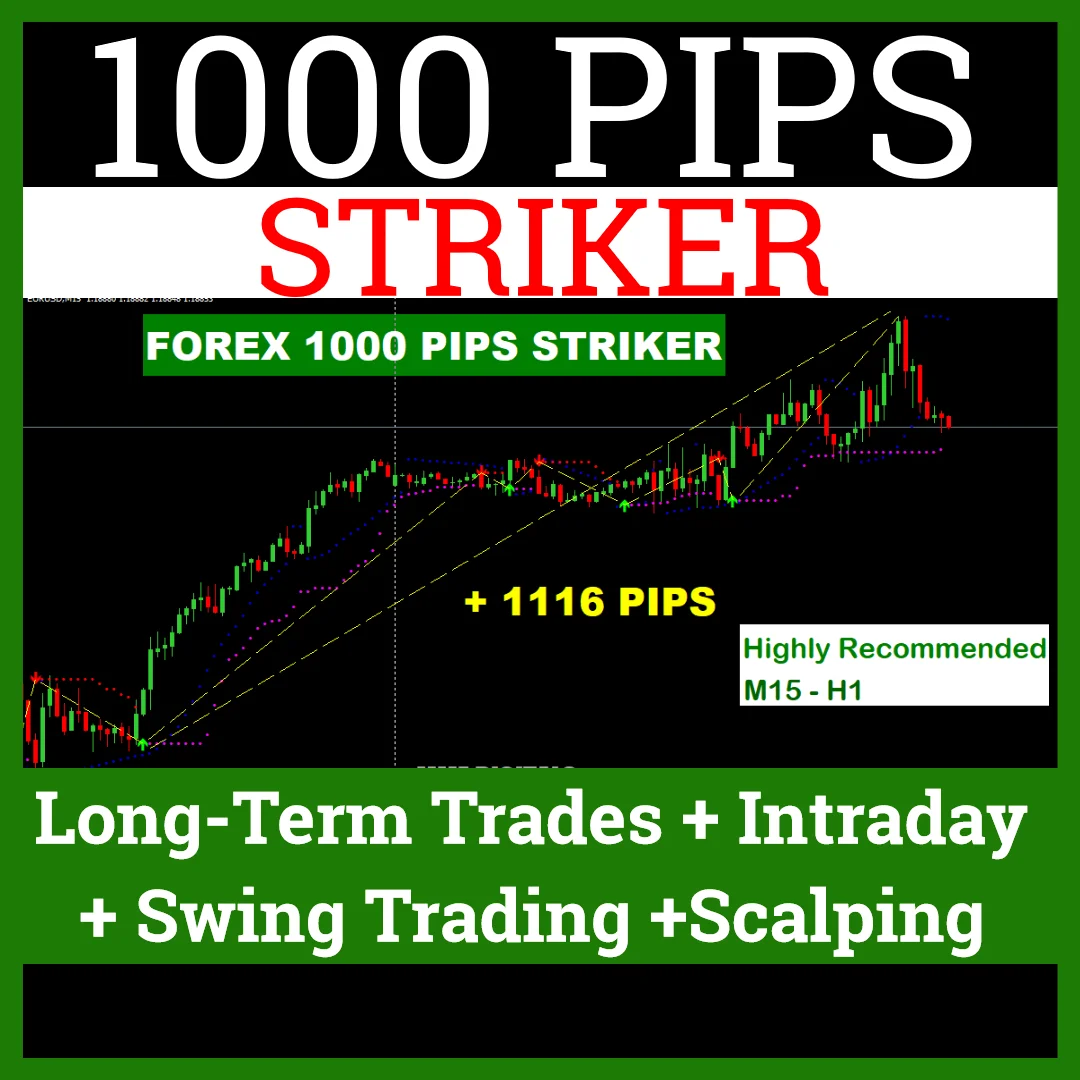
FOREX SIGNAL 1000 PIPS STRIKER, MT4 Signal
Long-Term Trades + Intraday + Swing Trading +Scalping Indicator
You read the arrow and you take the trade yourself. The 1000 pips striker is a manual signal package for MT4, so nothing opens or closes an order for you. An arrow prints on the chart and a pop up alert confirms it, and then the decision is yours. Moreover, the same tool suits long term trades, intraday, swing trading and scalping.
Strategy details of the 1000 pips striker
- Preferred Currency pairs: Eur/Usd ,Gbp/Usd,Eur/Jpy
- Time frame: 15min Or 1 Hour Chart (Highly Recommended)
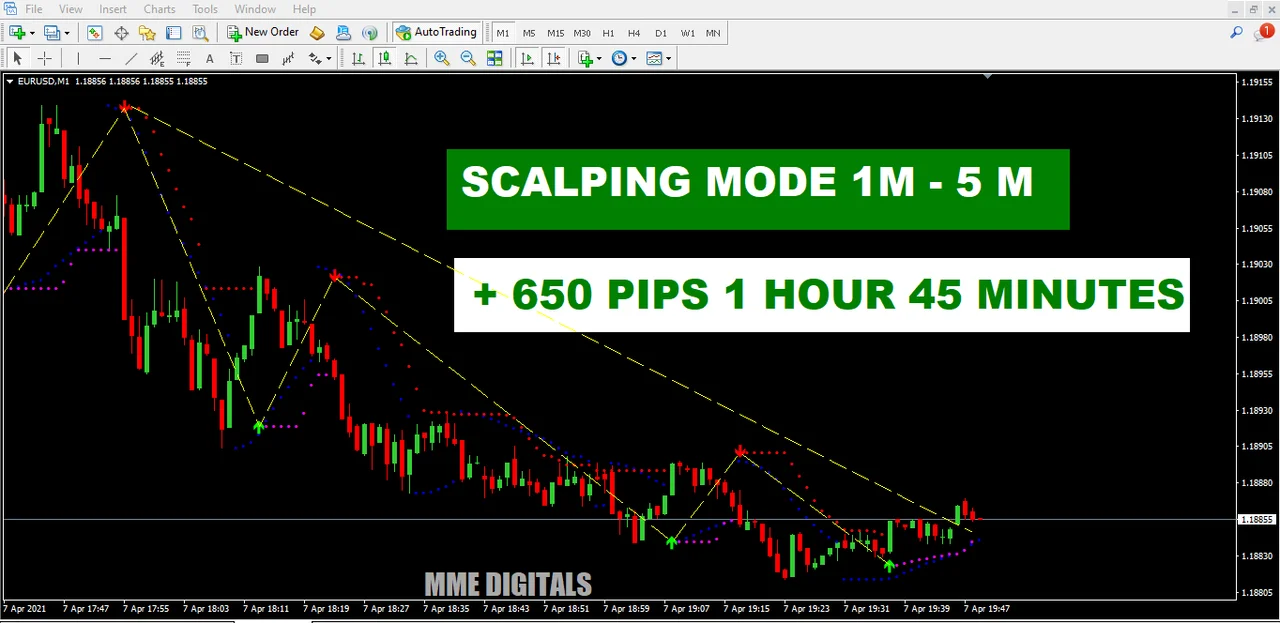
- Time frame Scalping Mode: 1M to 5M
- Recommended balance: +$100 (Per Micro Lots)
- Preferred trading session: London Session + NewYork Session
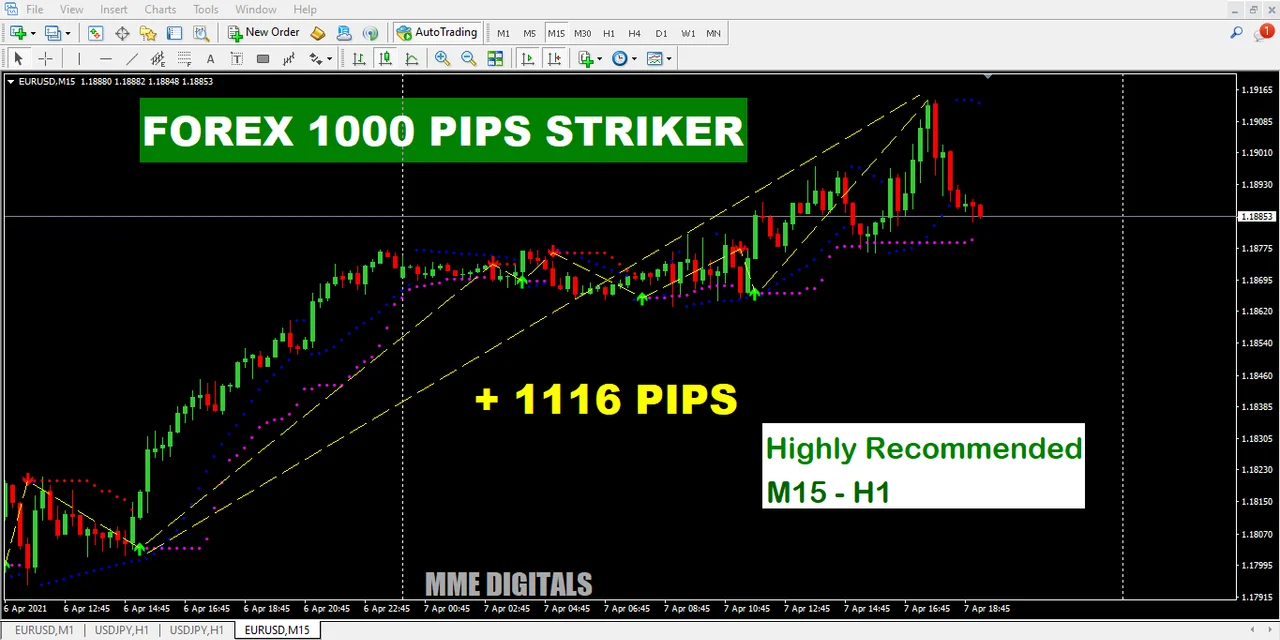
Features and further details
Forex 1000 Pips Striker” is a complete trading tool designed primarily to trade the FOREX markets successfully and consistently.
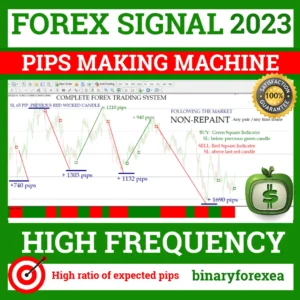
The “Forex 1000 Pips Striker” uses a very special algorithm based on custom advanced (no repaint) versions of 3 Forex indicators + a custom price action filter.
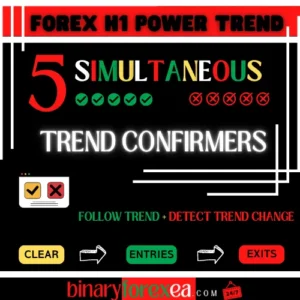
You will get an ARROW signal on your chart ONLY if all the indicators and filters are in agreement! The signals (arrows) are never REPAINTED!
Make sure to read all the recommendations, and especially the section called “How to use the software (and when), 3 rules”.
- We advise that you read and make sure you understand the entire system before putting it into practice. Experiment and gain experience in demo accounts before trading with your own money. If you find that you need further help or have any questions, do not hesitate to contact us
How to use the 1000 pips striker software
Entry Rules & Signals: Time frame: 15M or 1 Hour
- 1. BUY: When Green Colour Arrow showing Upward Direction with Pop Up Alert (TP: when the opposite arrow & alert appears)
- 2. SELL: When Red Colour Arrow showing Downward Direction with Pop Up Alert (TP: when the opposite arrow & alert appears)
- 3. WHEN: Important: A popup alert is your confirmed signal to enter a trade
So the routine is short. First, you wait for the arrow. Next, you confirm it with the pop up alert. Finally, you place the order and you manage it with the rules below.
Exit and money management with the 1000 pips striker
Stop Loss: 20 Pips Or keep Stoploss at the bottom of Colour Arrow.
Take Profit: 10 Pips Or Take Profit till Another Colour Arrow Apeared, but better lock your Profit in 30-40-50 Pips for safe gain. Then wait for a pull-back and re-enter, repeat this process until you get a new reversal alert.
Because the stop stays at 20 pips, the risk on each attempt is easy to size. In addition, a balance of $100 or more with micro lots keeps that stop comfortable. Therefore many traders take the profit in steps and then re-enter after the pull back.
Sessions and pairs for the 1000 pips striker
The London and New York sessions bring the volume this signal likes. EURUSD, GBPUSD and EURJPY are the preferred pairs, although the tool prints on others too. On the 15 minute or the 1 hour chart you get the cleanest arrows. However, scalpers can drop to M1 or M5 and follow exactly the same rules.
What you receive
Product Includes:
- Forex 1000 Pips Striker Indicator.rar / .zip
- Forex-pips-striker.tpl
- indicator01.ex4
- indicator02.ex4
- Manual
Installing the indicators on MT4
Setup takes a couple of minutes. First, open MetaTrader 4 and click File > Open Data Folder. Then copy the two indicator files into the Indicators folder and the .tpl file into the Templates folder, both inside that data folder. Next, restart the platform or refresh the Navigator panel. Finally, open a 15 minute chart and apply the template, so the arrows and the alerts appear at once.
Before you trade
Read the manual first, and gain experience on a demo account before you risk your own money. In addition, keep the balance advice in mind, since a tight stop needs the right lot size. Trading involves risk, therefore only trade with money you can afford to lose. Past results do not guarantee future results. You trade at your own risk.
Instant download after purchase. Questions? Write to info@binaryforexea.com.
Do you want more manual tools for the spot market? Then browse our range for Forex. Looking for automated robots as well? Then check all our Expert Advisors.