

EuroStorm Scalper Pro, the EURUSD scalper EA for MetaTrader 4
EuroStorm Scalper Pro EA is a fully automated EURUSD scalper EA, and our team crafted it meticulously for the M1 timeframe. While it remains adaptable to other pairs and timeframes, its tuning follows the euro against the dollar, so execution stays swift and frequency stays high.
What this EURUSD scalper EA needs
- PLATFORM: MT4
- TF: M1
- PAIRS: EURUSD
- MIN DEPOSIT: From $1000 PER PAIR
- LEVERAGE: ALL BUT WE USE 1:500
- ACCOUNT TYPE: ECN OR ZERO SPREAD
Three things you can control
- We advise utilizing the default configuration, since our team optimized it intricately. However, feel empowered to tweak parameters such as risk, lot size, or take-profit levels to align with your preferences.
- The EA comes with an innovative feature allowing you to halt trading upon reaching a daily profit threshold. By default, this feature stays off. Yet if you wish to set a specific daily profit target and have the EA cease trading for the day upon reaching it, you can easily configure the amount.
- Additionally, you have the flexibility to choose whether or not to display your take-profit (TP) to the broker. This option proves useful for non-ECN accounts. If you’re operating with an ECN account, this setting becomes unnecessary. For any other account type, we recommend keeping it activated to maintain discretion regarding your actual take-profit from the broker’s perspective.
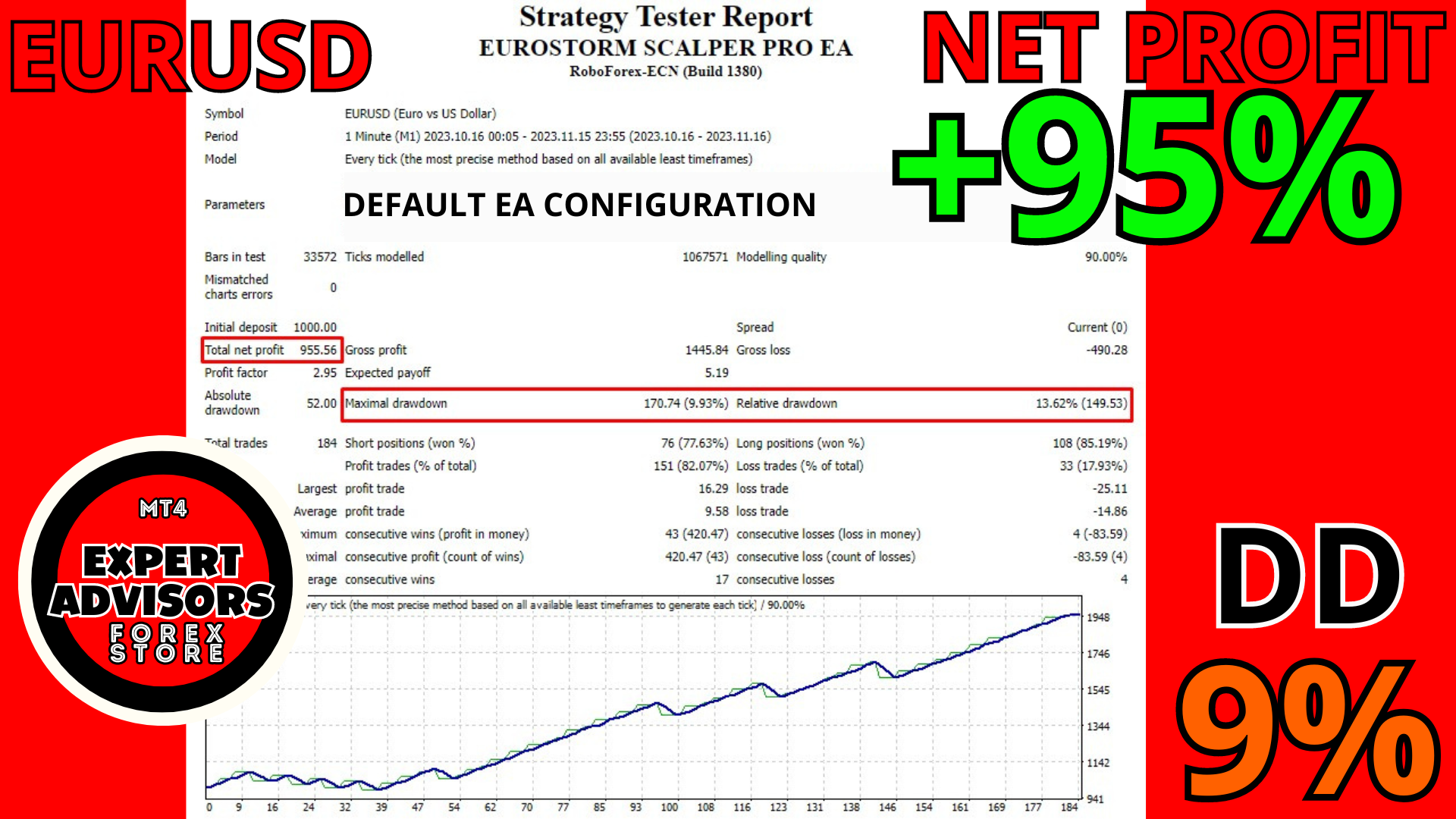
Let’s see the results:
These results are from Roboforex ECN live account, leverage 1:500, current Spread.
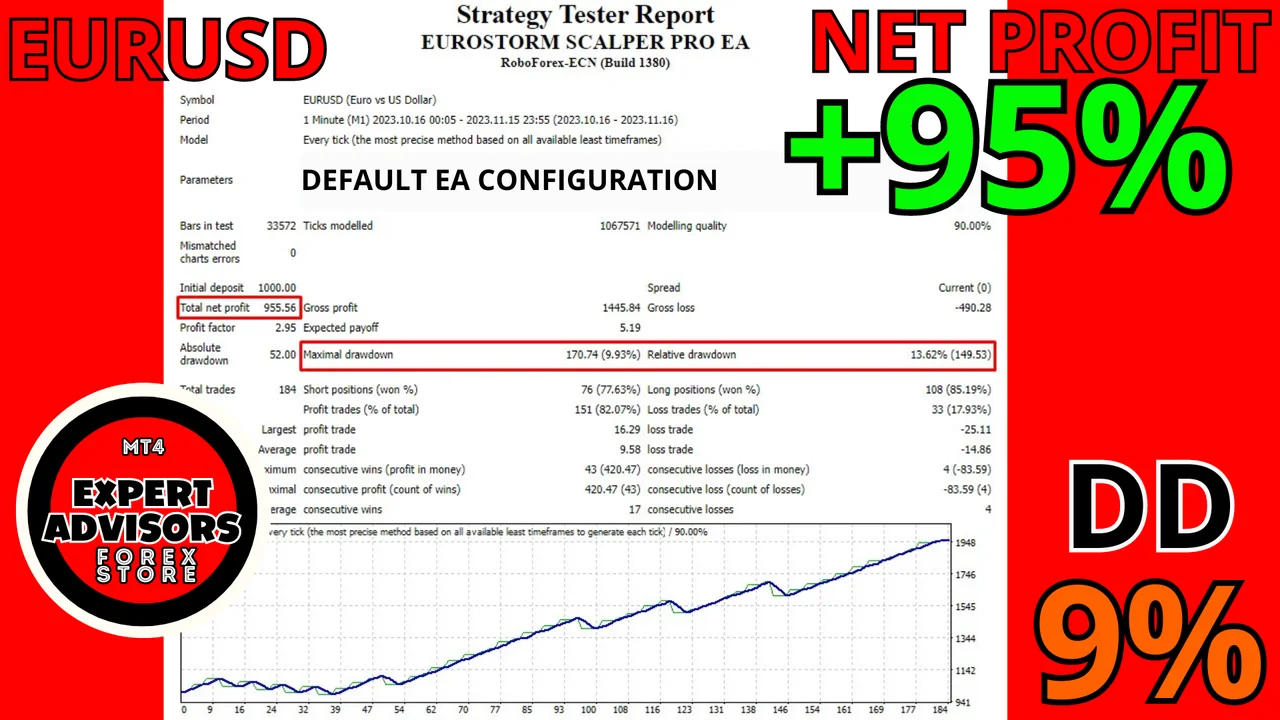
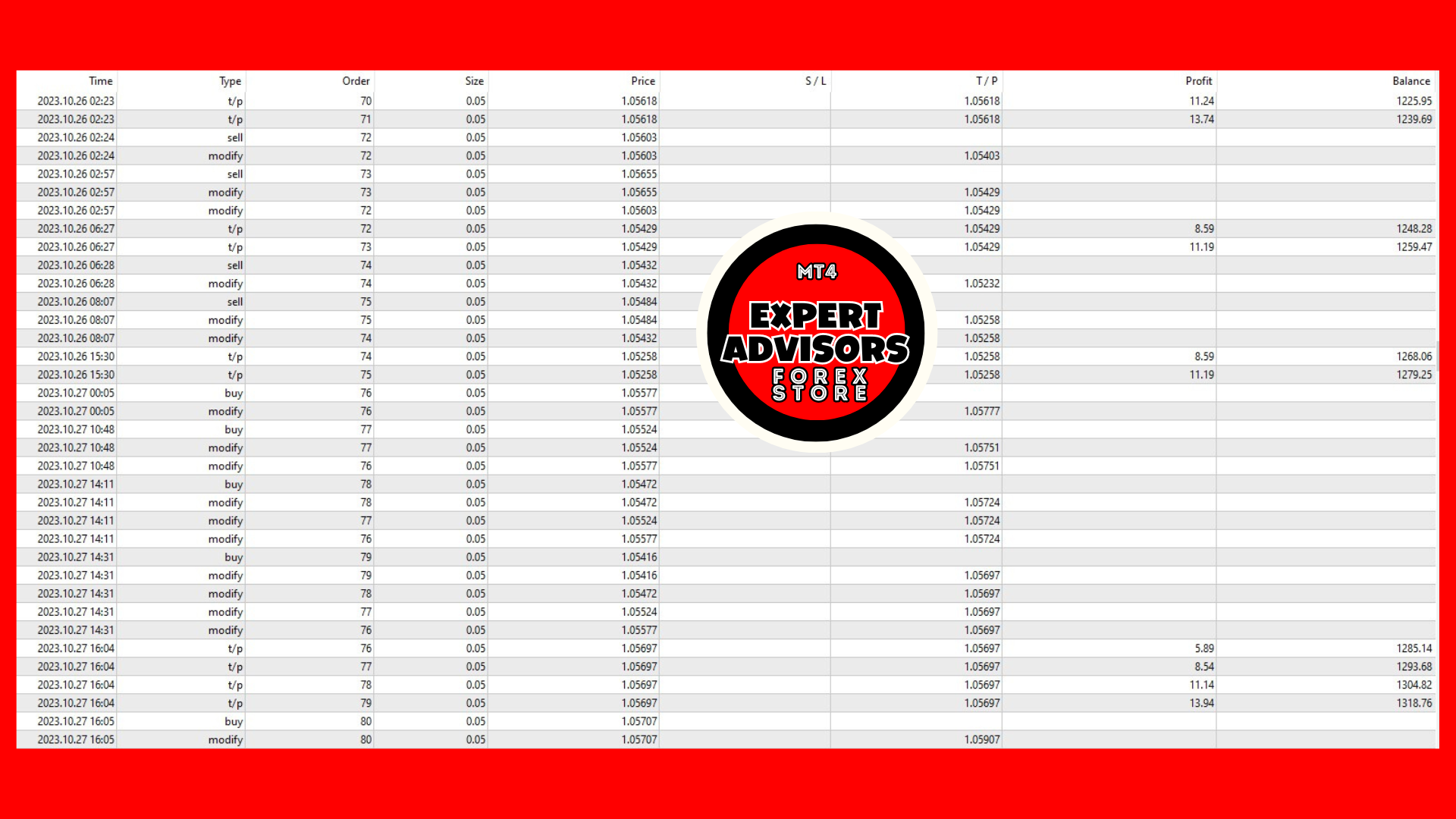
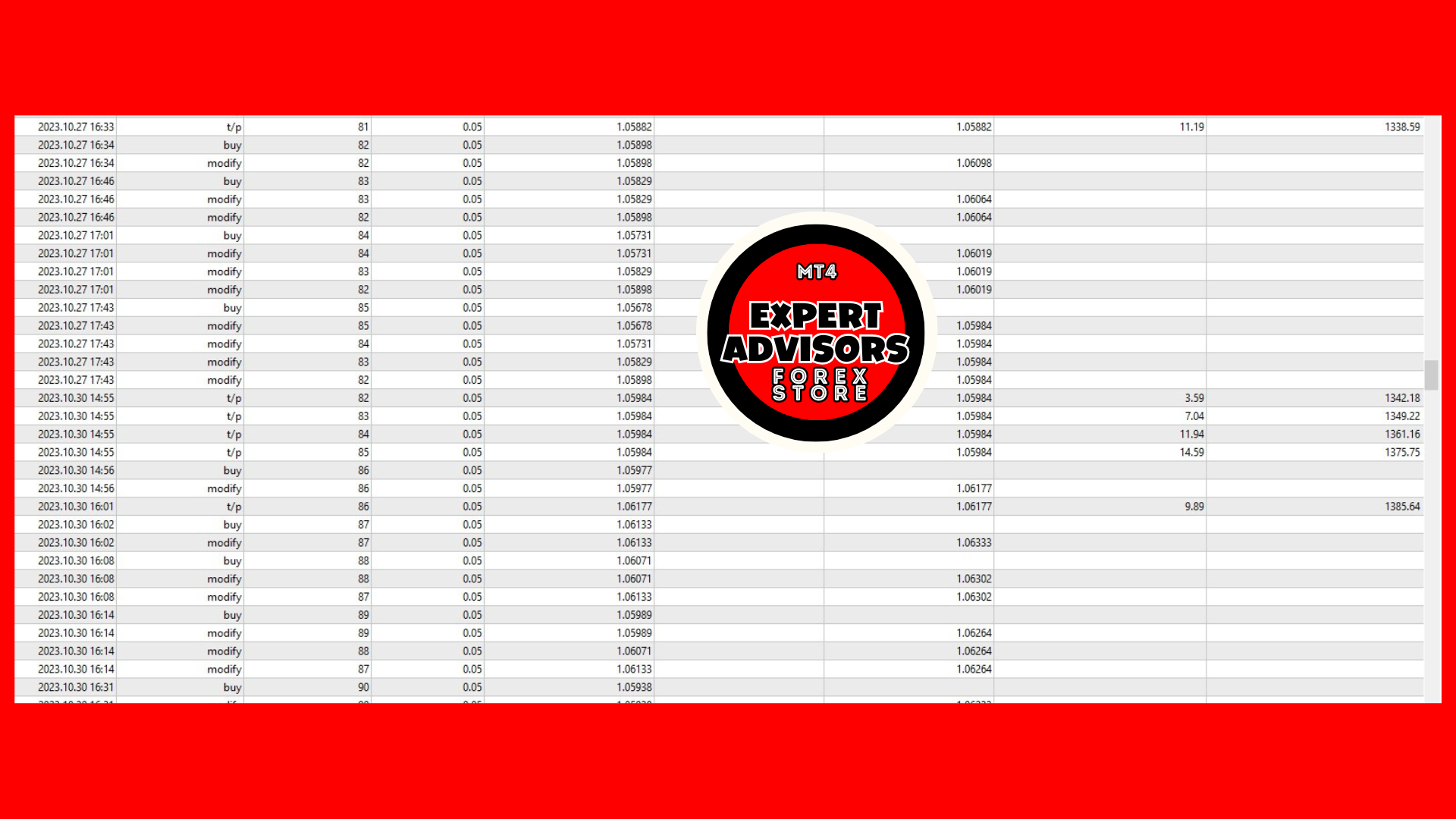
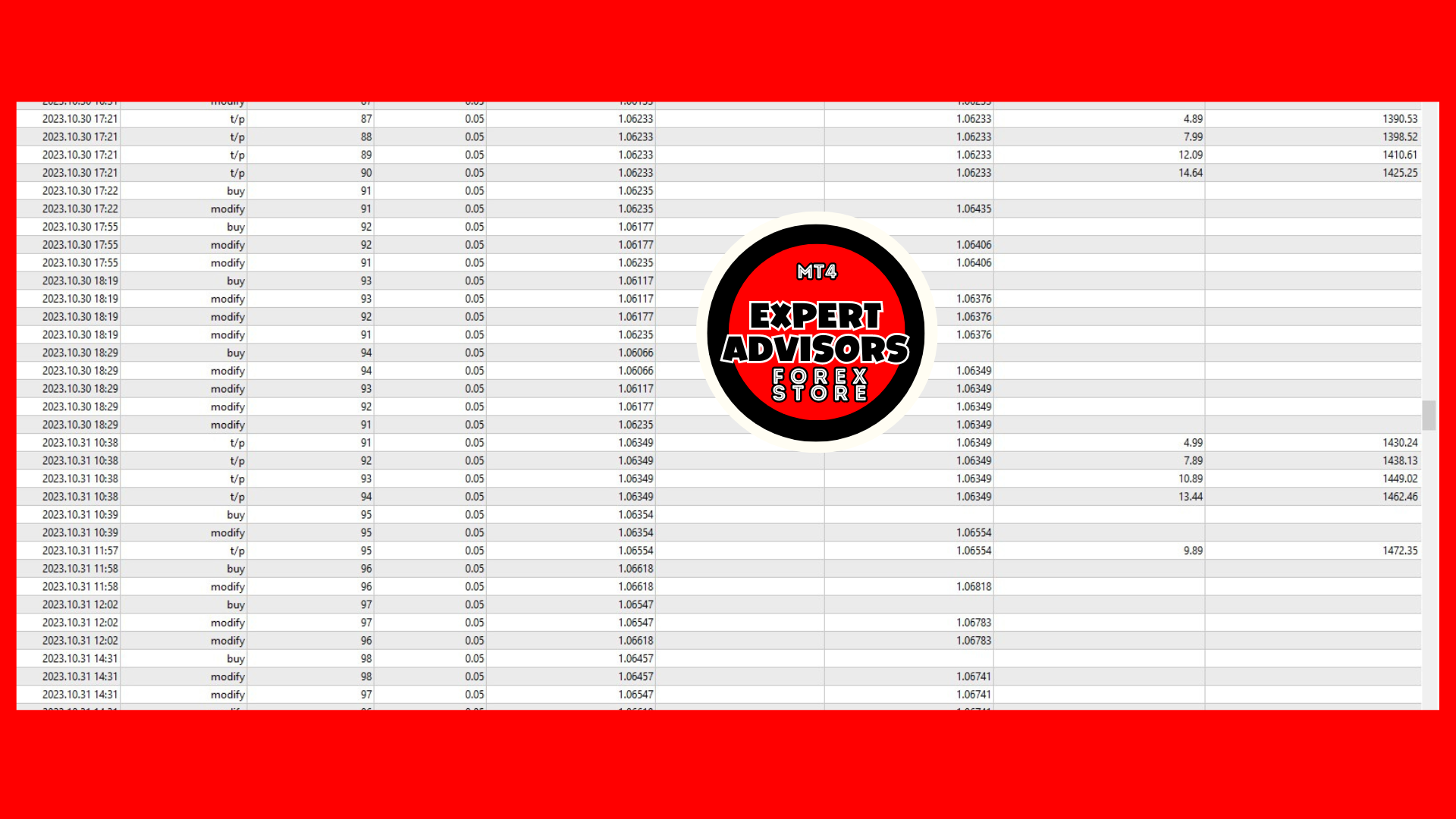
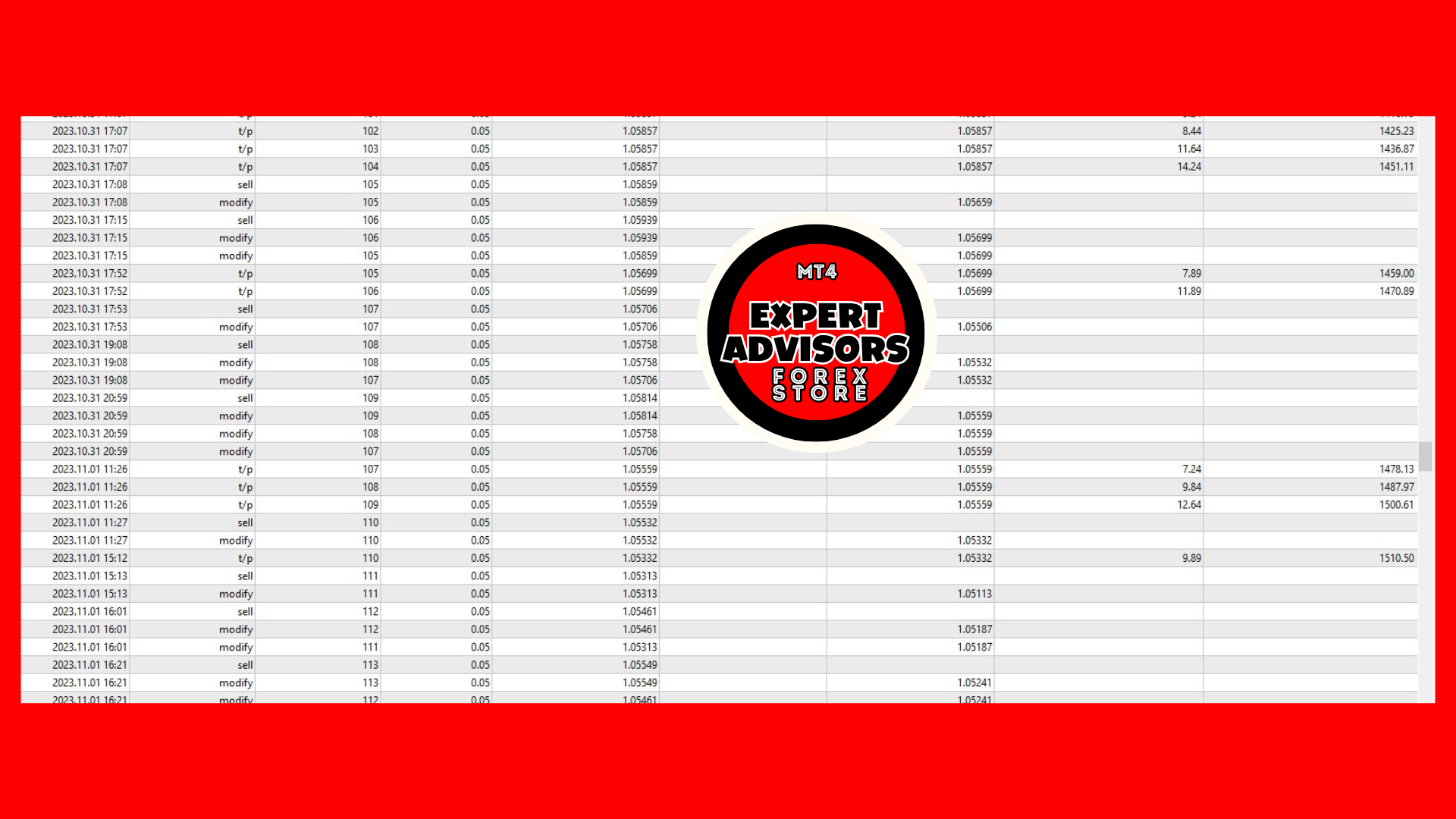
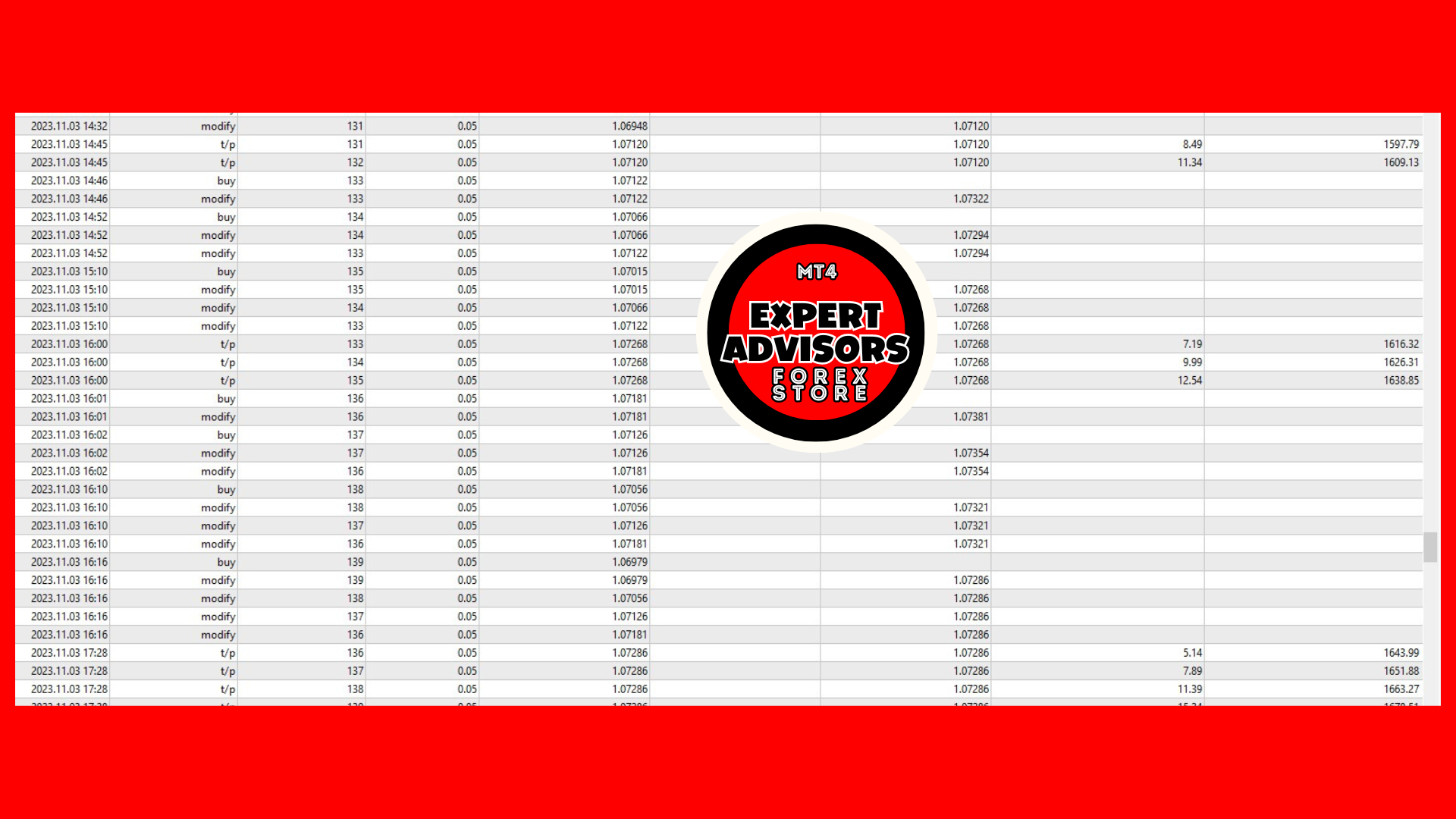
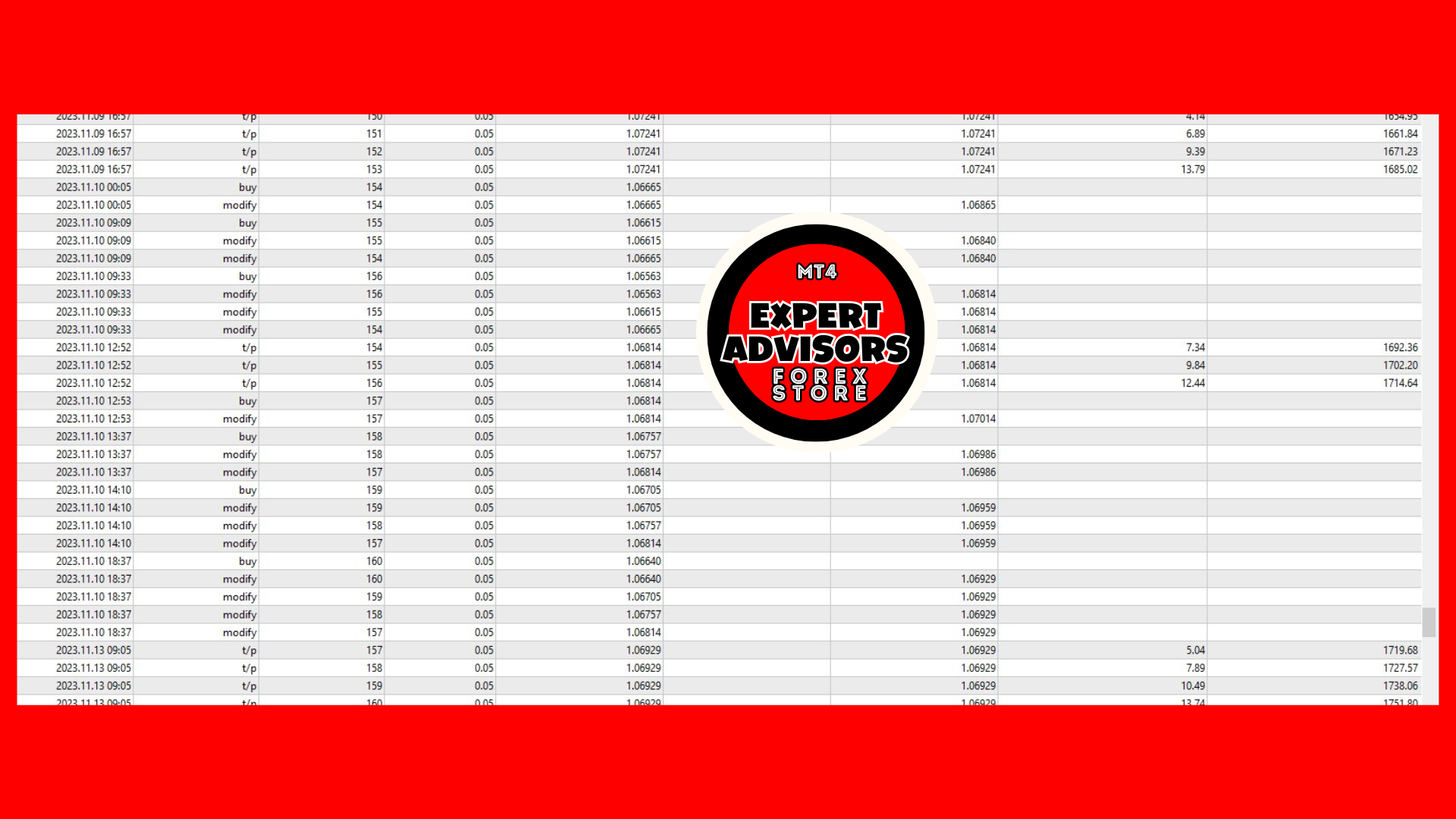
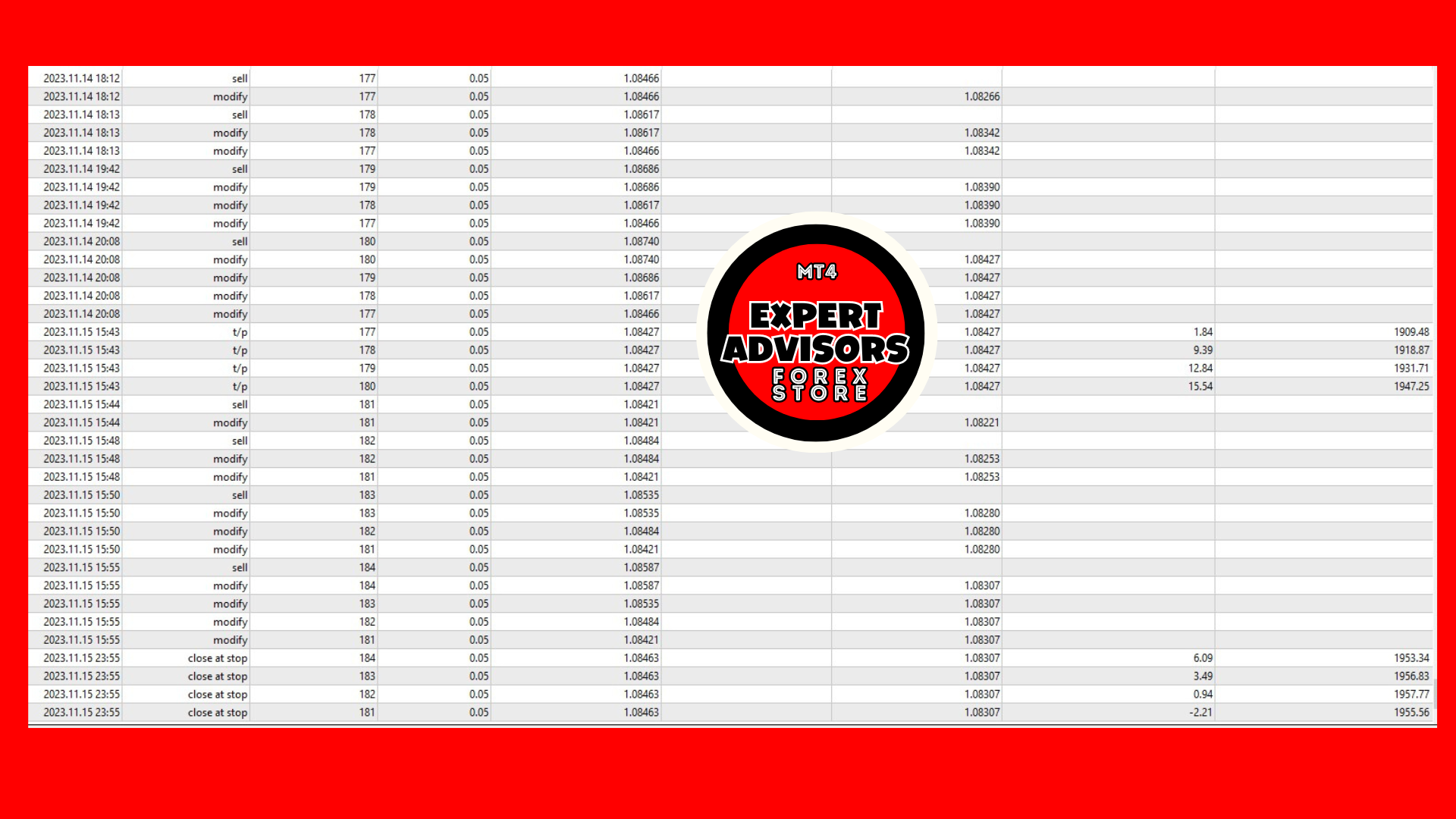
Every trade this EURUSD scalper EA took
Now let’s look at the trades it takes, how much it makes depending on the lot traded and how much it loses. Let’s see all of them.
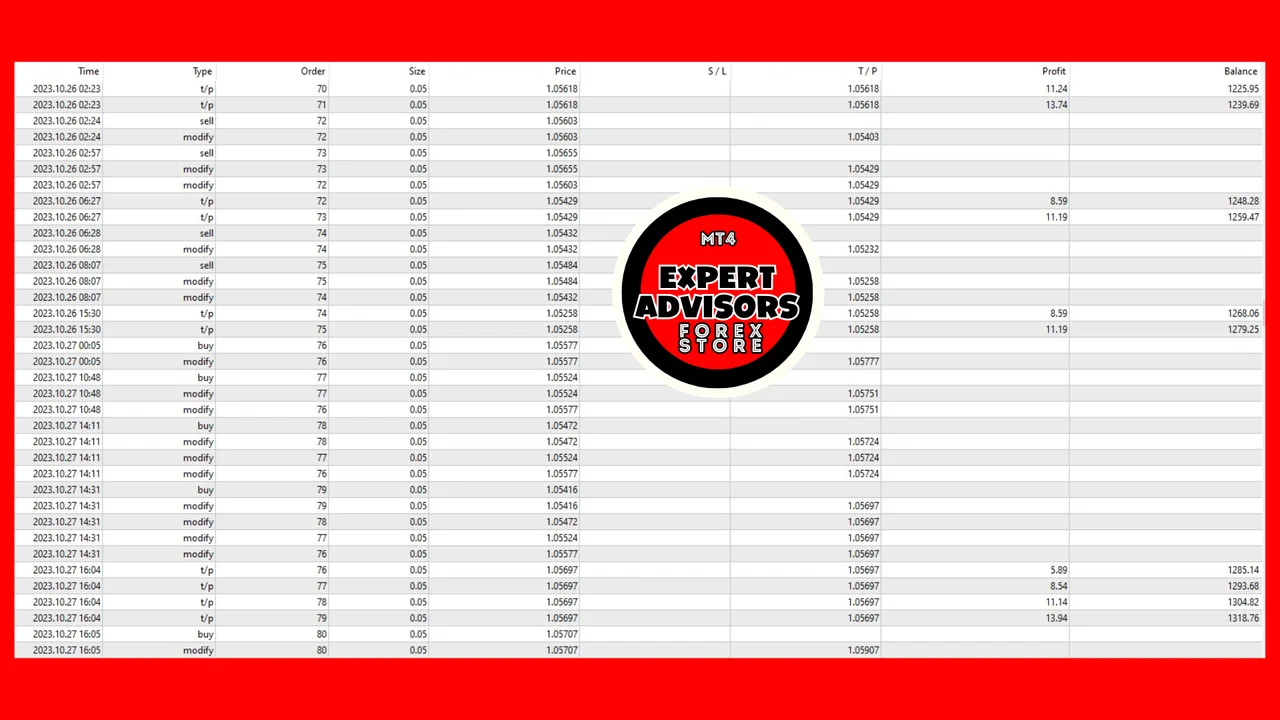
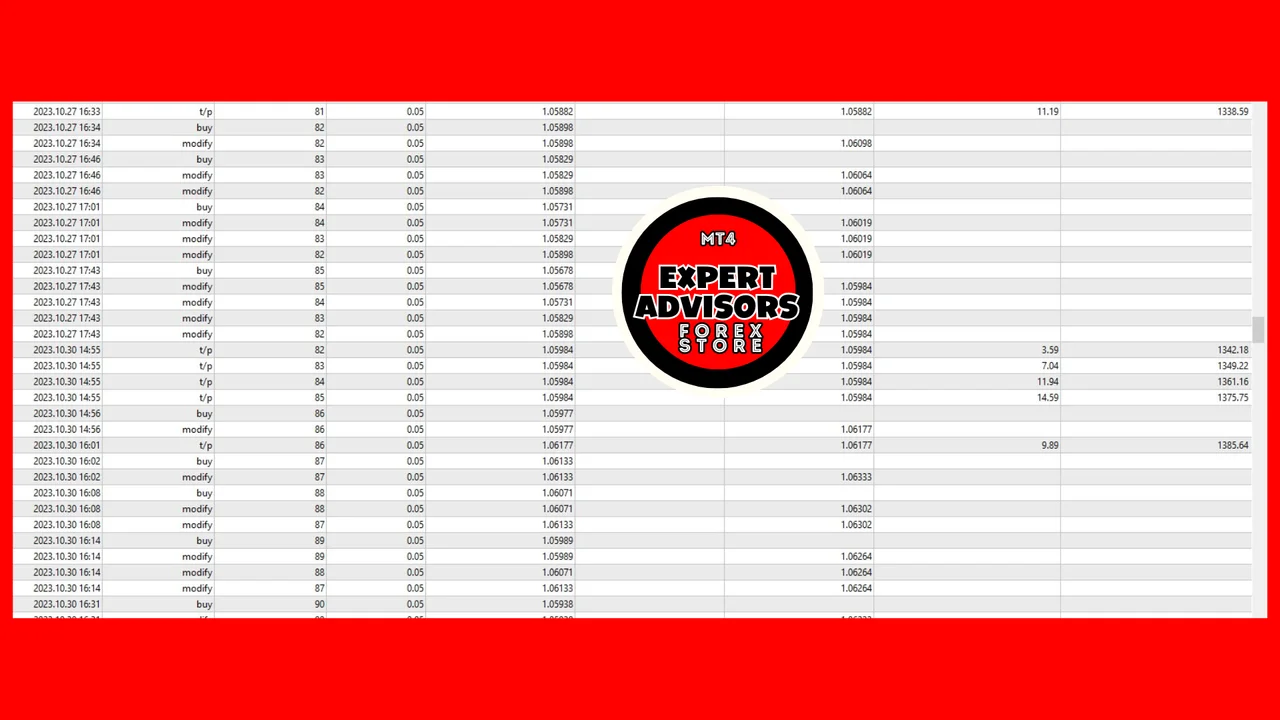
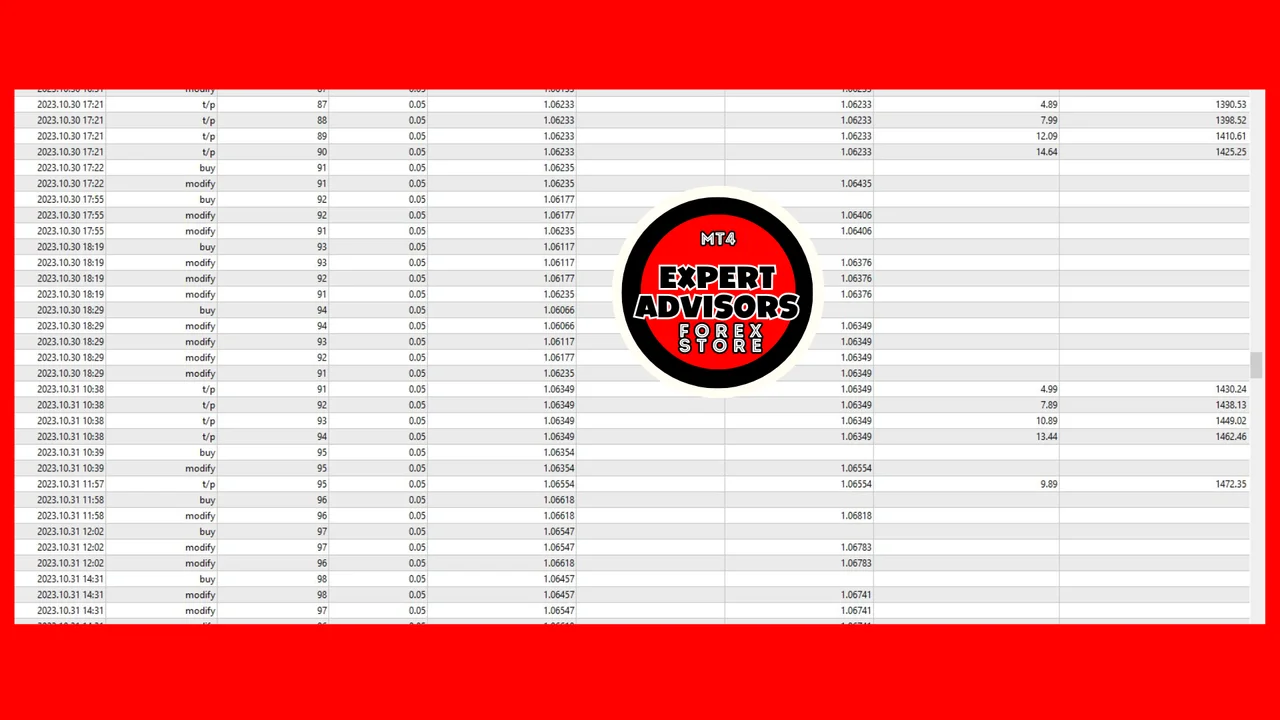
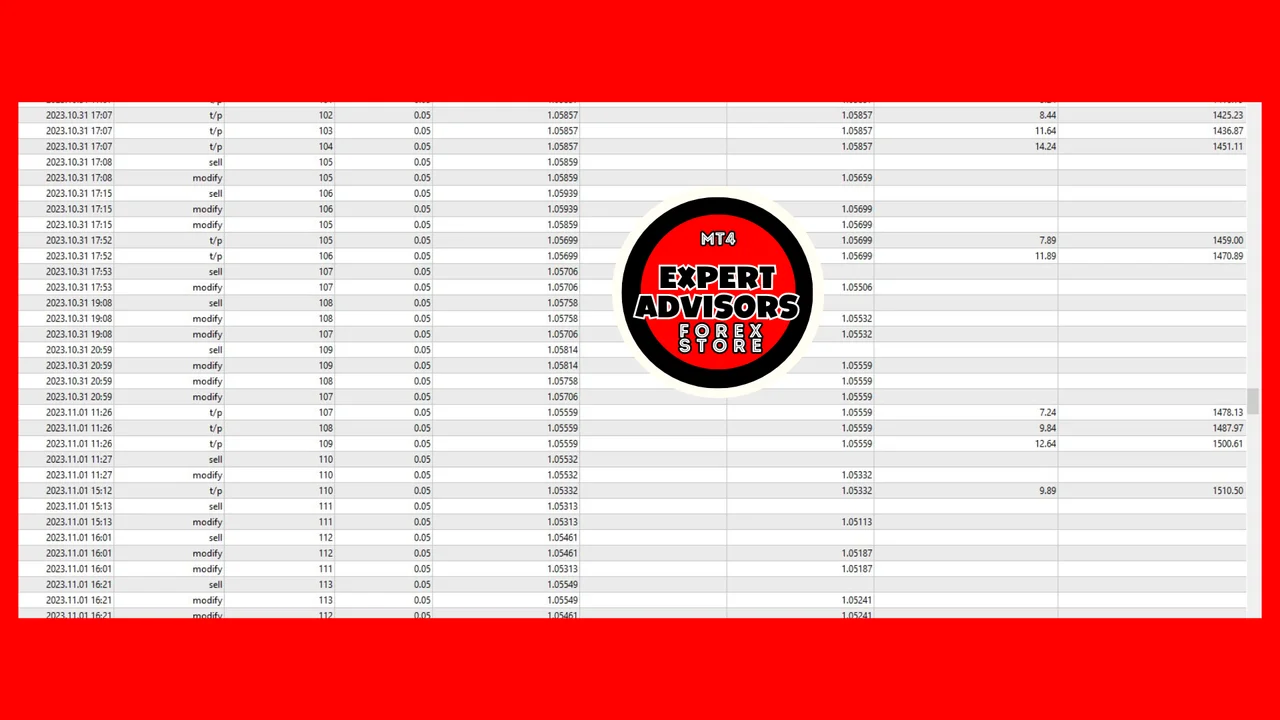
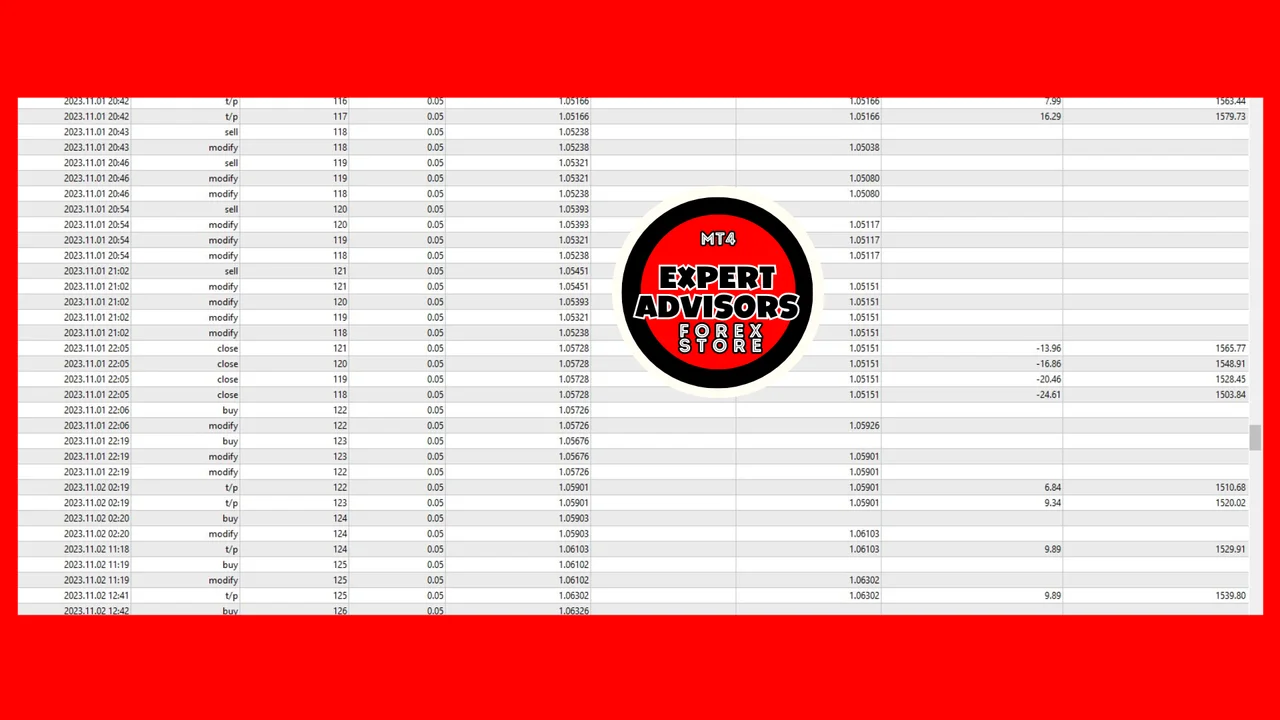
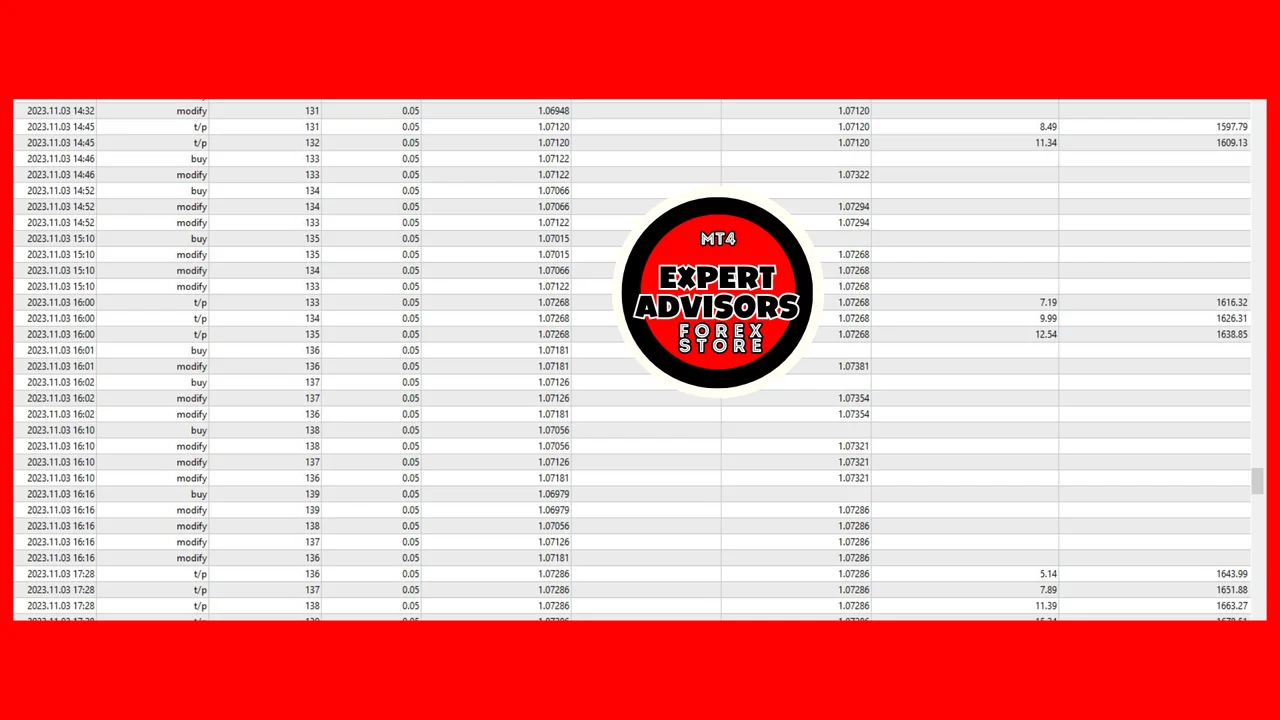
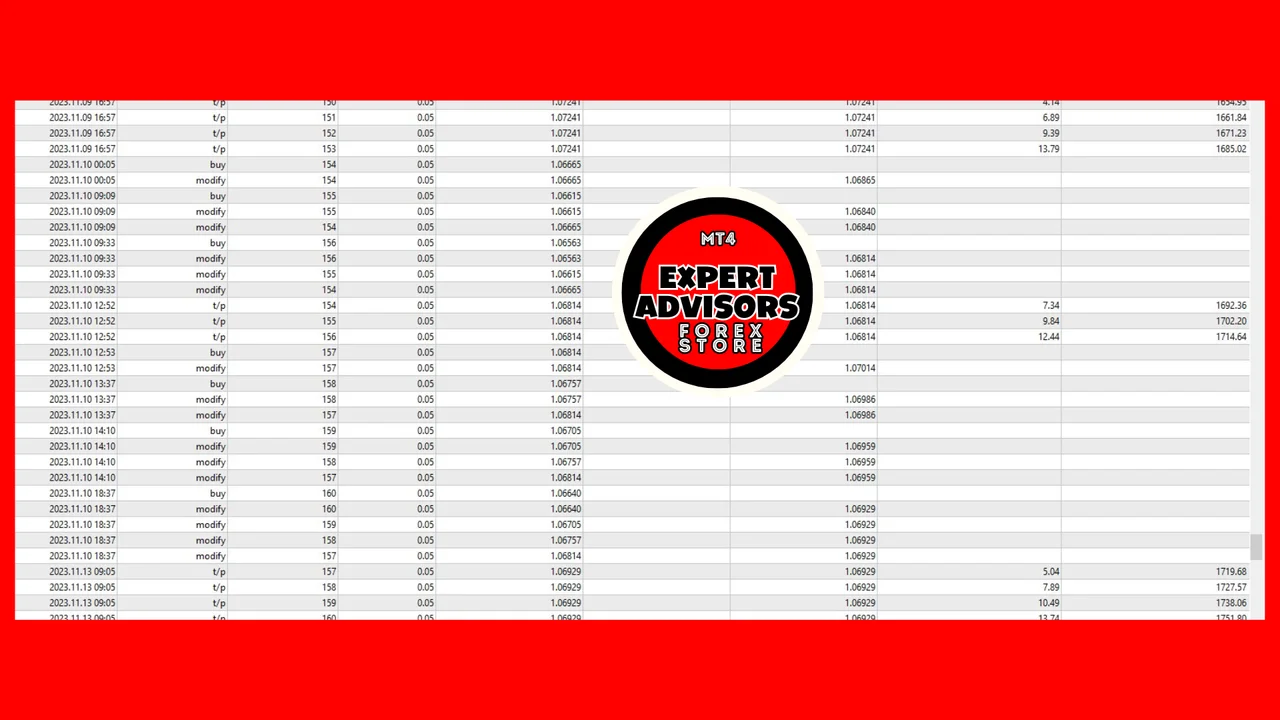
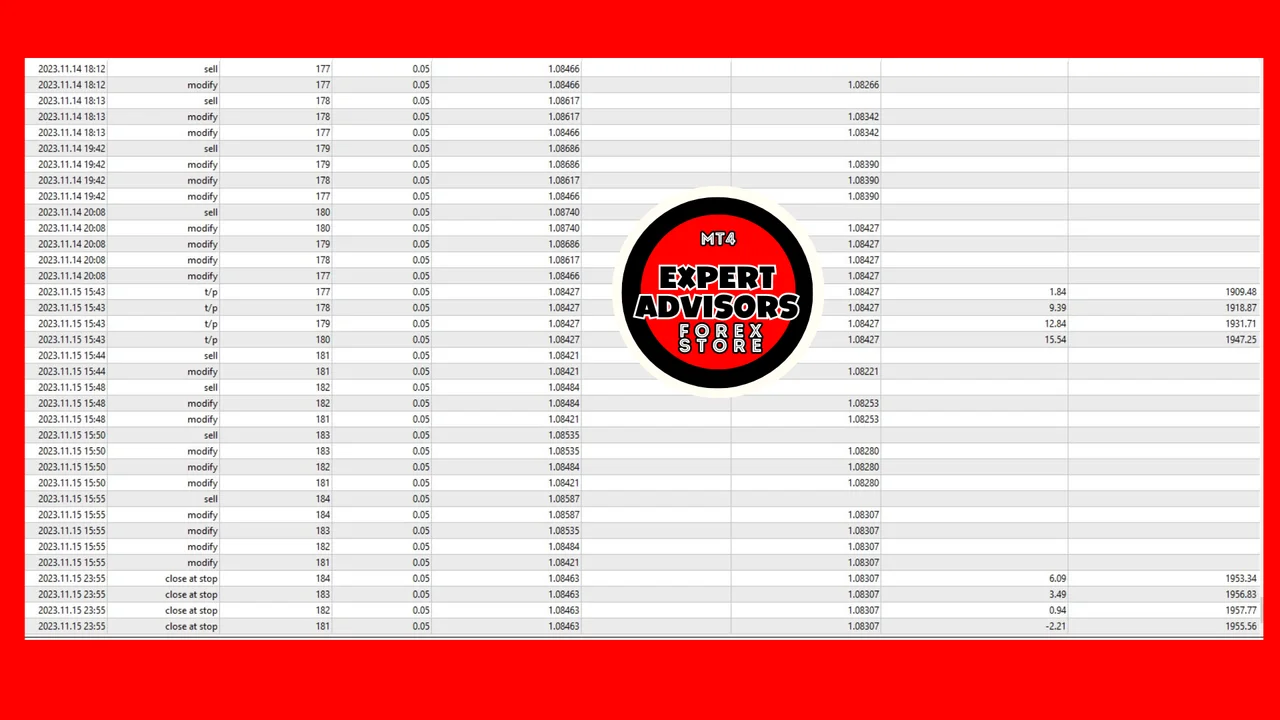
It’s important to note that an EA’s outcome is the monthly average, accounting for both favorable and challenging days. While the EA is configured with settings that proved optimal for our account type and market conditions, feel free to customize them to align with your risk tolerance, specific market nuances, and account type.
Installing it on MetaTrader 4
- First, open MetaTrader 4 and click File > Open Data Folder.
- Then copy the robot into the Experts folder inside that data folder.
- After that, refresh the Navigator, so the robot appears in the list.
- Next, drag it onto a EURUSD chart and set the timeframe to M1.
- Also, leave the default configuration in place for the first days.
- Finally, switch AutoTrading on.
Running the EURUSD scalper EA safely
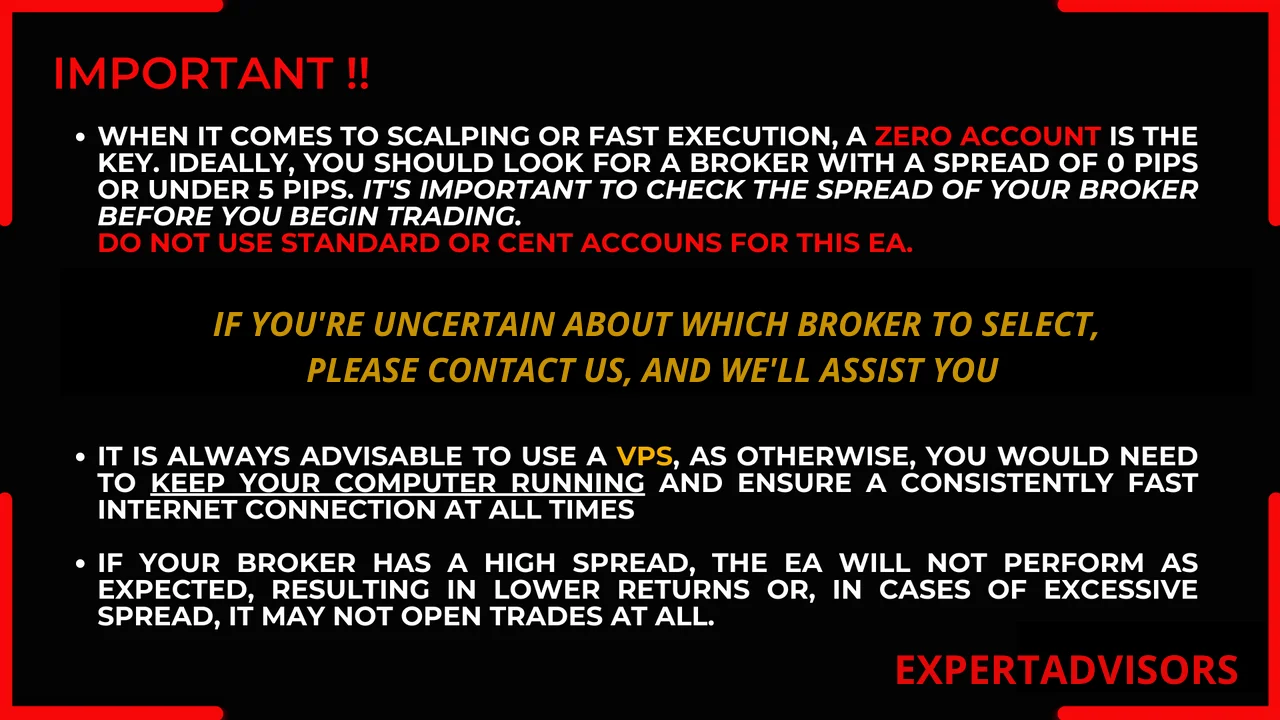
Check the spread of your broker before you start, because an M1 strategy loses its edge quickly when the spread widens. Moreover, keep the terminal online, either on a VPS or on a machine that stays awake, so the robot never misses a signal.
A demo account is the calmest first step here, since you can watch a full week of trades without risking capital. Then move to a live account once the behaviour of the robot feels familiar.
Looking for other automated robots? Then browse all our Expert Advisors and compare them side by side.
Trading leveraged products carries a high level of risk to your capital. Past results do not guarantee future results. You trade at your own risk.