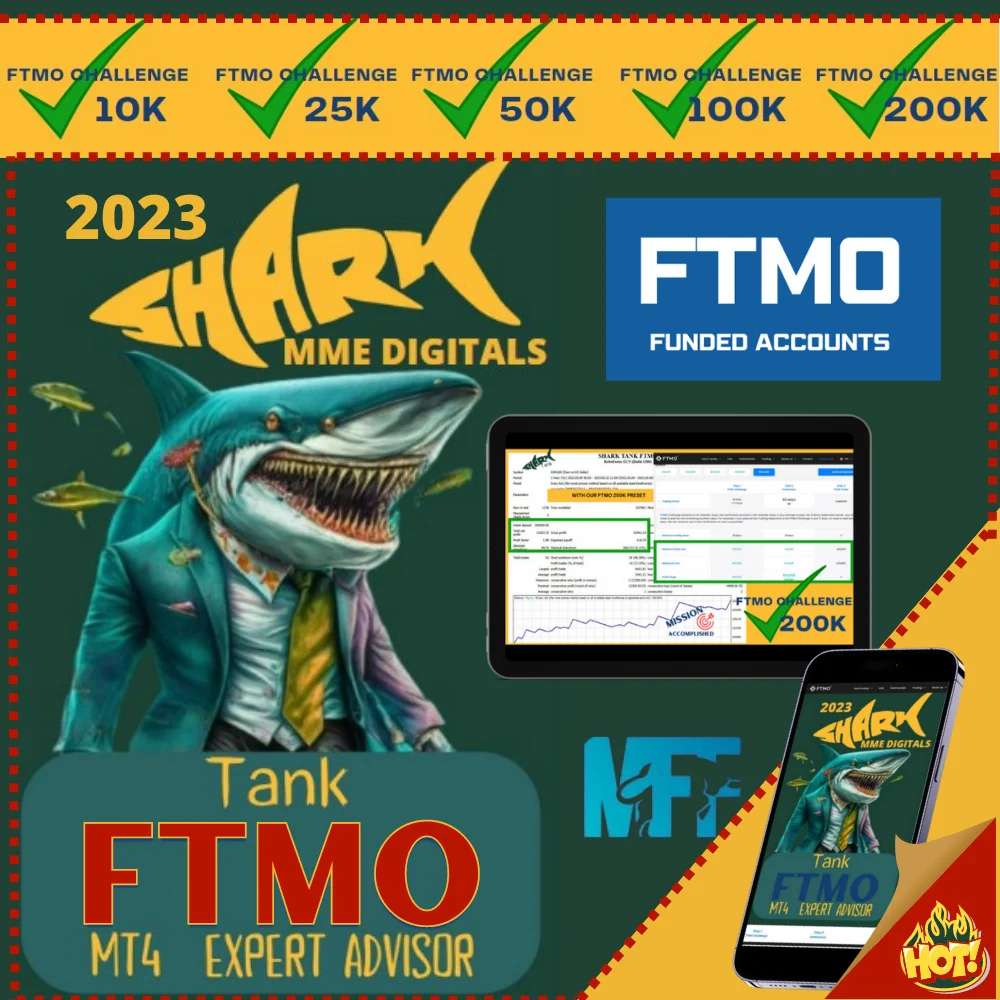
Forex SharkTank FTMO Challenge EA. One robot for the challenge.
The Forex SharkTank FTMO EA is an automated trading system that uses a powerful combination of advanced and highly secret algorithms. It runs on MetaTrader 4, it works the H1 timeframe on EURUSD and gold, and it suits both a common broker and a proprietary trading challenge. The panel below holds the full specification, the settings and the result gallery.
|
SHARK TANK FTMO EA
|

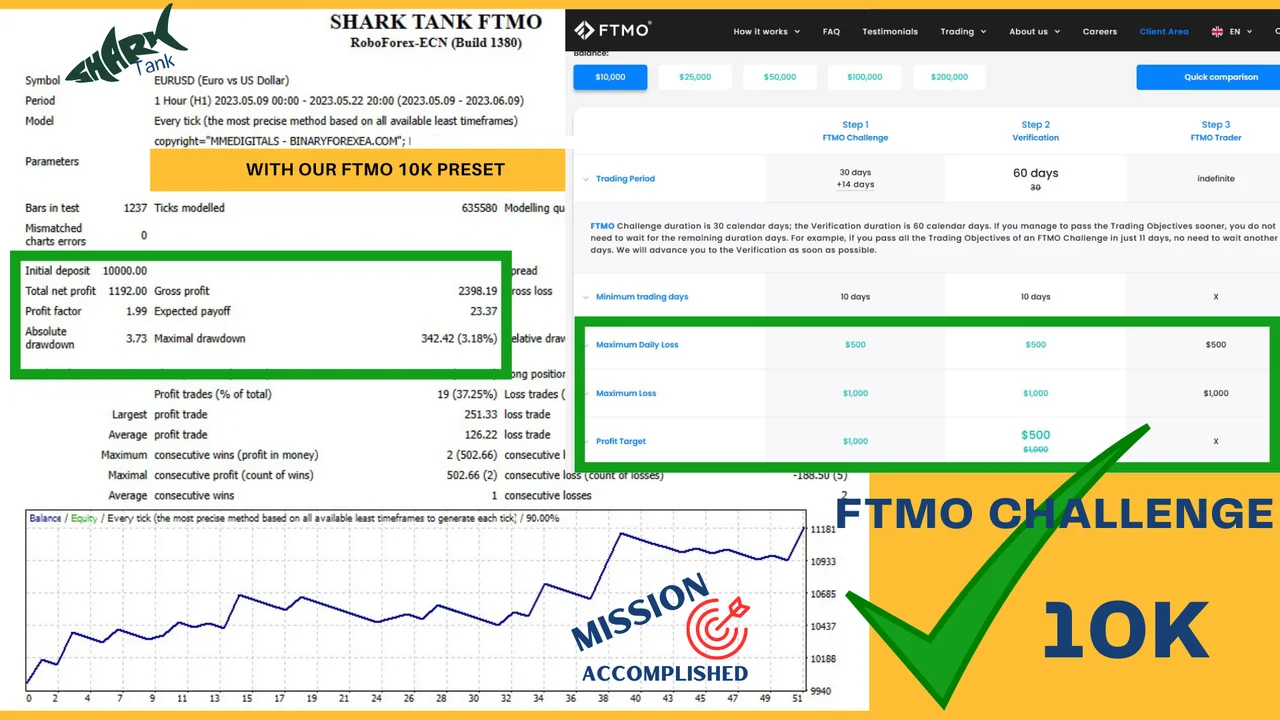
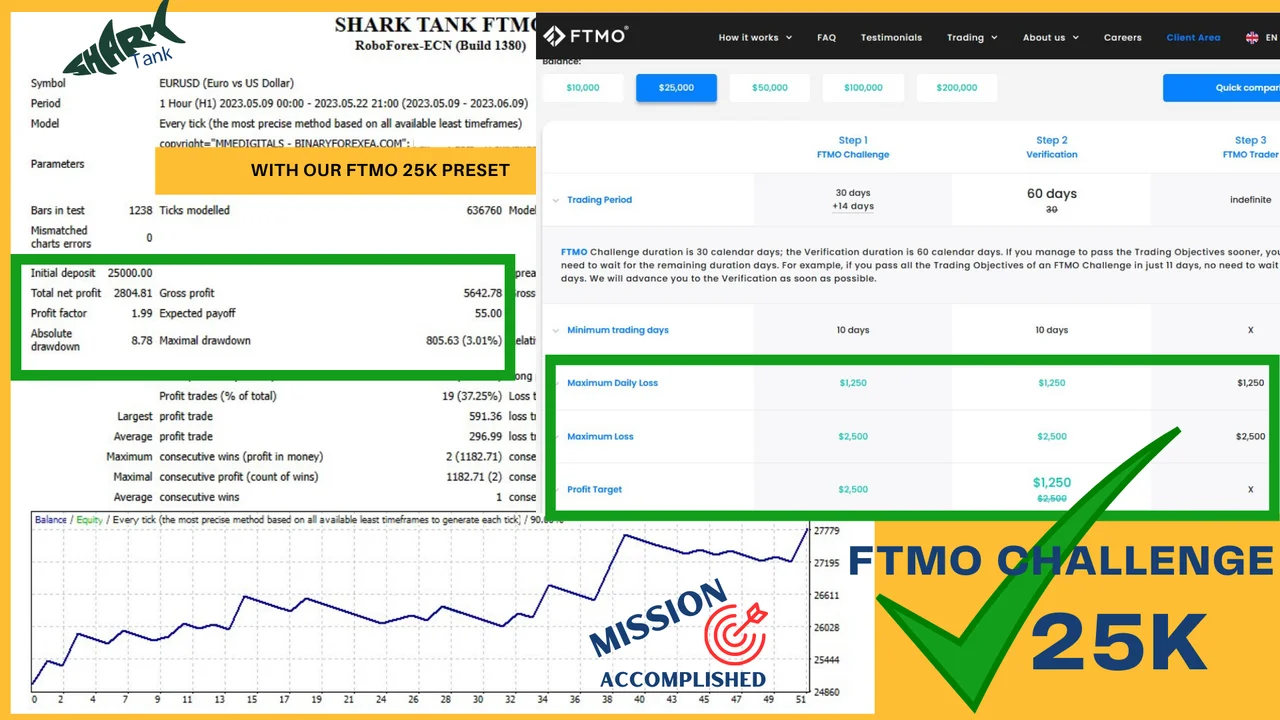
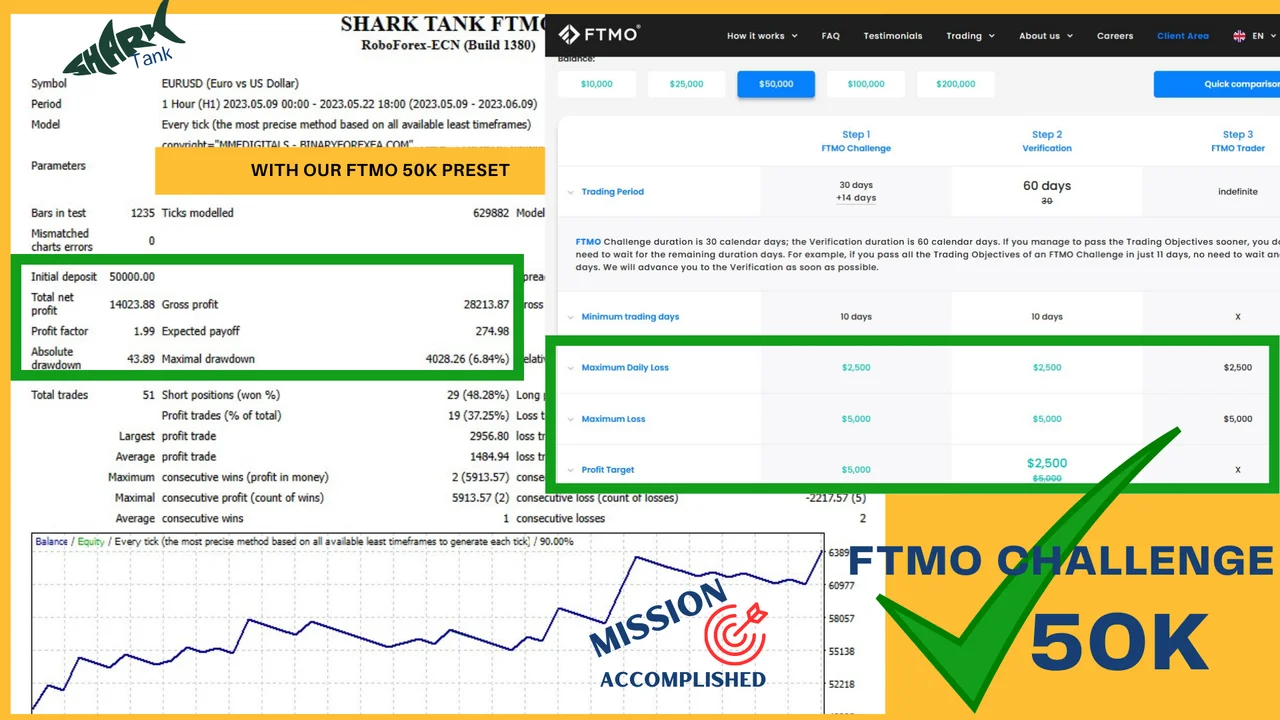
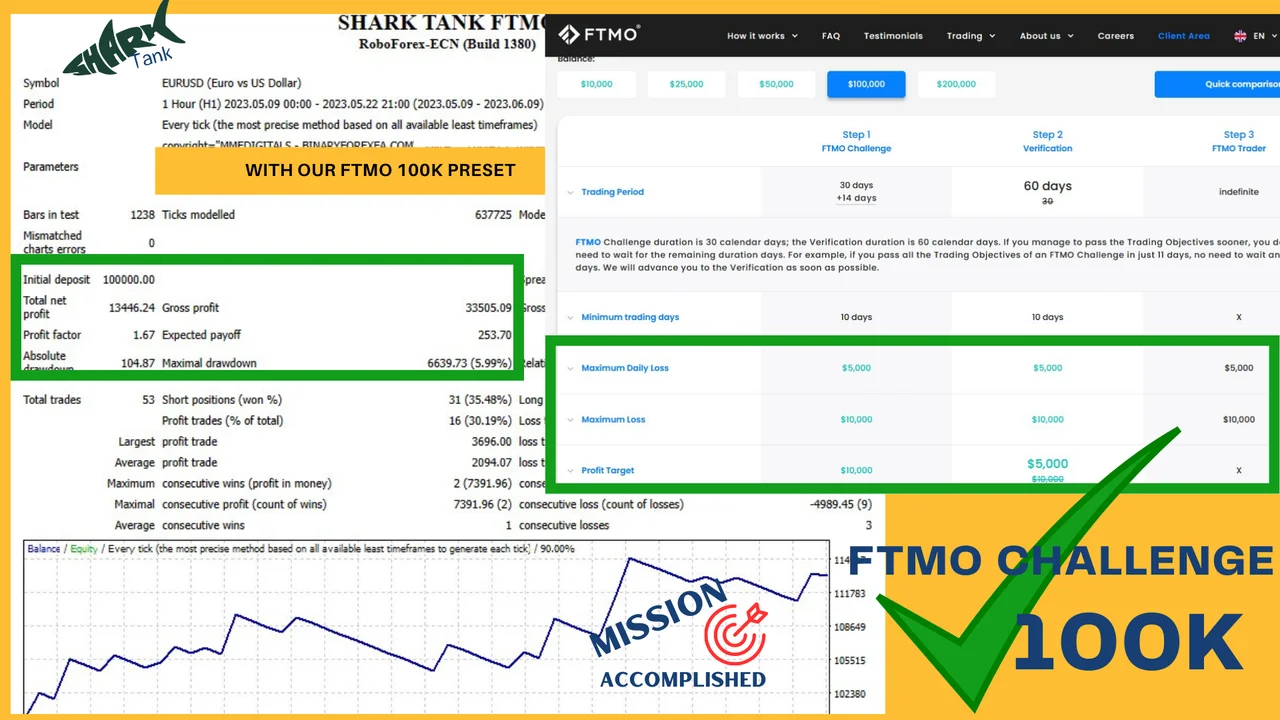
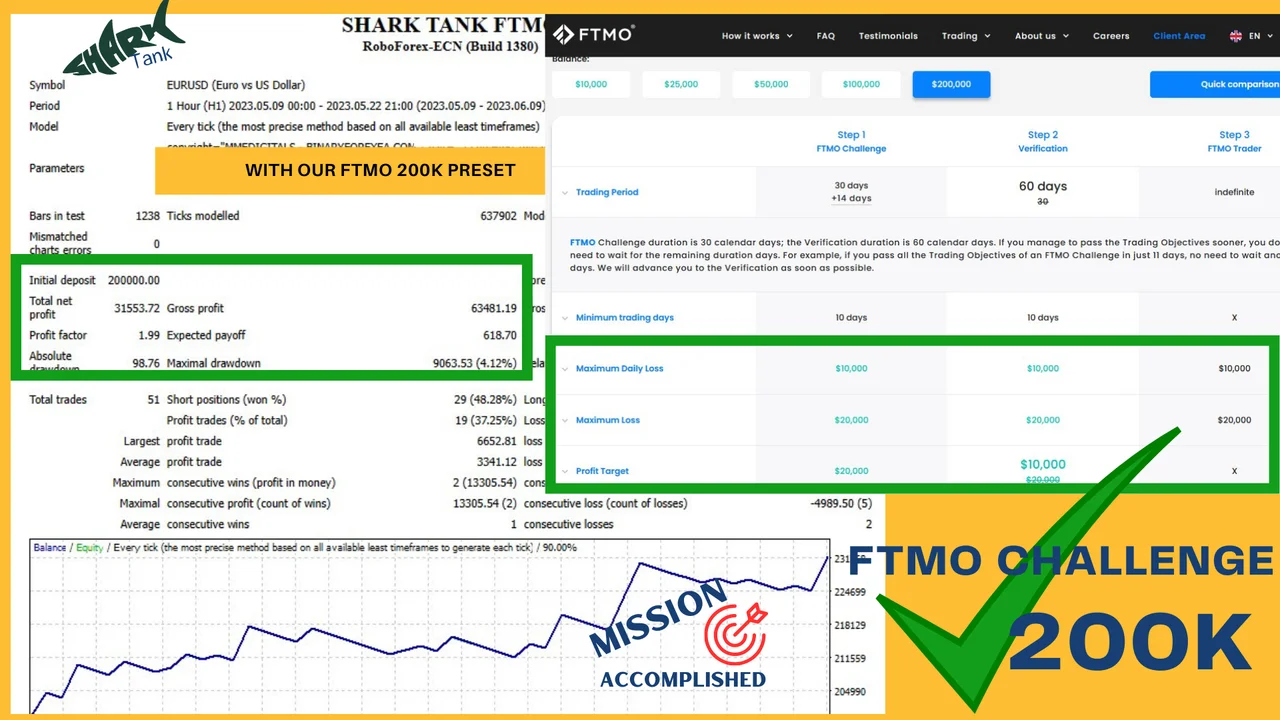
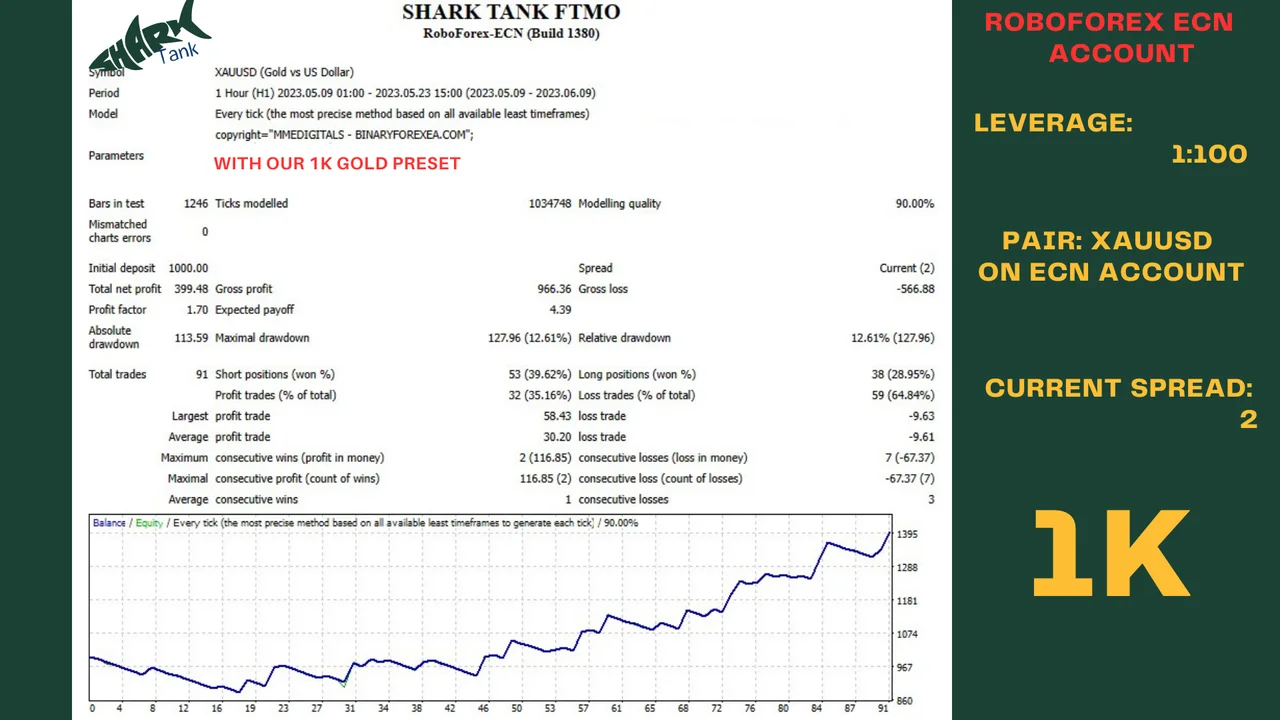
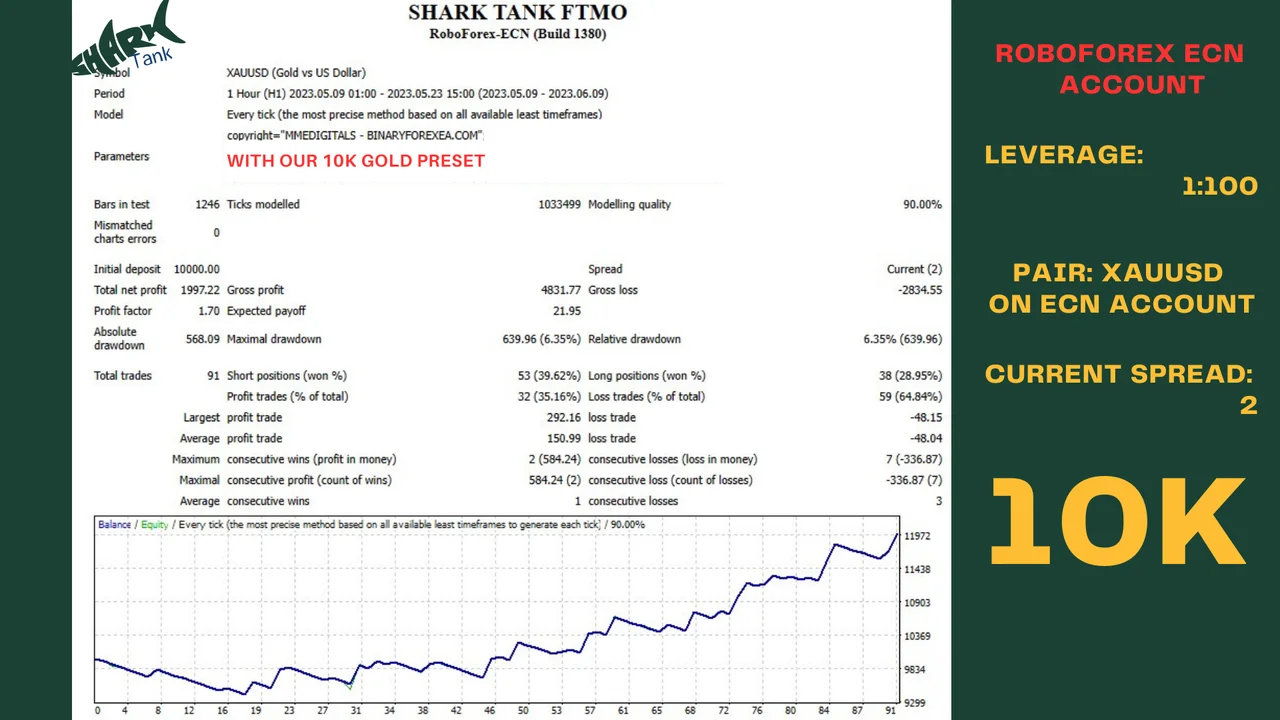
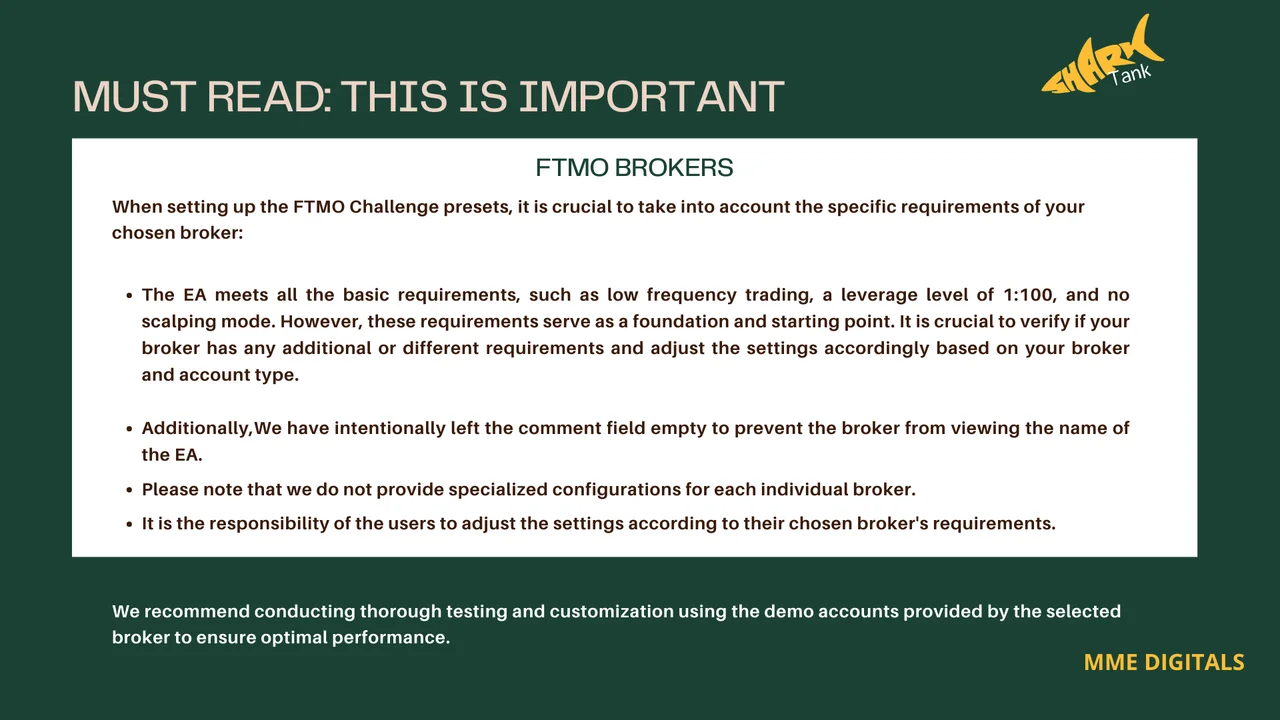
Capital for each pair with the SharkTank FTMO EA
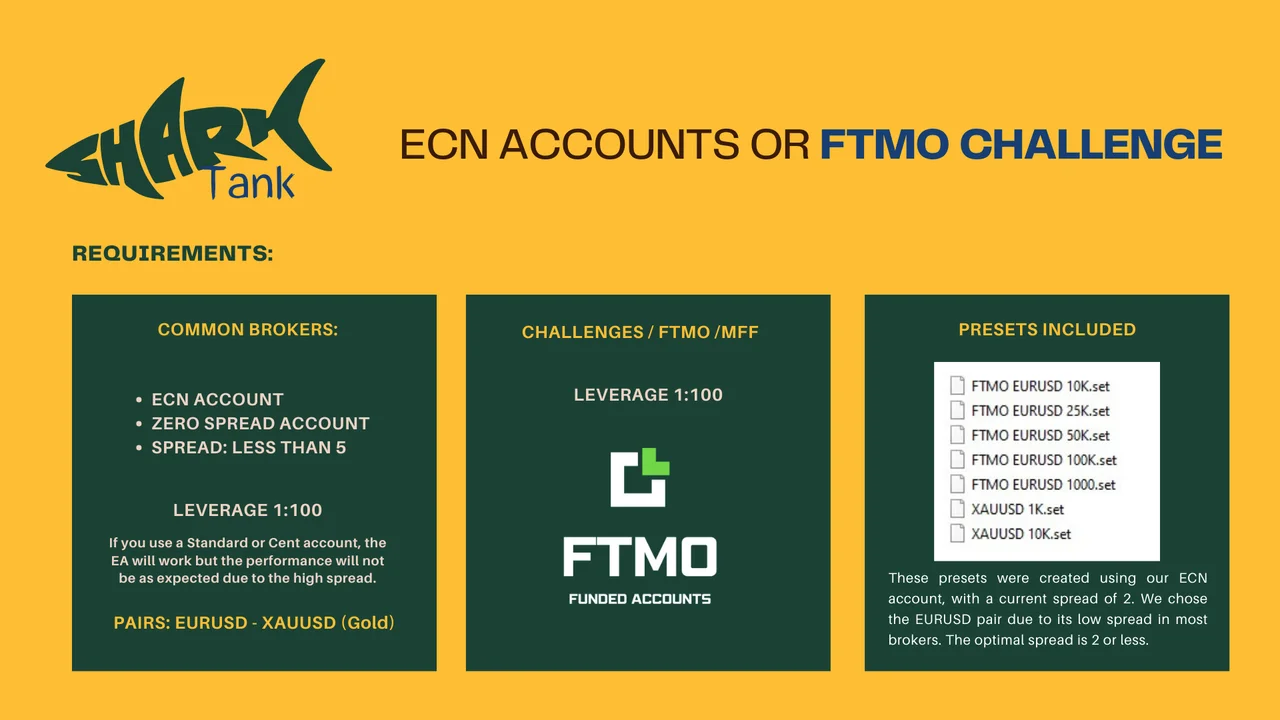
Plan the account before the robot goes to work. The suggested deposit is $1000 per pair, so every extra pair asks for its own balance on top of that. Traders who prefer a softer ride simply run one pair and leave the second one for later. Above all, the figure is a floor rather than a target, therefore a larger balance only makes the ride calmer.
Spread and broker notes
Check the spread of your broker before the first order. The account should stay under 5 on the pairs above, because a wider spread eats into an automated result and pushes drawdown up. An ECN or zero spread account with quick execution therefore remains the safest home for this robot, whether the account is a challenge or a common live one.
Installing the SharkTank FTMO EA in MetaTrader 4
Setup takes about a minute. First, open MetaTrader 4 and click File, then Open Data Folder. Next, copy the .ex4 file into the Experts folder inside that data folder. After that, refresh the Navigator panel, drag the robot onto an H1 chart of EURUSD or XAUUSD and enable AutoTrading. Finally, repeat the drag on the second pair, because each chart needs its own copy.
Before the first live order
Give the robot a demo account first, and watch it for a few days on both pairs. Meanwhile, keep the terminal running, since an expert advisor only works while the platform is open. A VPS solves that comfortably, although a computer that stays on does the same job. Once the behaviour feels familiar, move to a live account with an amount you accept to risk.
Keeping the SharkTank FTMO EA running
Once it is live, leave the chart alone. The AutoTrading button stays green, the chart stays on H1 and the robot keeps its own orders. Avoid manual trades on the same pair as well, since two hands on one symbol confuse any automated result. If something looks odd, write to us before you change a single input.
Trading involves risk, therefore only trade with money you can afford to lose. Past performance does not guarantee future results. You trade at your own risk.
Instant download after purchase. Questions? Write to info@binaryforexea.com.
Looking for more automated robots for prop firm challenges? Then browse all our Expert Advisors.