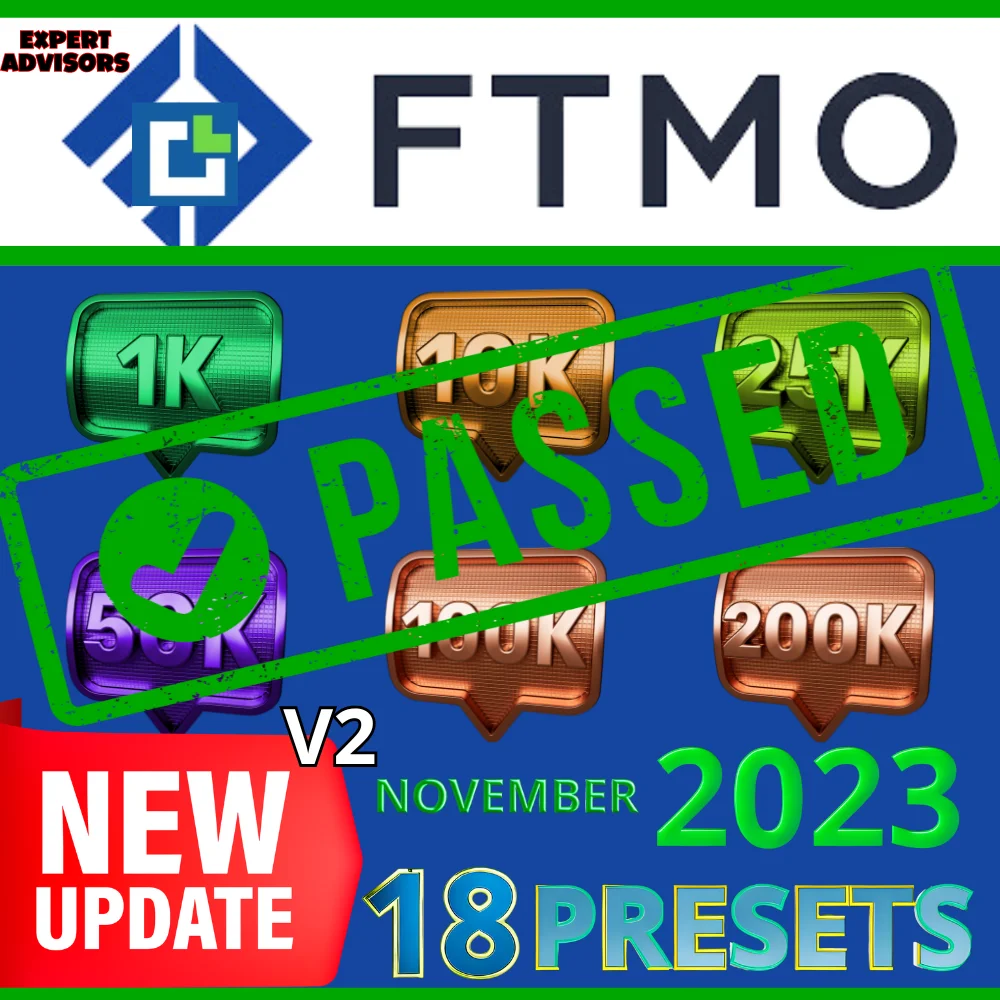




Funded Aladdin V2 is an FTMO Challenge EA for MetaTrader 4, and this is the ULTIMATE VERSION of the robot. It works on the H1 timeframe, so it trades slowly and it keeps the rules of the challenge in mind on every order.
Specifications of the Funded Aladdin V2 robot
- PLATFORM: MT4
- TF: H1
- PAIRS: EURUSD, XAUUSD AND OTHERS
- MIN DEPOSIT COMMON BROKERS: $100 PER PAIR
- FTMO CHALLENGE BROKERS: FROM 10K
- LEVERAGE: 1:100
ULTIMATE VERSION: V2
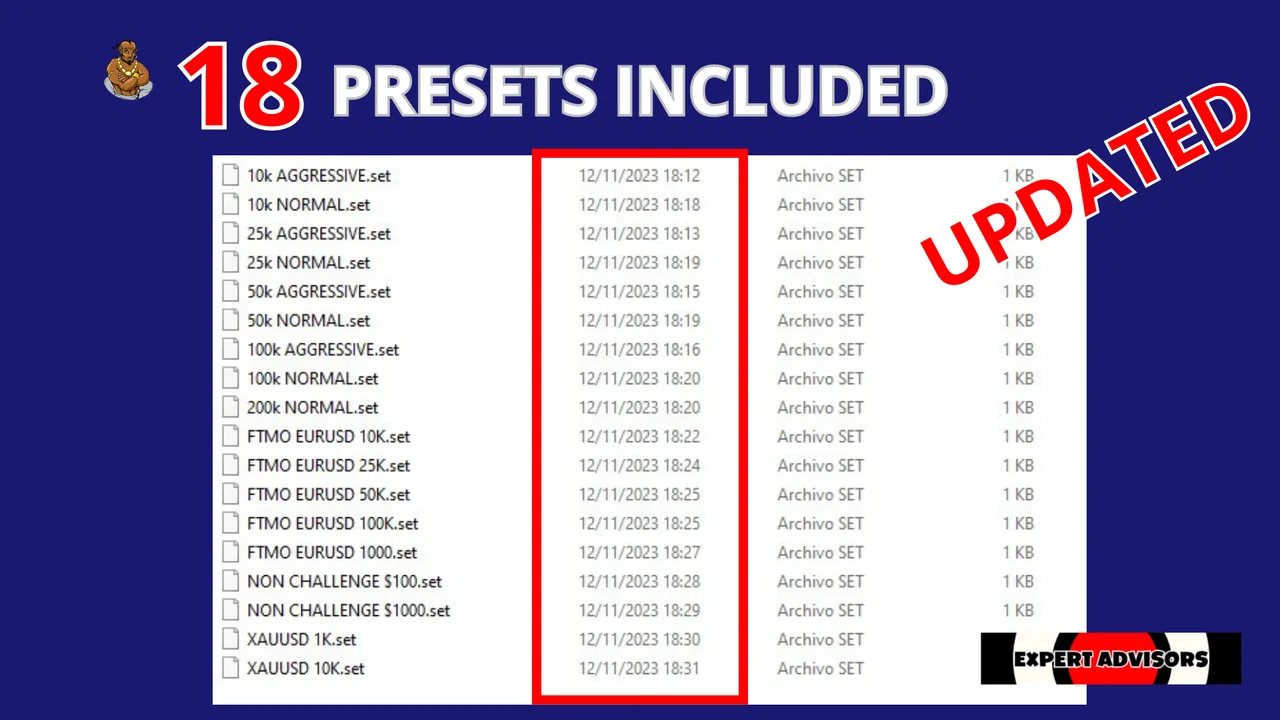
LAST UPDATED: NOV 12, 2023
How this FTMO Challenge EA trades
- Funded Aladdin PASS FTMO CHALLENGE EA is a highly optimized trading algorithm designed to successfully meet all the requirements of the FTMO Challenge. This expert advisor follows a safe and conservative approach, avoiding risky elements like grid or martingale strategies.
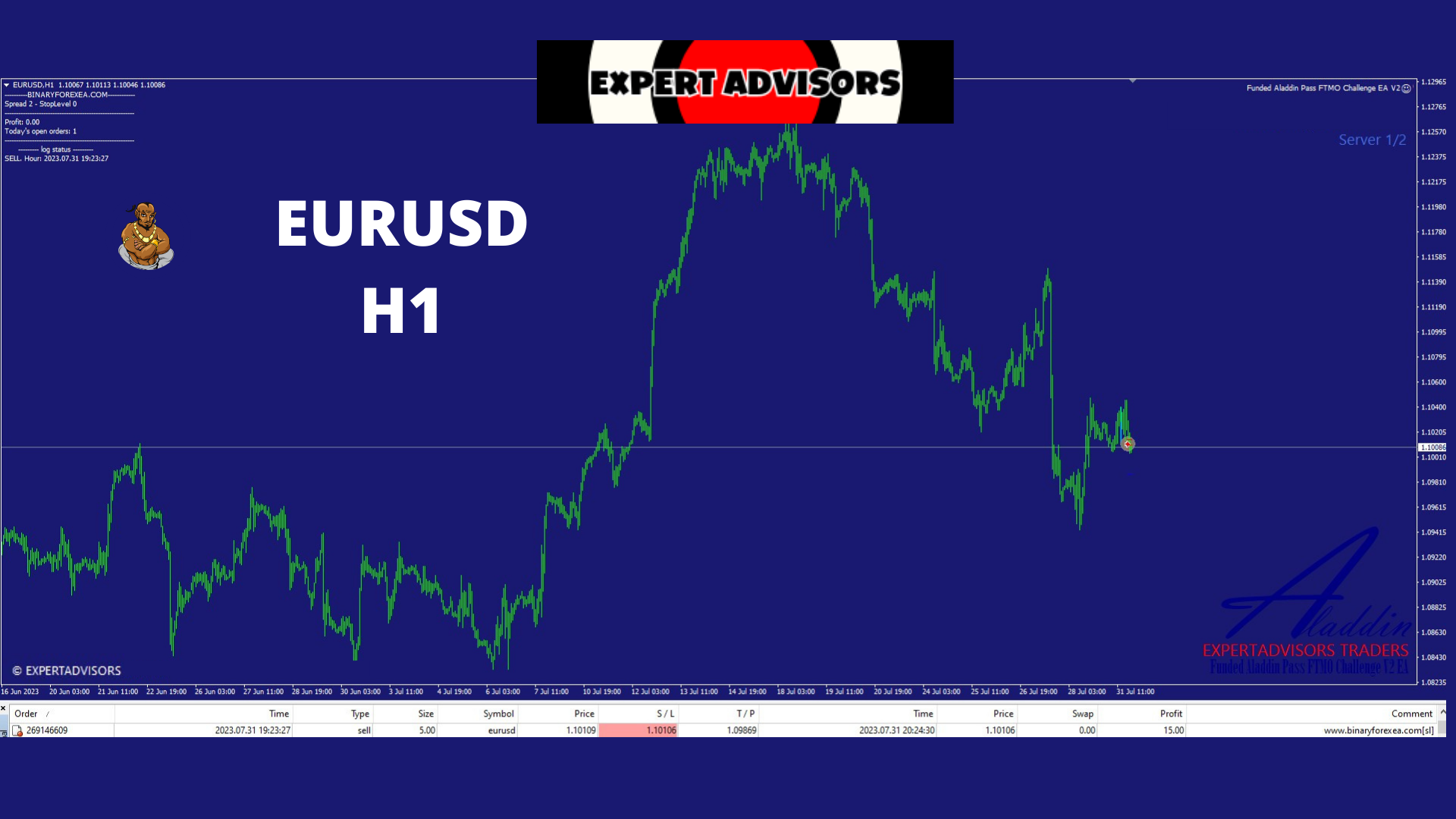
- Tailored specifically for the EURUSD pair on the H1 timeframe, this EA ensures precise and efficient trading performance. To safeguard against adverse market conditions, it incorporates spread protection, with a customizable value (default set at 5) to adapt to different broker environments.
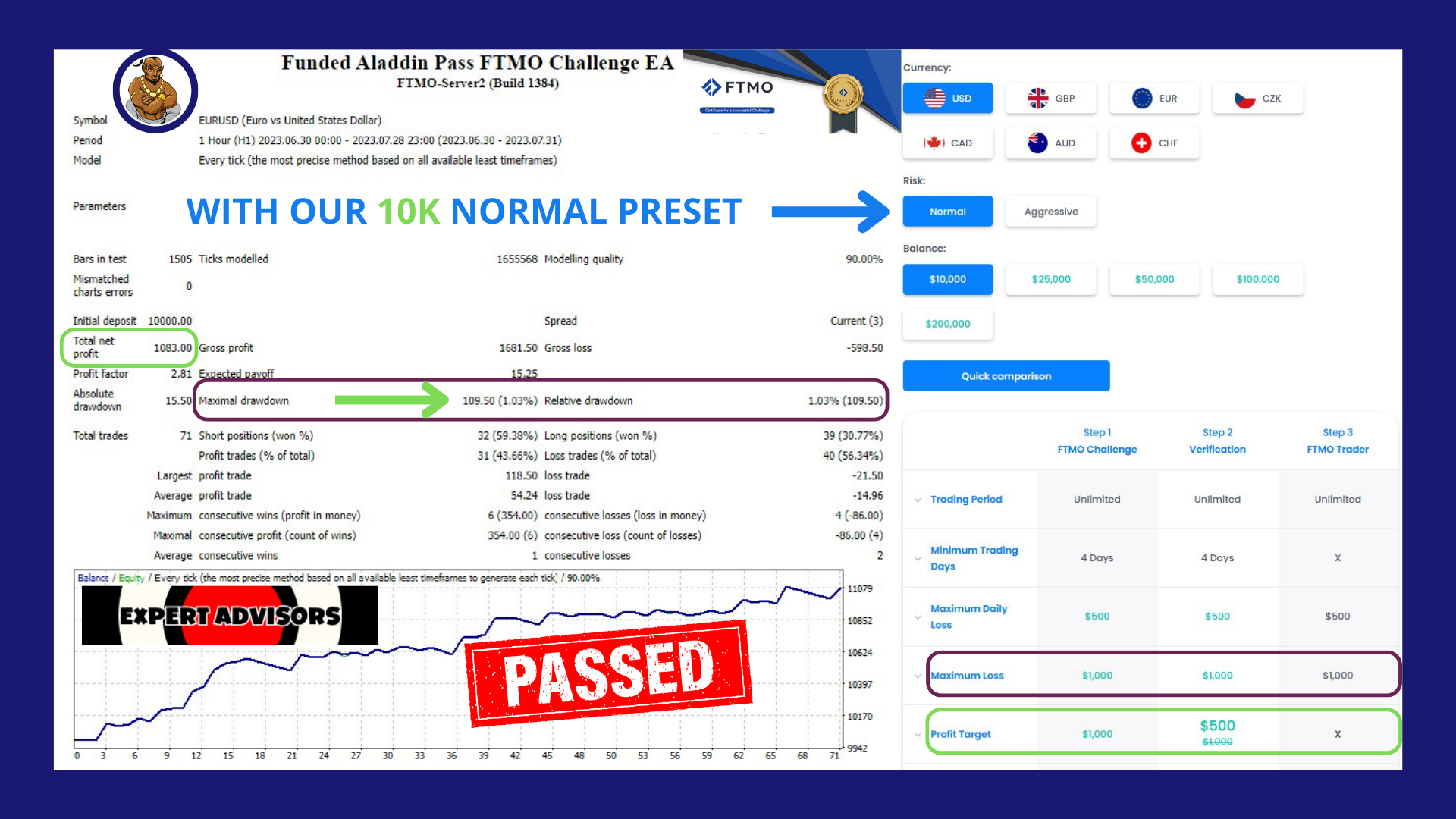
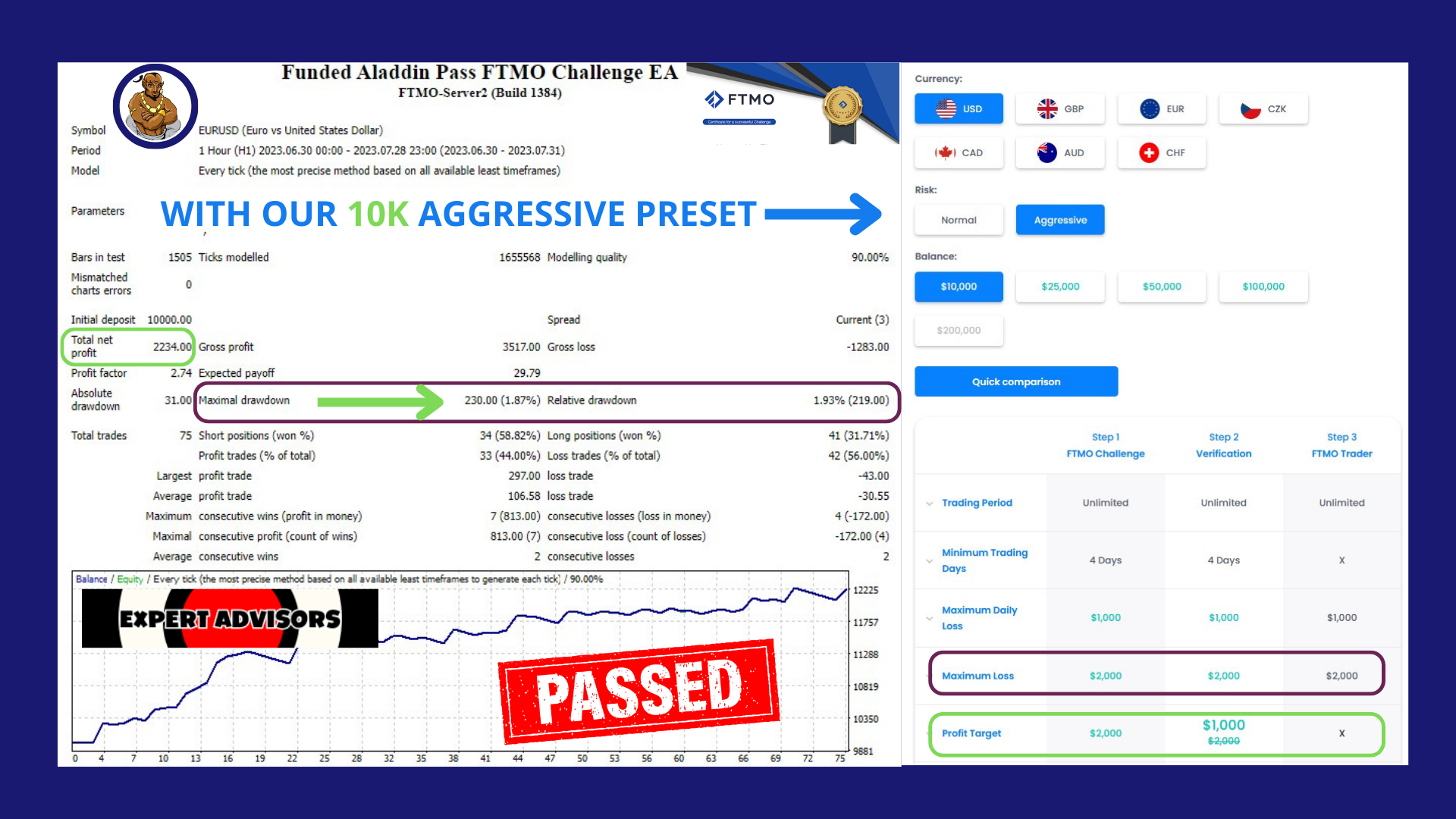
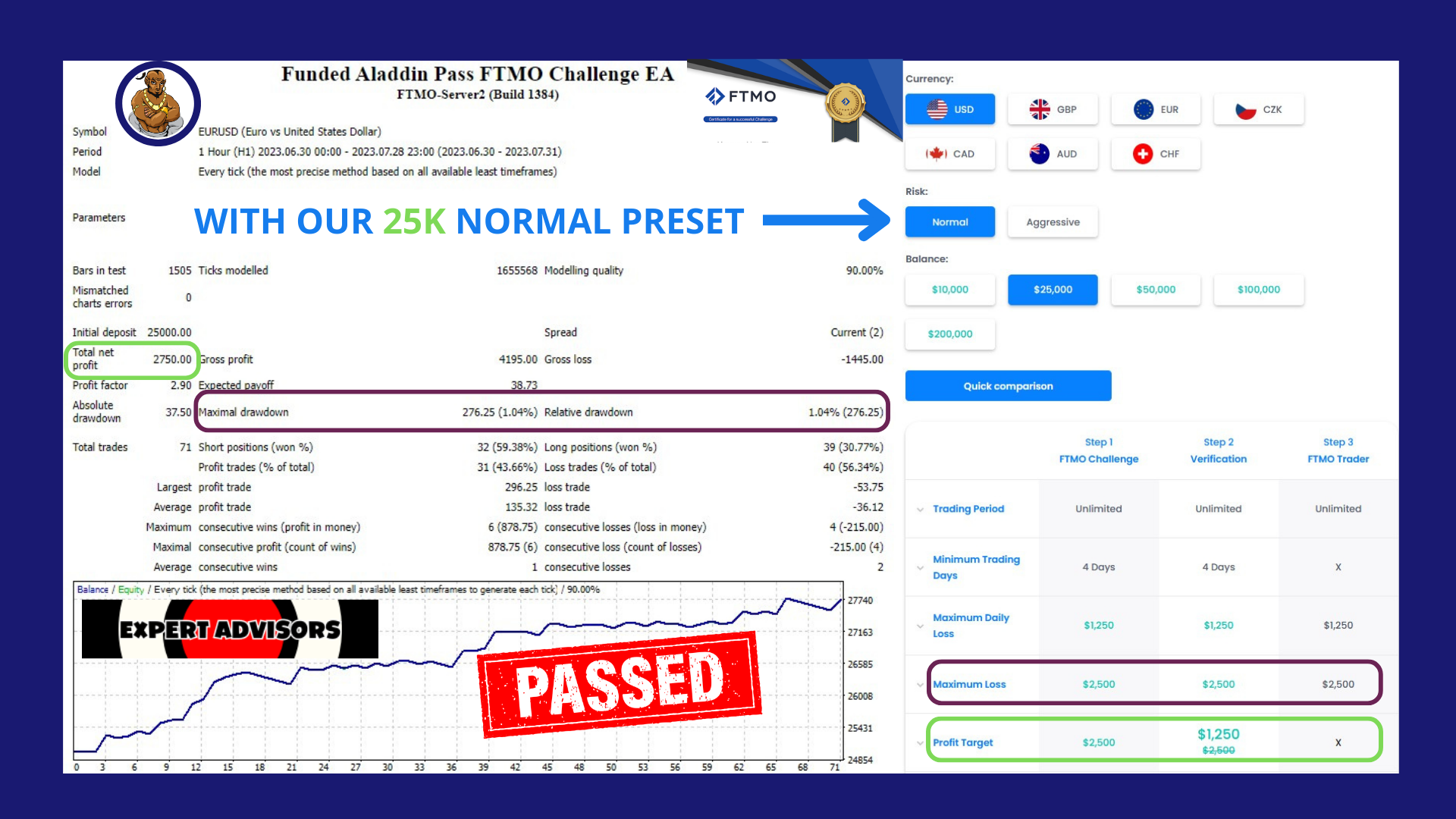
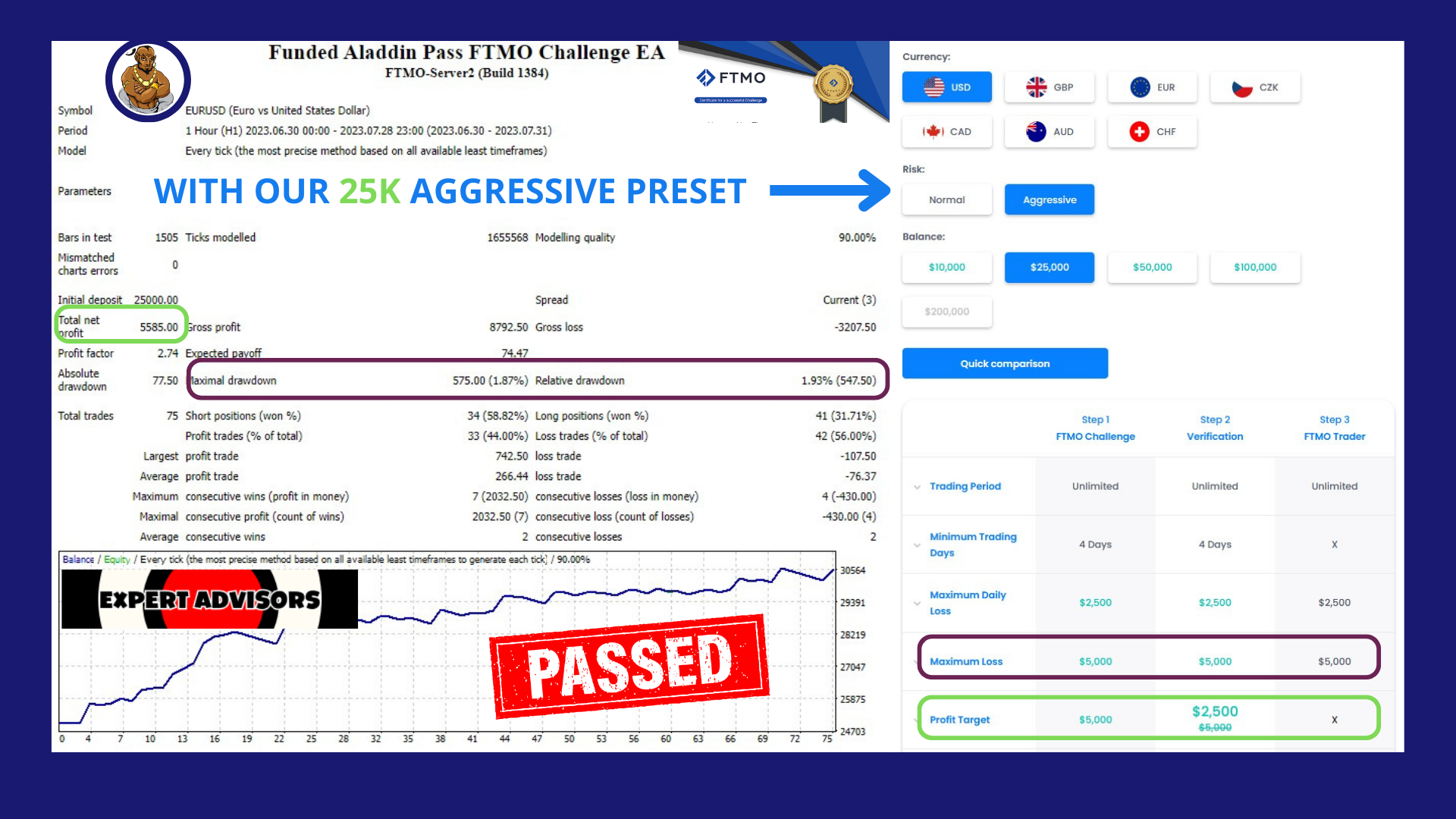
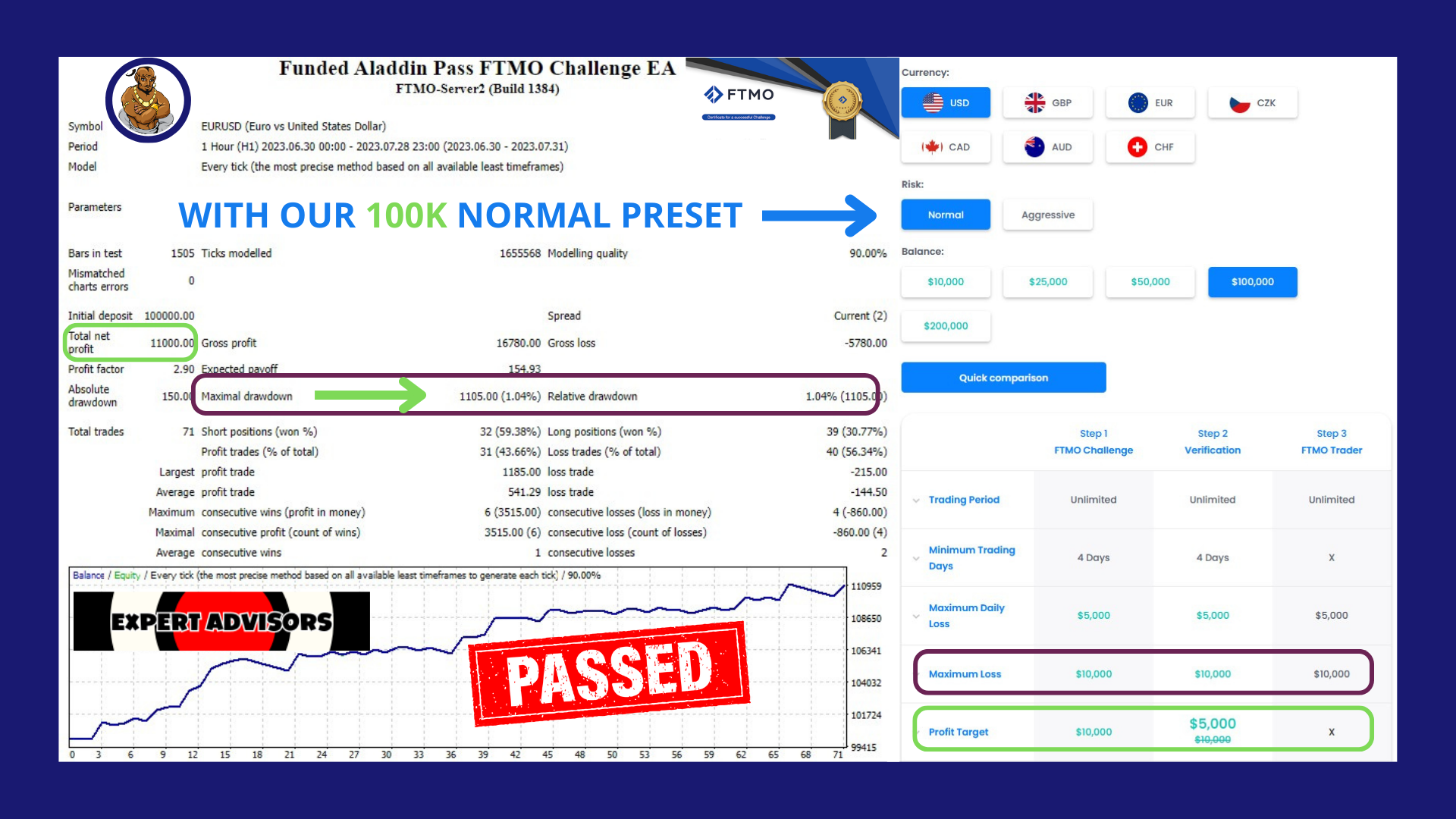
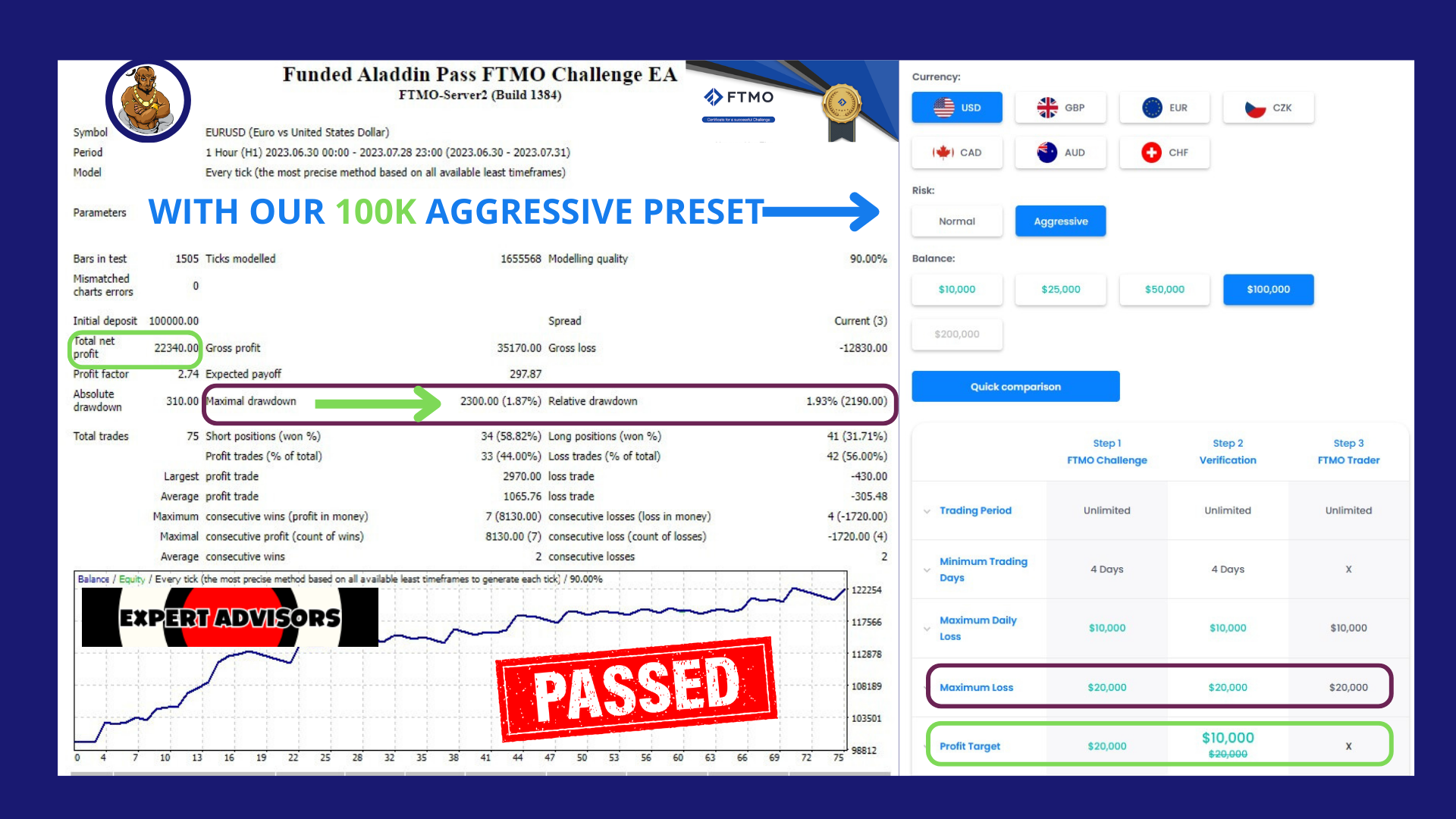
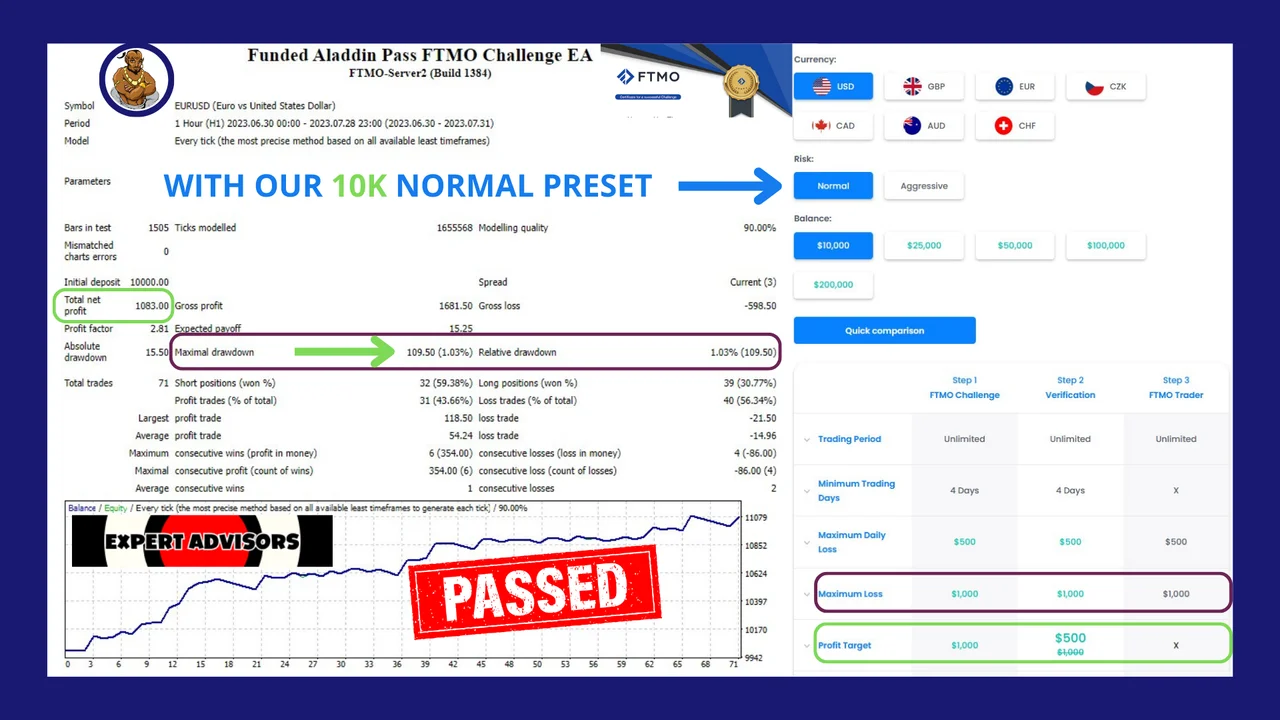
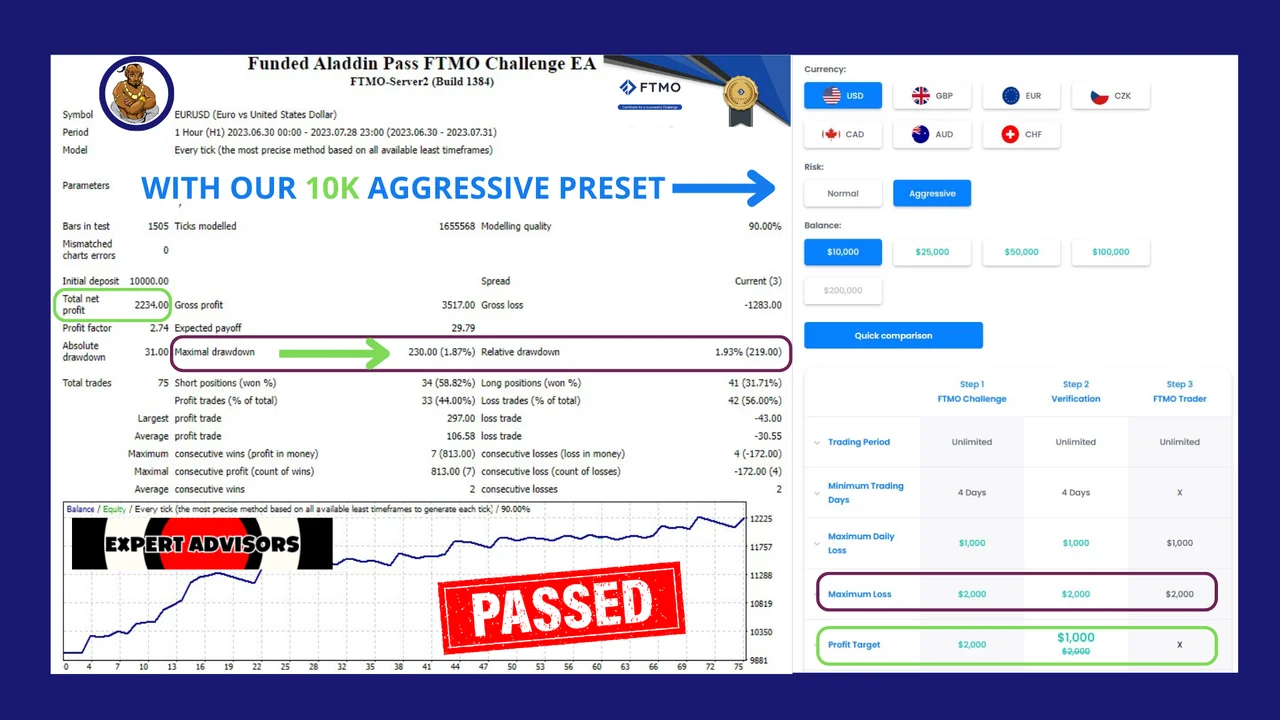
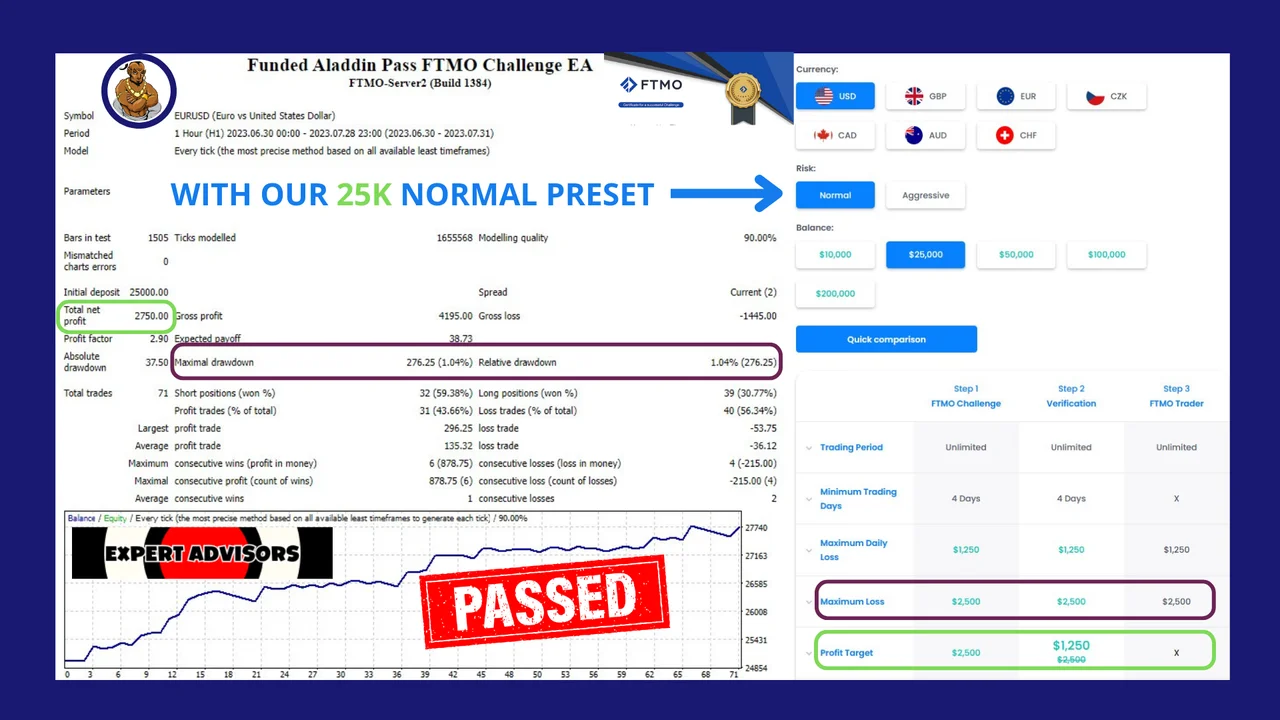
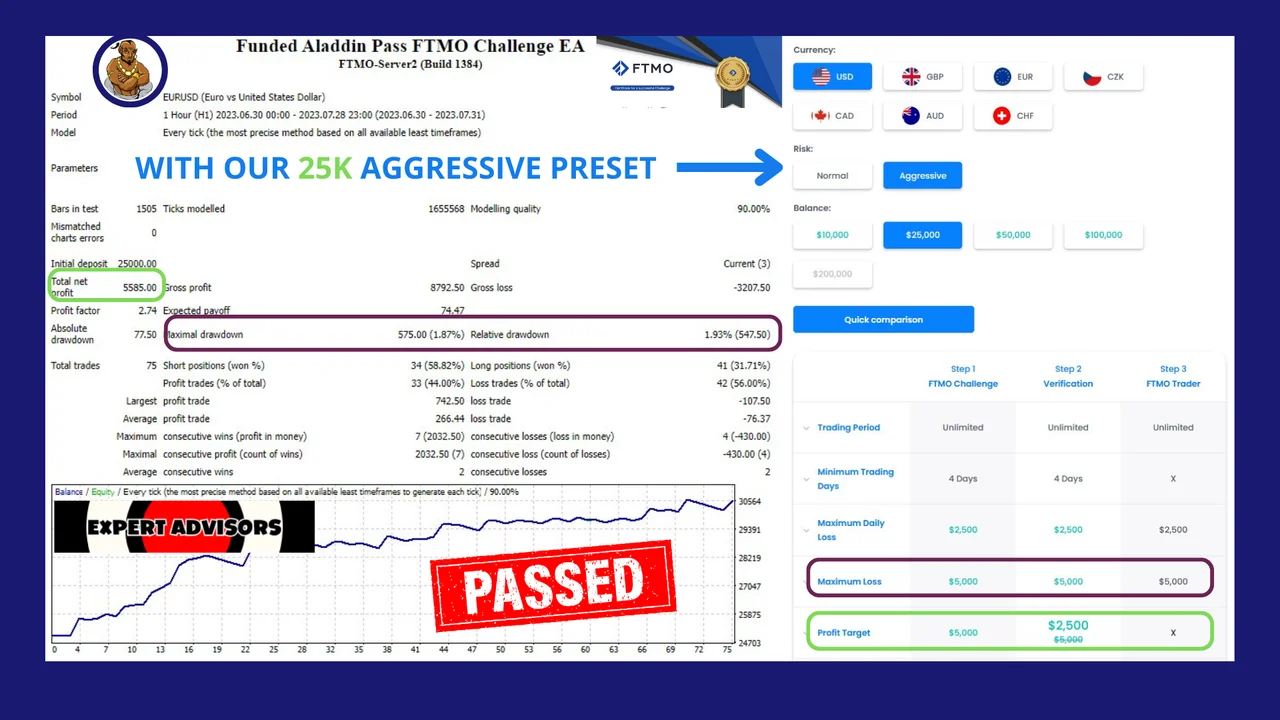
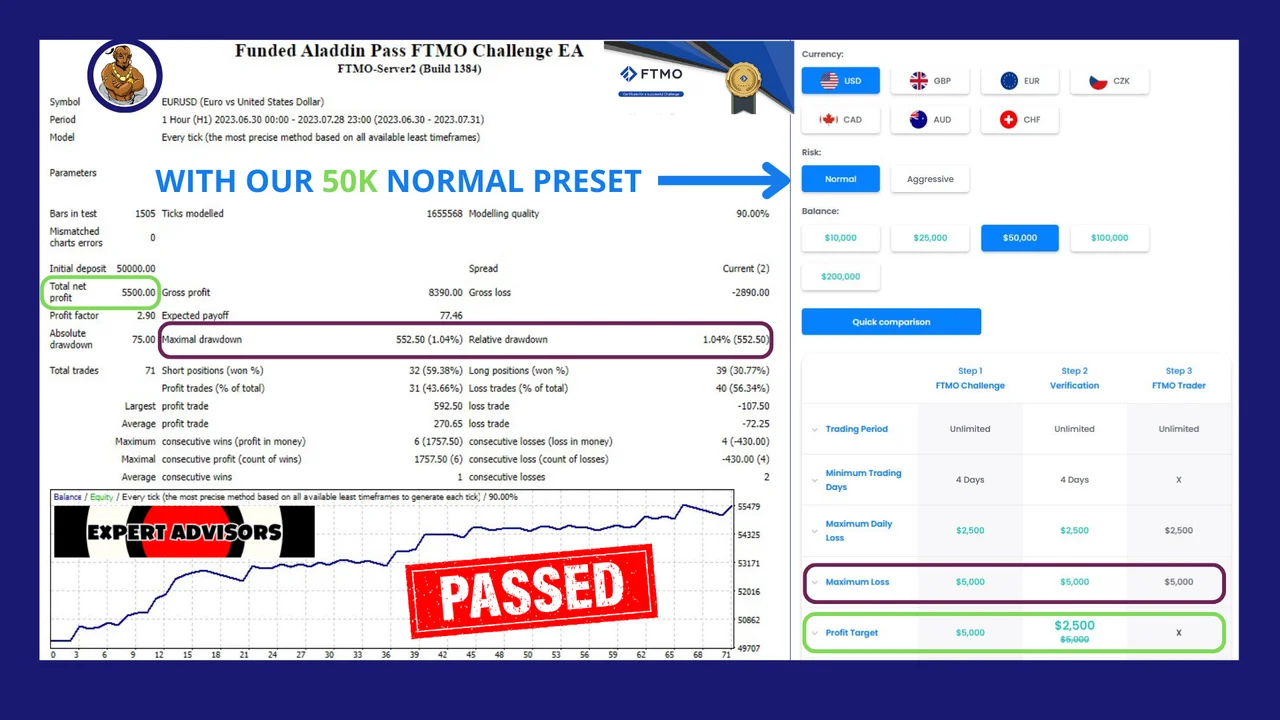
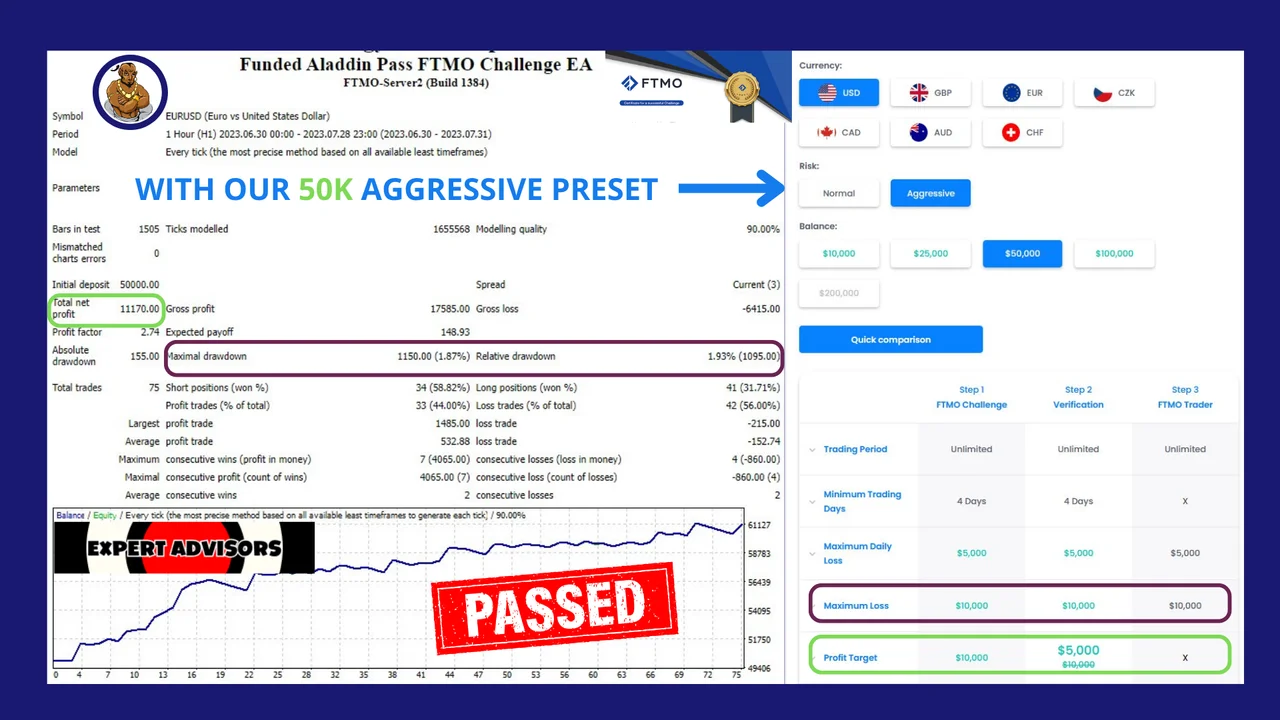
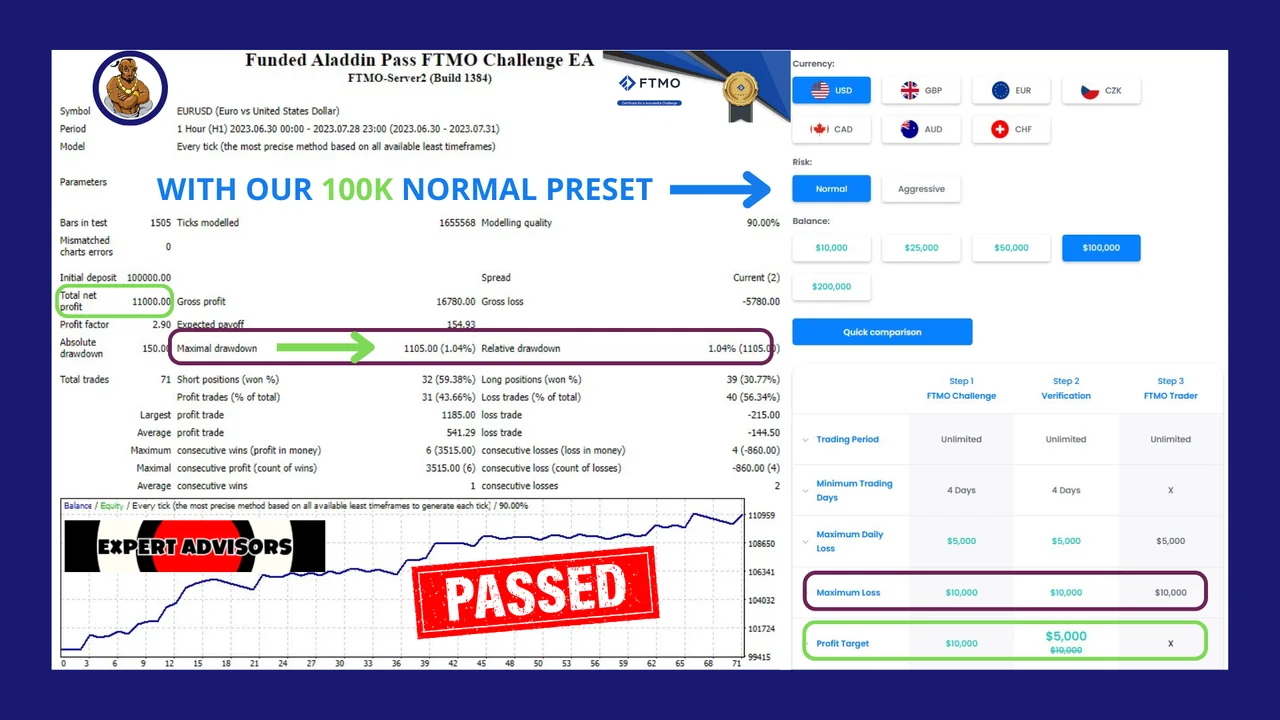
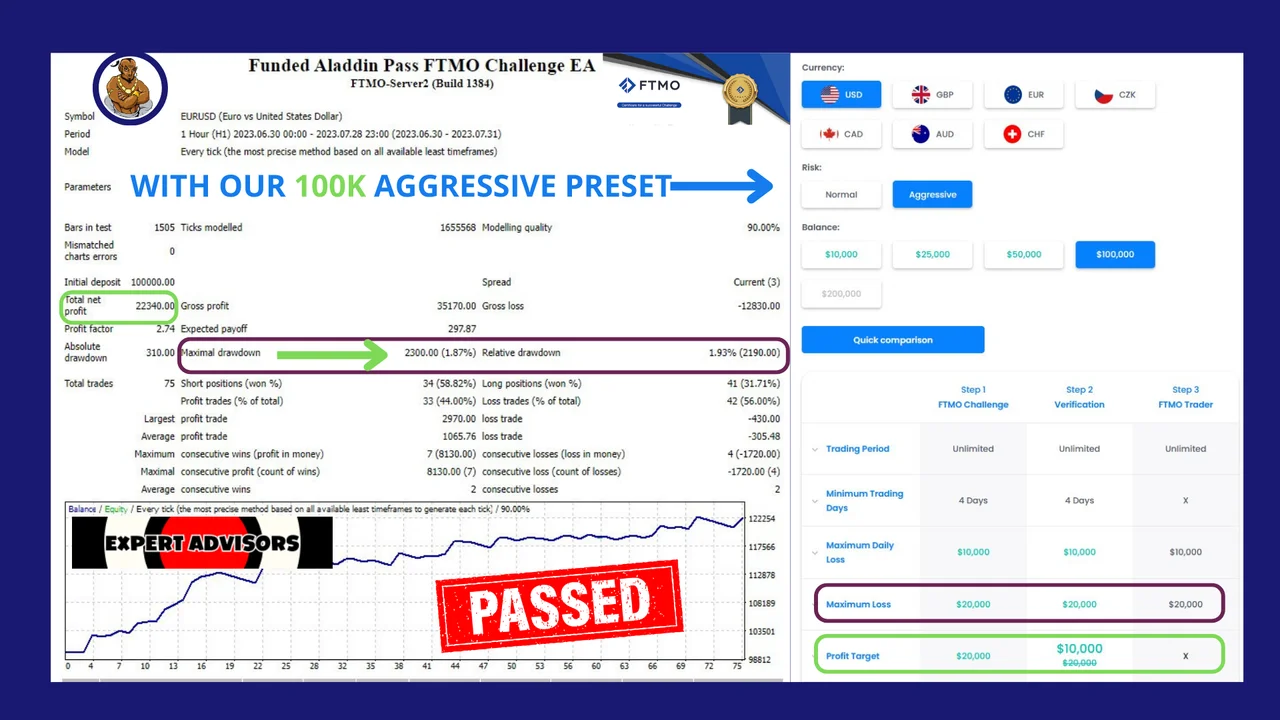
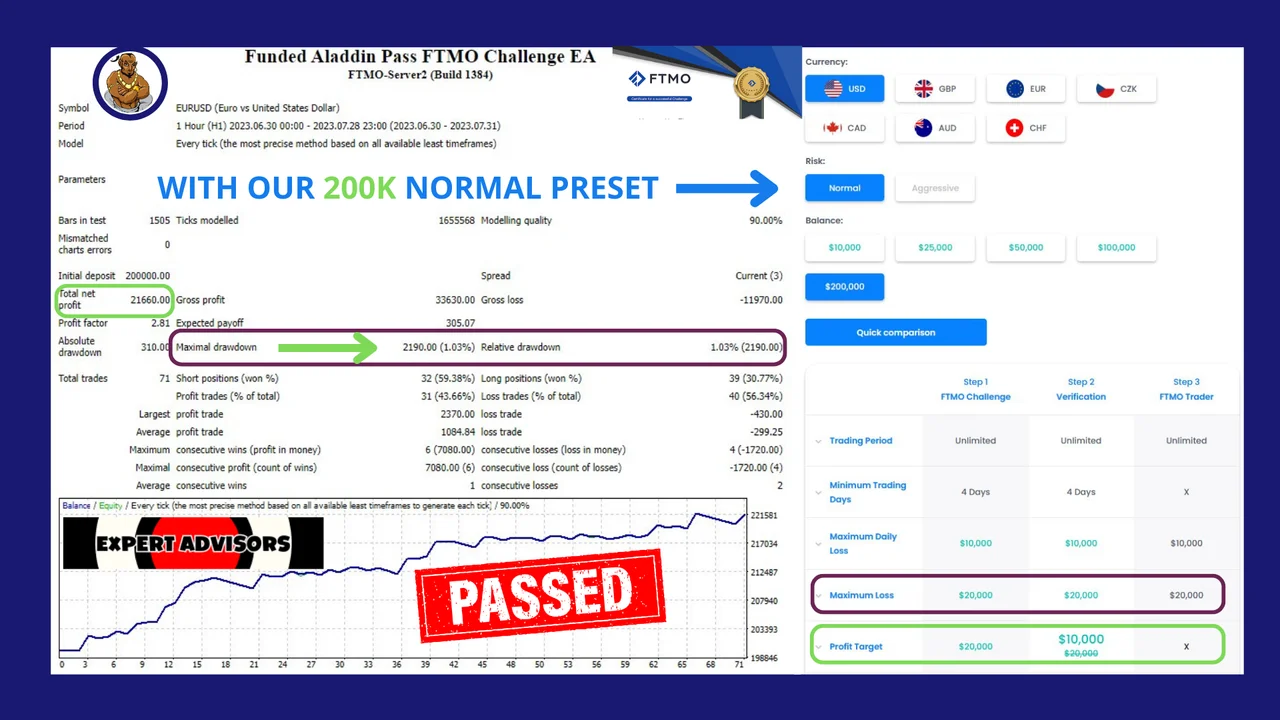
- One of the key strengths of this EA lies in its exceptional performance with remarkably low drawdown, approximately around 1%. It is essential to note that drawdown levels may vary based on the specific broker and spread conditions.
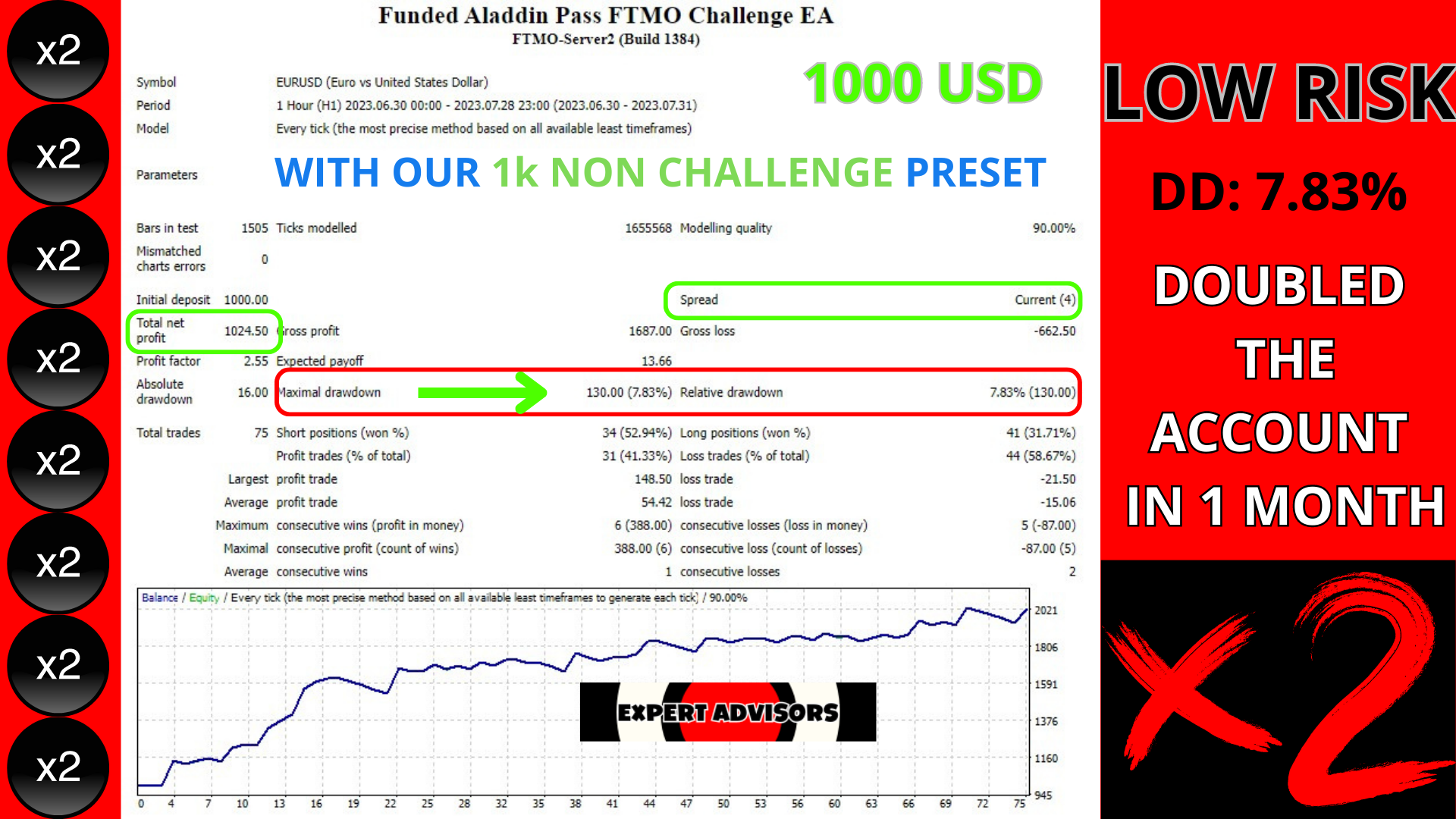
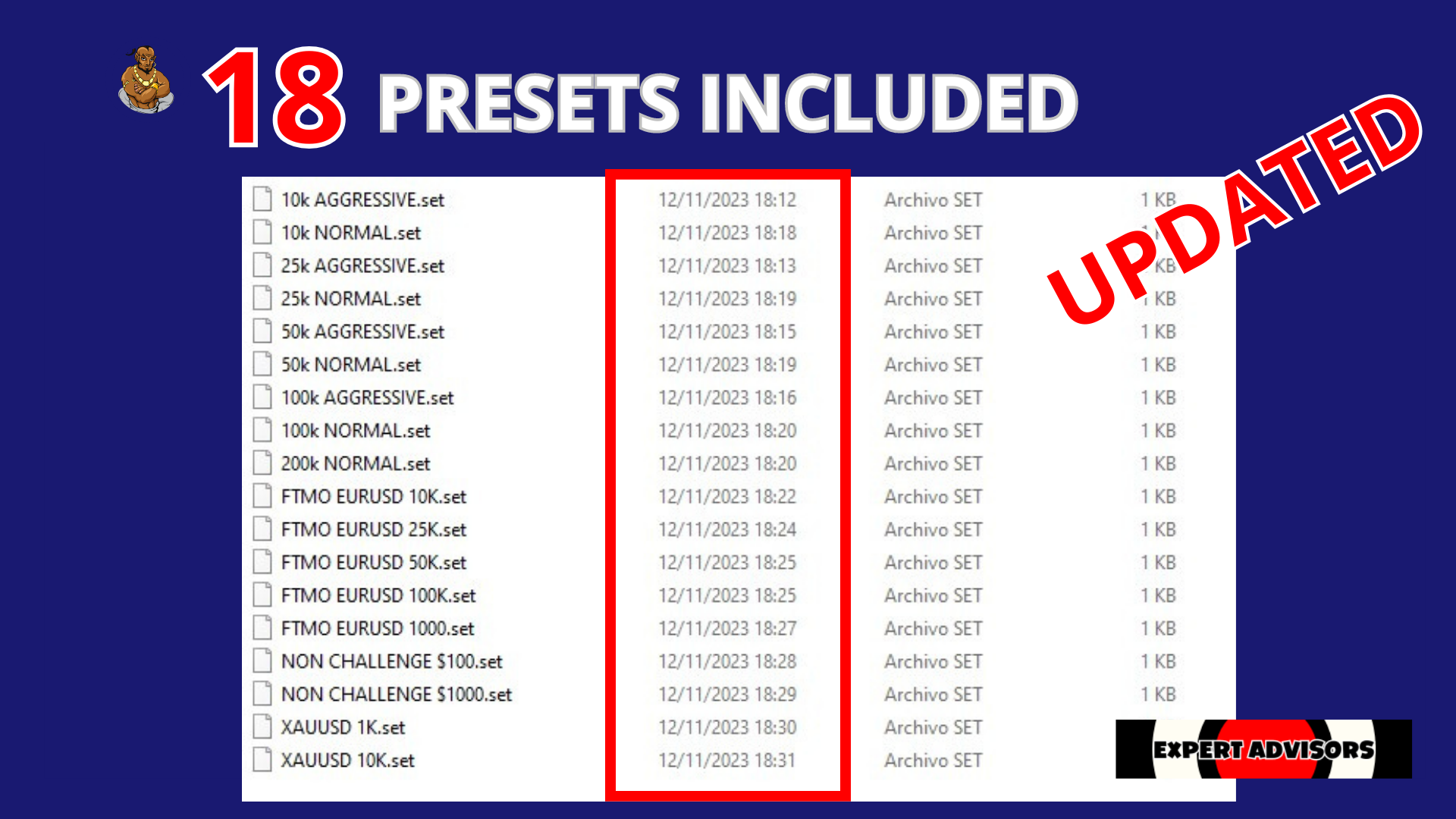
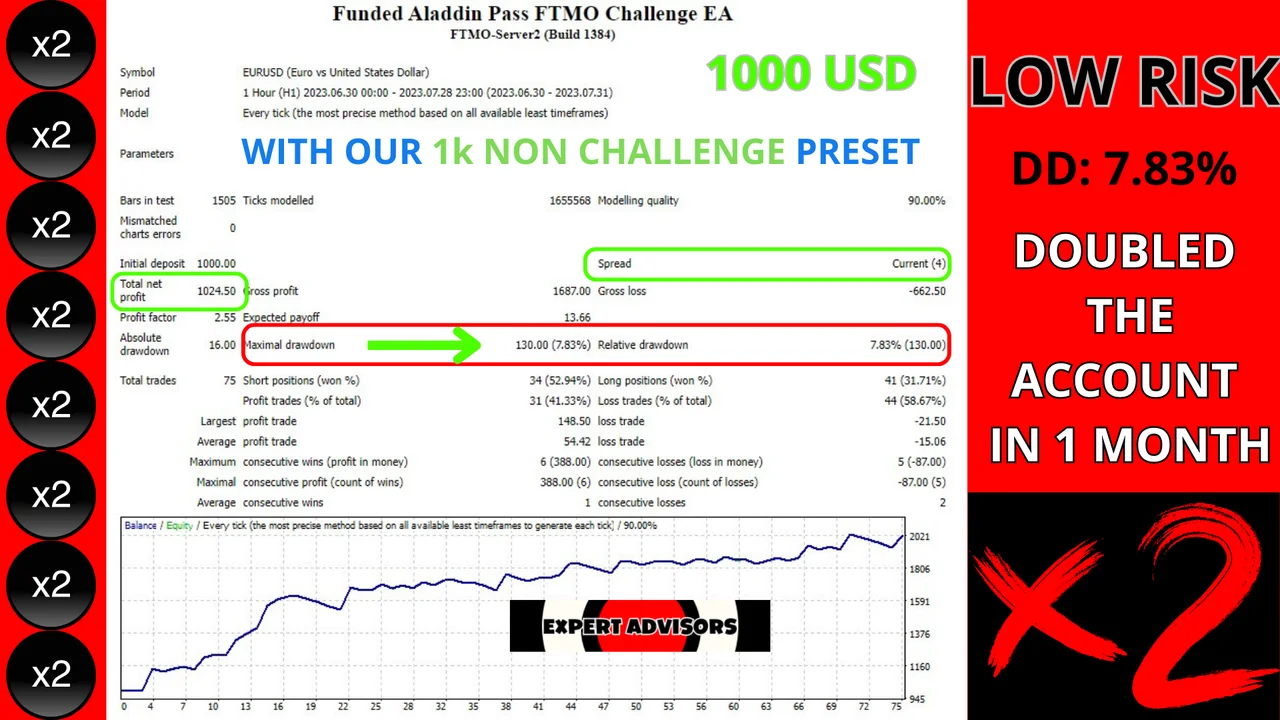
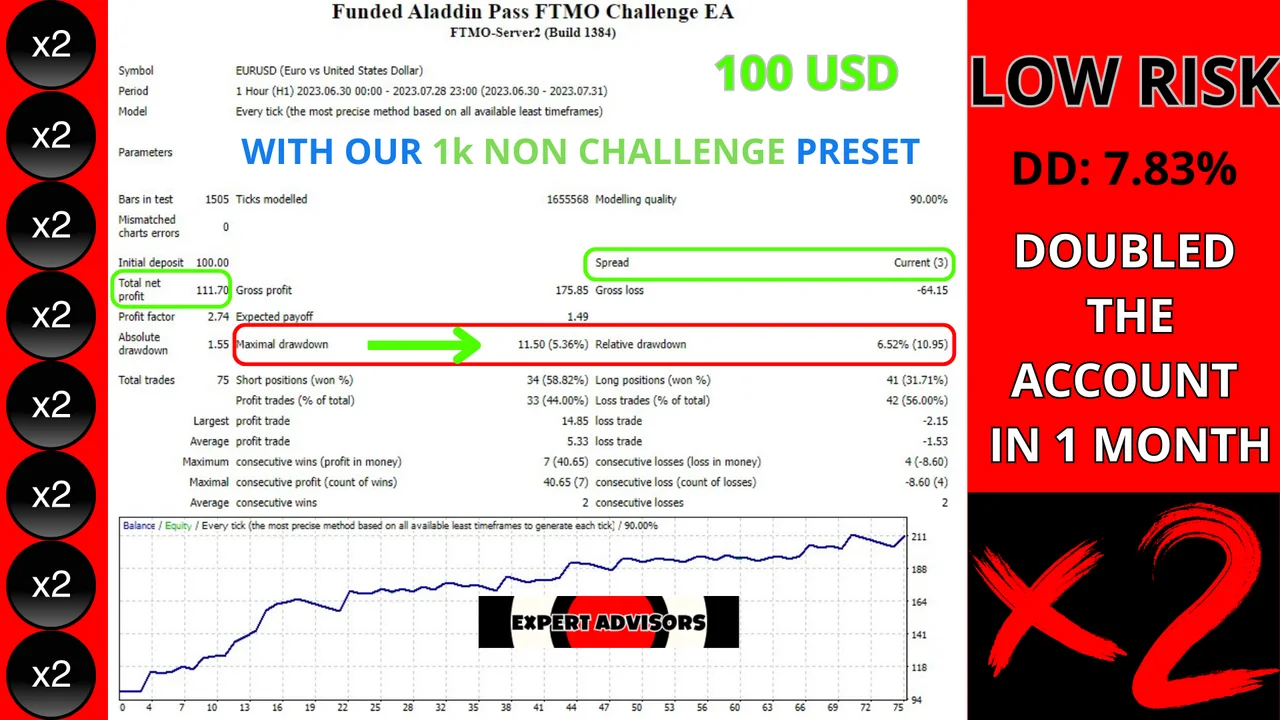
- Furthermore, the EA is flexible enough to be utilized on regular brokers and accounts. For this scenario, traders can employ the non-challenge presets, which offer an extraordinary opportunity to double their account while maintaining a controlled drawdown of 7%.
- In summary, the Funded Aladdin PASS FTMO CHALLENGE EA represents a sophisticated and reliable trading solution, engineered to optimize profits while prioritizing capital preservation.
Results of the FTMO Challenge EA
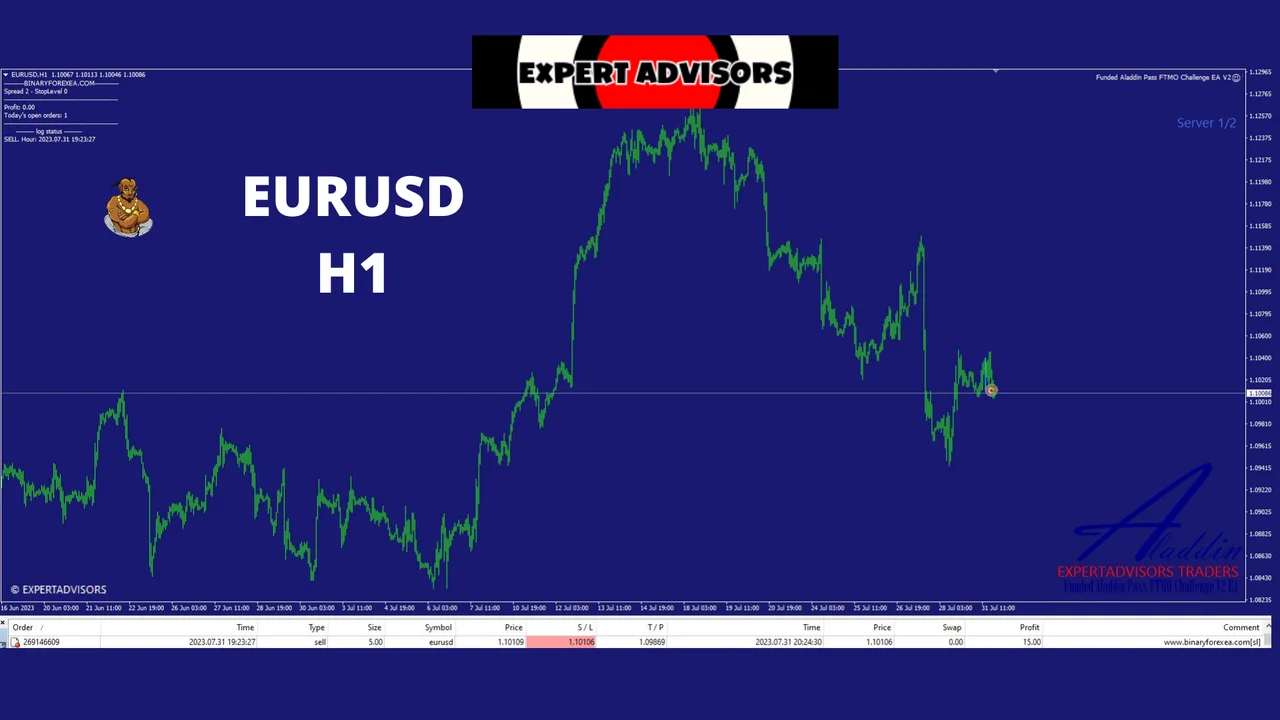
Let’s take a look at the reports below, because they show how the robot behaved on the H1 timeframe.
How to install the FTMO Challenge EA in MetaTrader 4
- First, download the file from your account and unzip it.
- Then open MetaTrader 4 and click File > Open Data Folder.
- Next, open the Experts folder inside the MetaTrader data folder and paste the .ex4 there.
- After that, right click Expert Advisors in the Navigator and choose Refresh.
- Now drag the robot onto an H1 chart of the pair you want.
- Finally, click AutoTrading on the toolbar, so the EA can place its orders.
Risk reminders before you go live
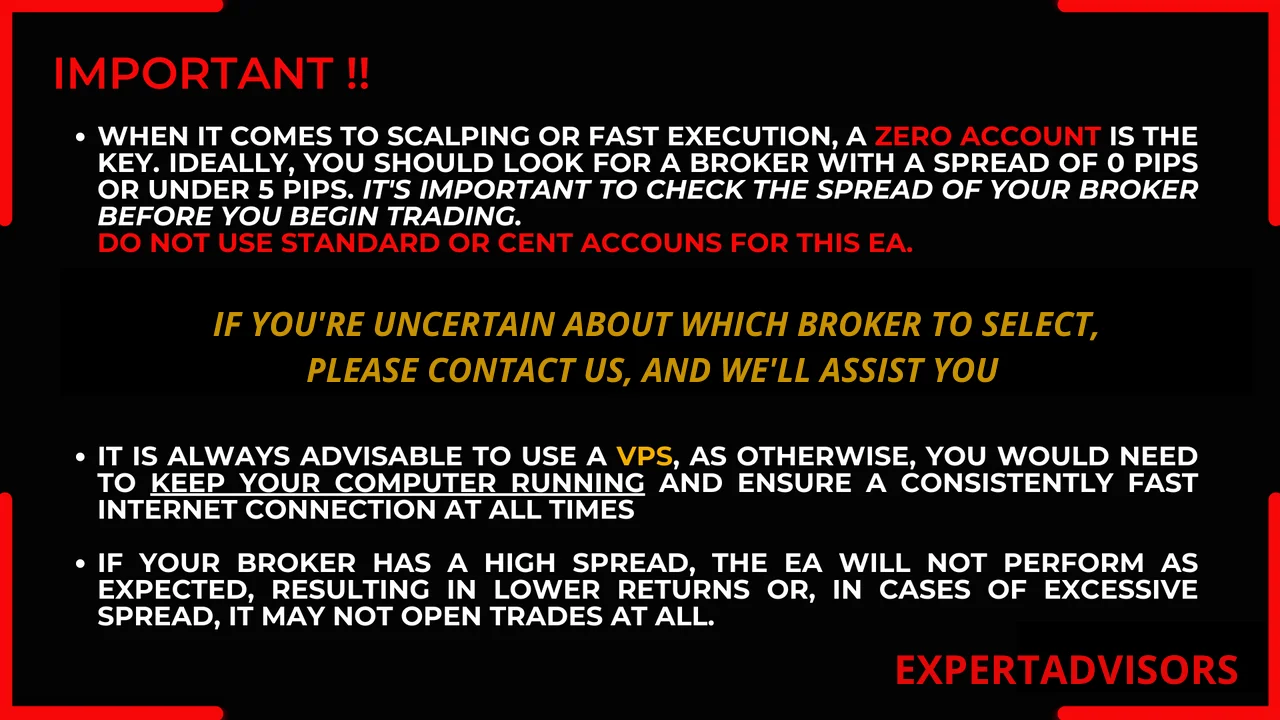
A prop firm challenge has hard daily and total loss rules, so spread and broker conditions matter. In fact, the stated drawdown of about 1% may vary with your broker. Therefore, try the robot on a demo account first and keep the terminal online, either on a VPS or on a computer that stays on.
Trading leveraged products carries a high level of risk to your capital. Past results do not guarantee future results. You trade at your own risk.
Looking for more automated robots? Then browse all our Expert Advisors, because there is a version for MetaTrader 4 and for MetaTrader 5.