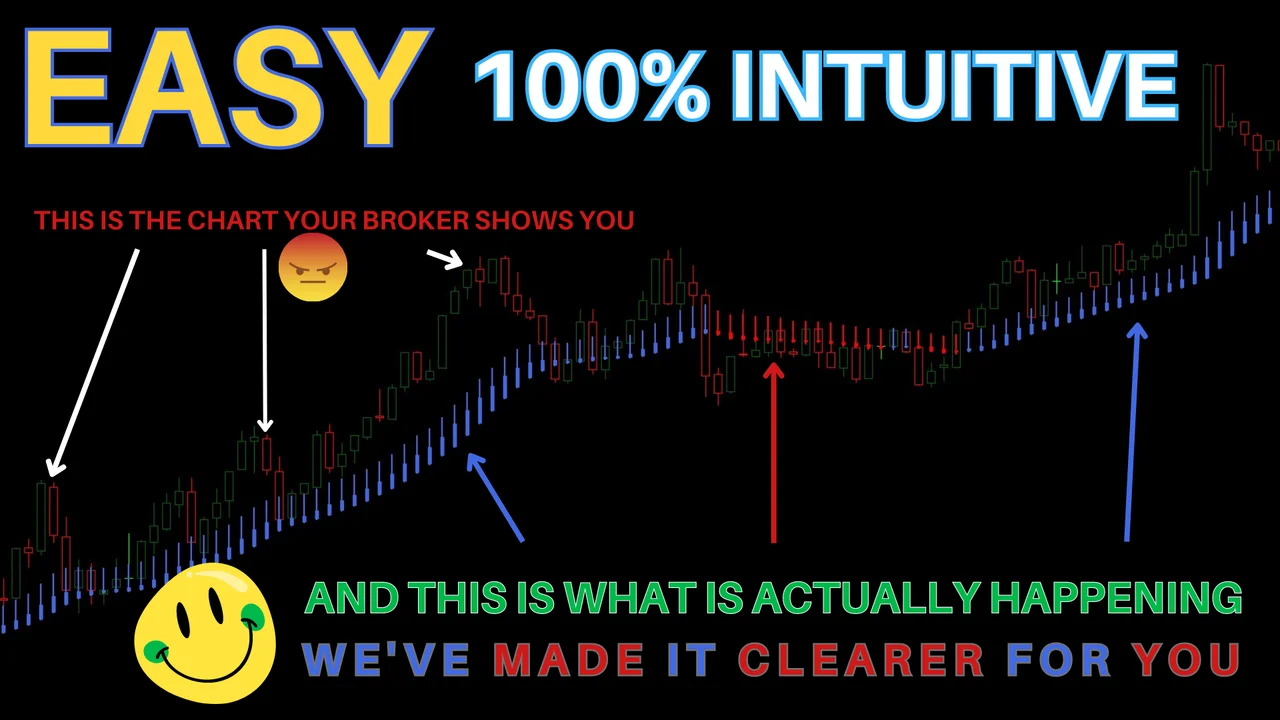
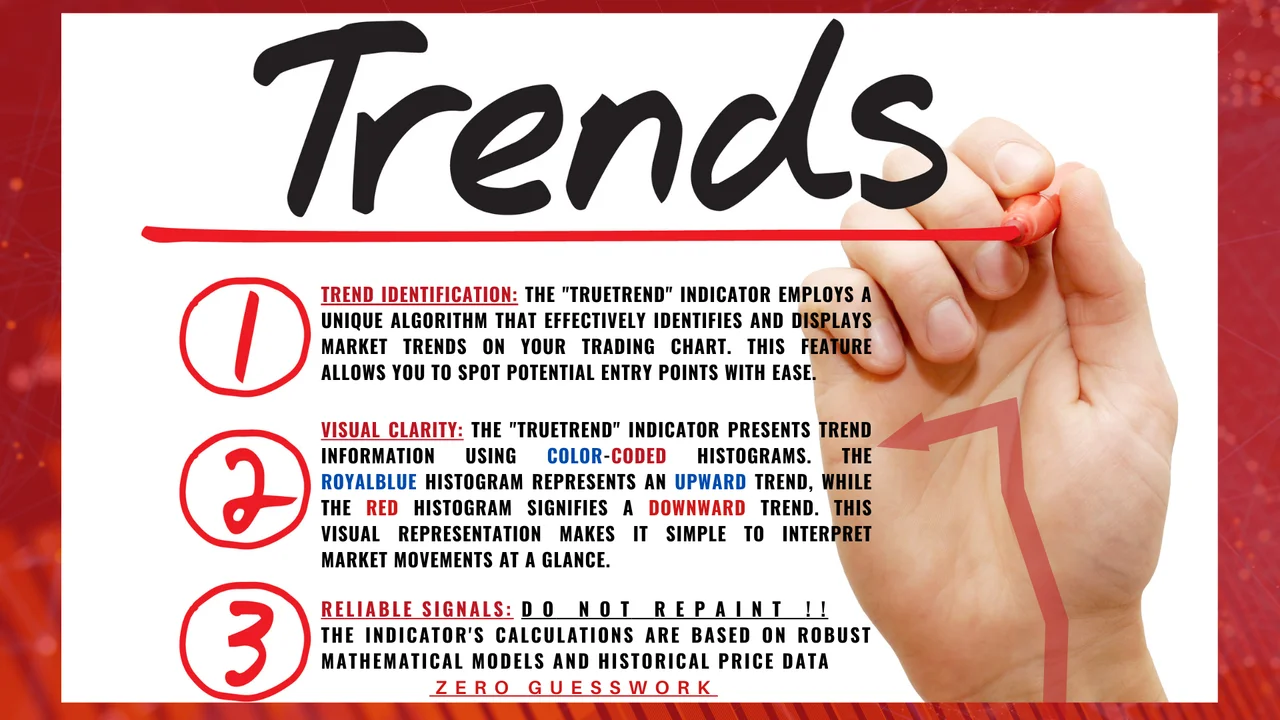
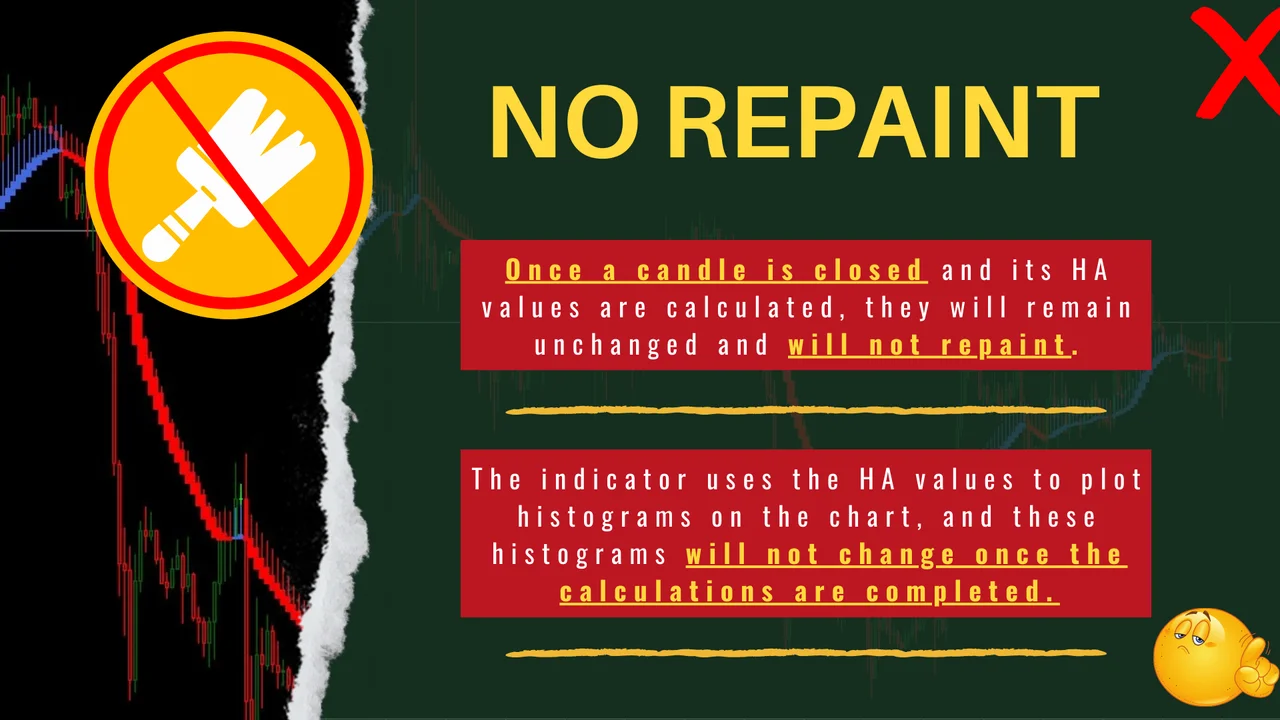
The TRUETREND MT4 indicator arrives with its template, and you read both of them by hand on any chart you like. It is not a robot, so it never sends an order for you. Instead, it paints histograms from the HA values, and those histograms will not change once the calculation is completed.
TRUETREND MT4 indicator specification
- PLATFORM: MT4.
- BROKER: FOREX BROKER (LOW SPREAD RECOMMENDED).
- TF: ALL.
- PAIRS: ALL.
- TRADING TYPE: SCALPING, DAY TRADING, SWING TRADING, POSITION TRADING.
TRADER LEVEL: ALL BUT NEWBIE-FRIENDLY 🙂
How the histograms behave
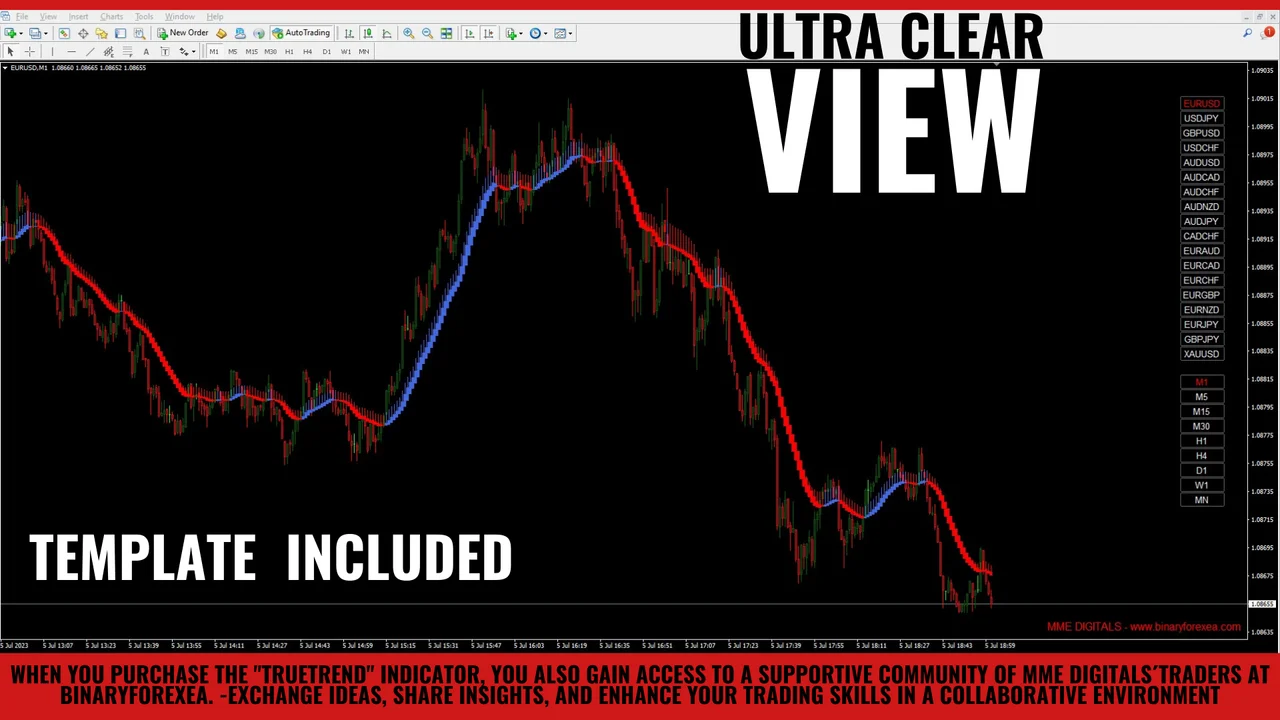
The tool takes the HA values of each candle and turns them into a histogram under the price. Once a bar closes, its calculation finishes and the colour stays where it is. Therefore, what you saw yesterday is still on the chart today, and you can go back over your own decisions with an honest picture in front of you.
That stability matters for manual trading. After all, a signal that changes its mind after the candle closes teaches you nothing. Moreover, a fixed histogram lets you write down your rules, so two traders looking at the same chart see the same thing.

Who reads this system well
Any trader can open the template, although the pack stays friendly to a newcomer. Because the histogram carries the colour, you do not need years of screen time to tell one state from another. Still, the decision is always yours, since nothing here clicks the buy button on your behalf.
A low spread broker helps as well. The wider the quote, the more of your target the entry eats before the trade even starts.

The four styles it covers
The pack works for scalping, day trading, swing trading and position trading. First, a scalper stays on the small timeframes and closes the same session. Then a day trader keeps the chart open until the close of the day. Swing and position traders, in contrast, hold for several sessions and read the same colours on a higher chart.
All timeframes and all pairs are available, so the style you already follow decides the chart. If the idea of a market trend is new to you, read that page first, because the whole template rests on it.

Installing the TRUETREND MT4 indicator and template
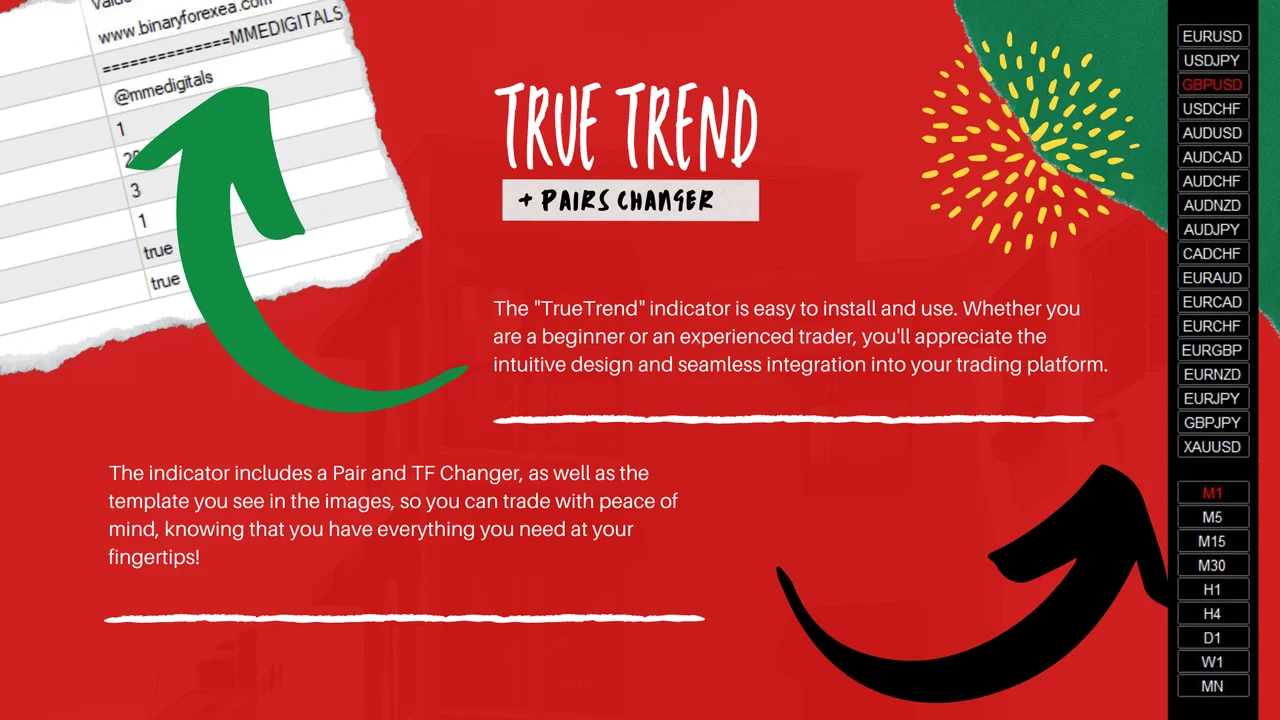
First, open MetaTrader and click File > Open Data Folder. Then copy the indicator files into the Indicators folder and the template into the Templates folder, both inside that data folder. Next, restart the platform or refresh the Navigator panel. Finally, open the chart you want, right click on it and apply the template, so every element appears at once.

Reading the TRUETREND MT4 indicator day by day
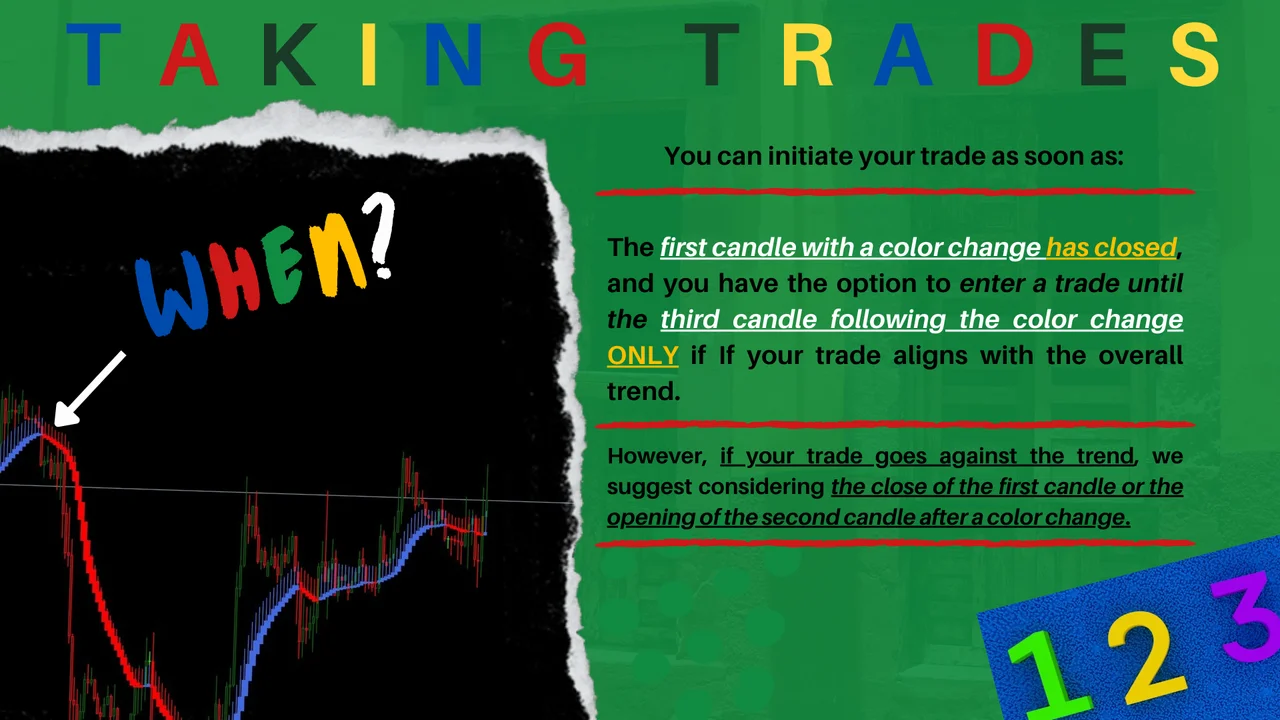
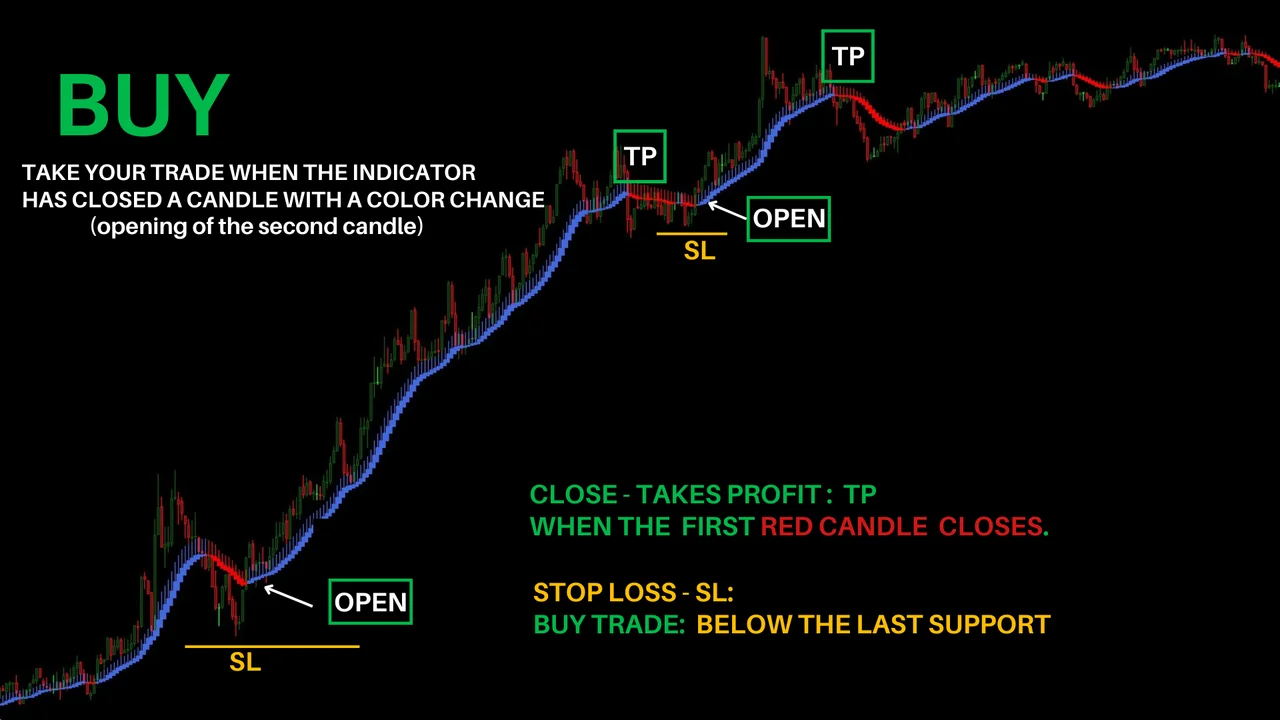
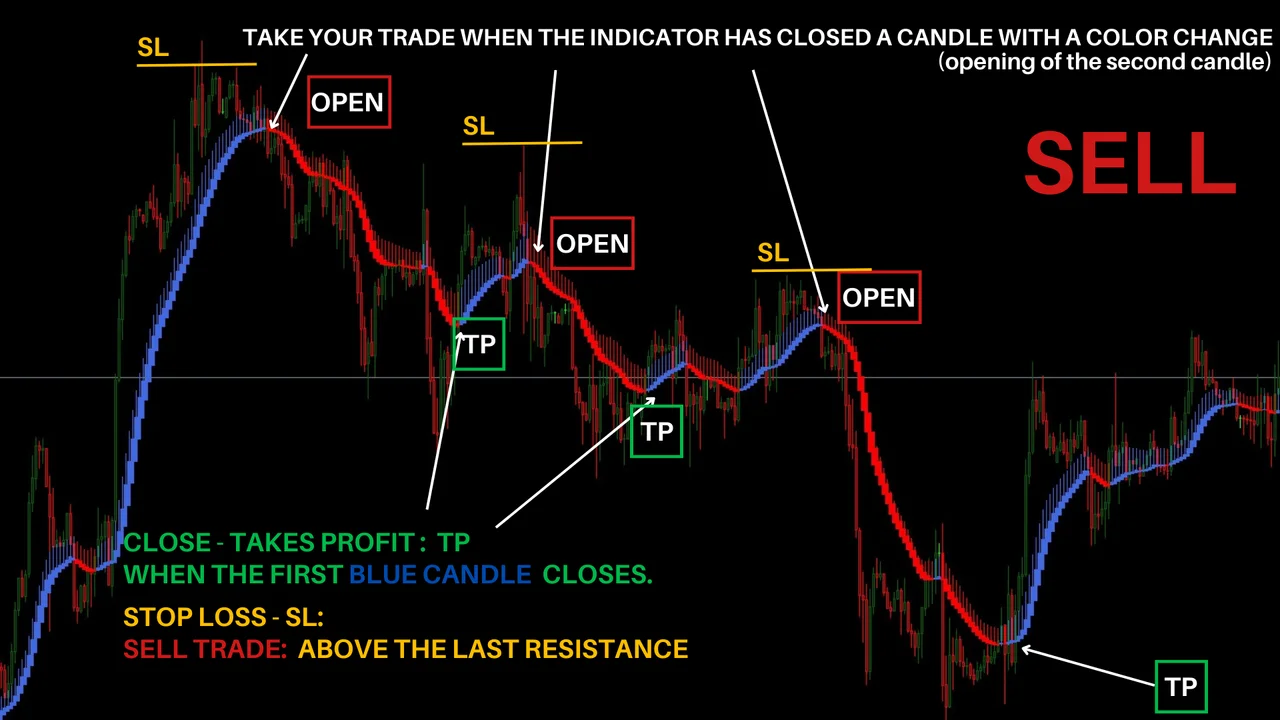
Wait for the candle to close before you judge a colour, because the calculation finishes with the bar. Then place the order by hand, and set your stop where your own plan says. Above all, keep the same rule on every chart, since consistency is what turns a template into a system.
Before you trade
Try the template on a demo account first, and keep the risk small when you move to a live one. Trading involves risk, therefore only trade with money you can afford to lose. Past results do not guarantee future results. You trade at your own risk.
Would you like more tools for manual trading? Then browse the rest of our forex systems and indicators.