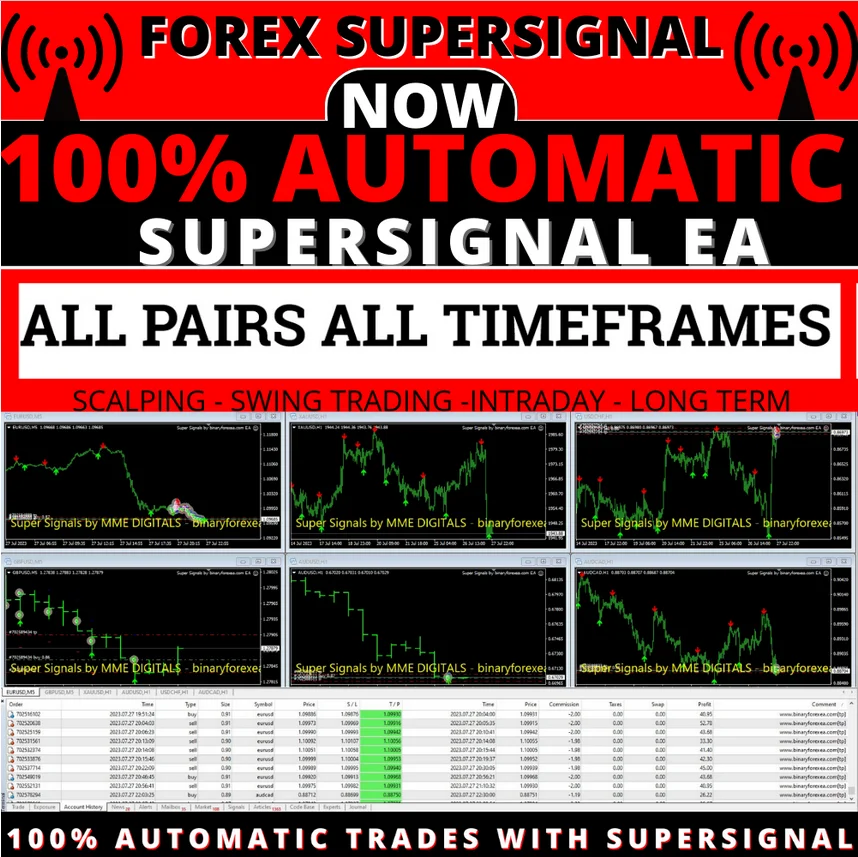
SuperSignal EA MT4, the well known signals turned into a robot
Are you a fan of the well-known SuperSignals in forex trading? After countless requests, we decided to take them to the next level by automating them entirely. Say hello to SuperSignal EA MT4, your new ally in the forex market, a fully automated Expert Advisor that reads the signal and places the order for you.
What the SuperSignal EA MT4 needs
- PLATFORM: MT4
- TF: ALL
- PAIRS: ALL
- MIN DEPOSIT: $100 PER PAIR
- LEVERAGE: ALL
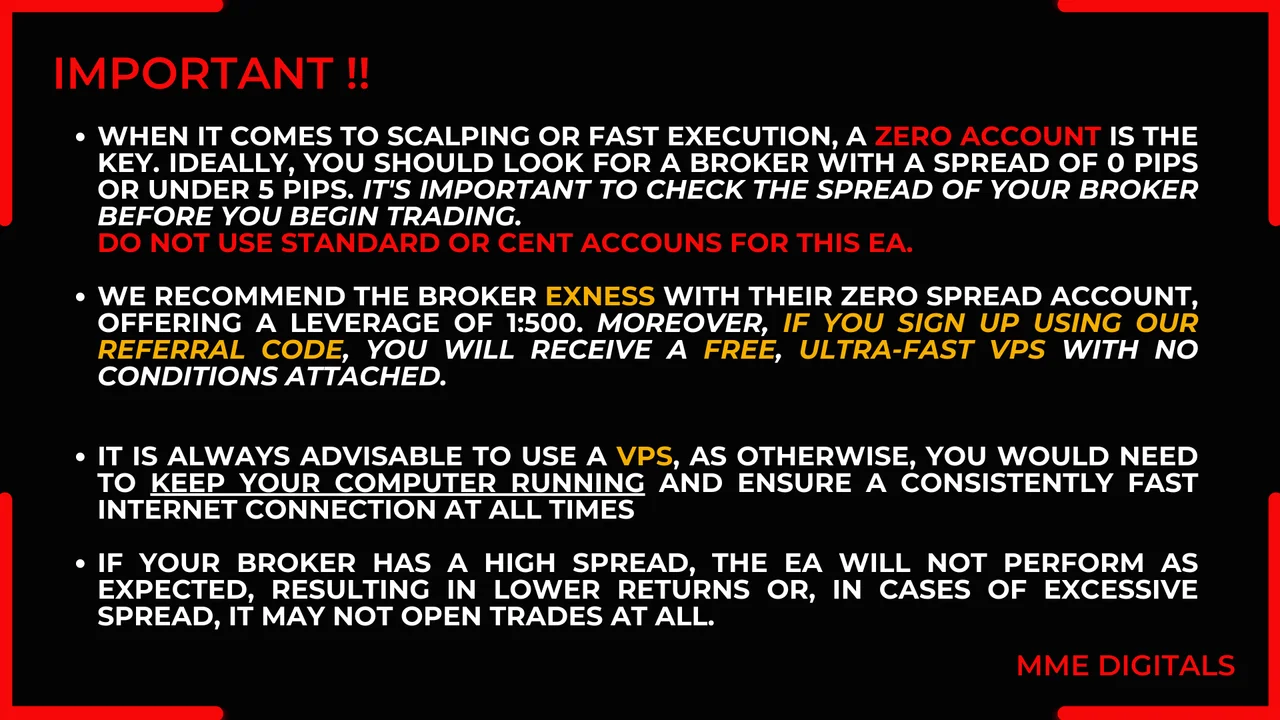
- ACCOUNT: Any (Use Low Spread Pairs!)
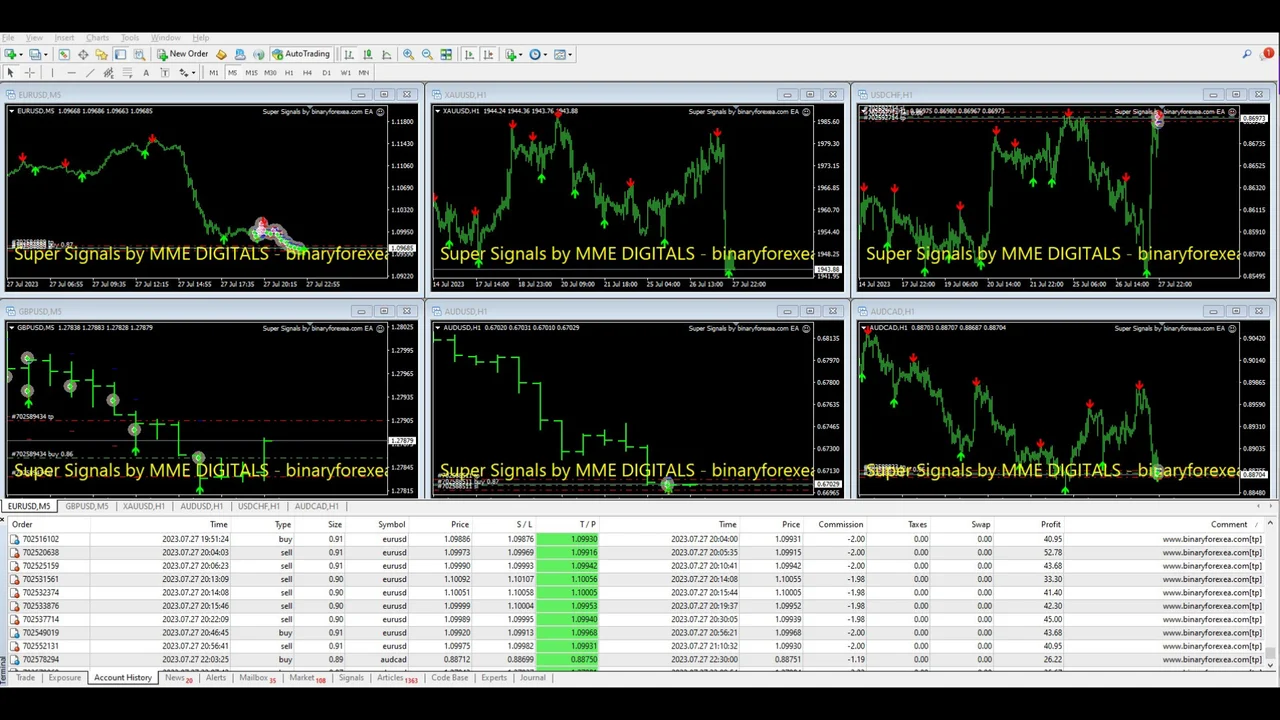
Our own setup runs it on XAUUSD, gold, with the H1 timeframe, a zero spread account and a VPS. However, the robot is not limited to that combination, as you will read below.
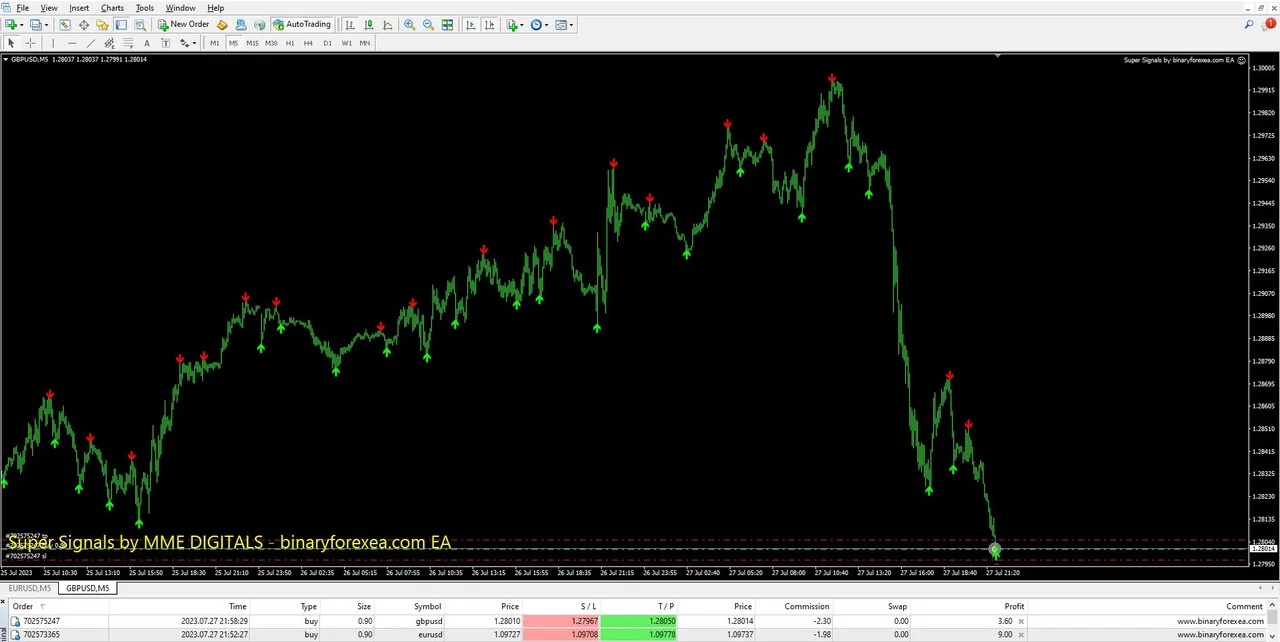
What you get with it
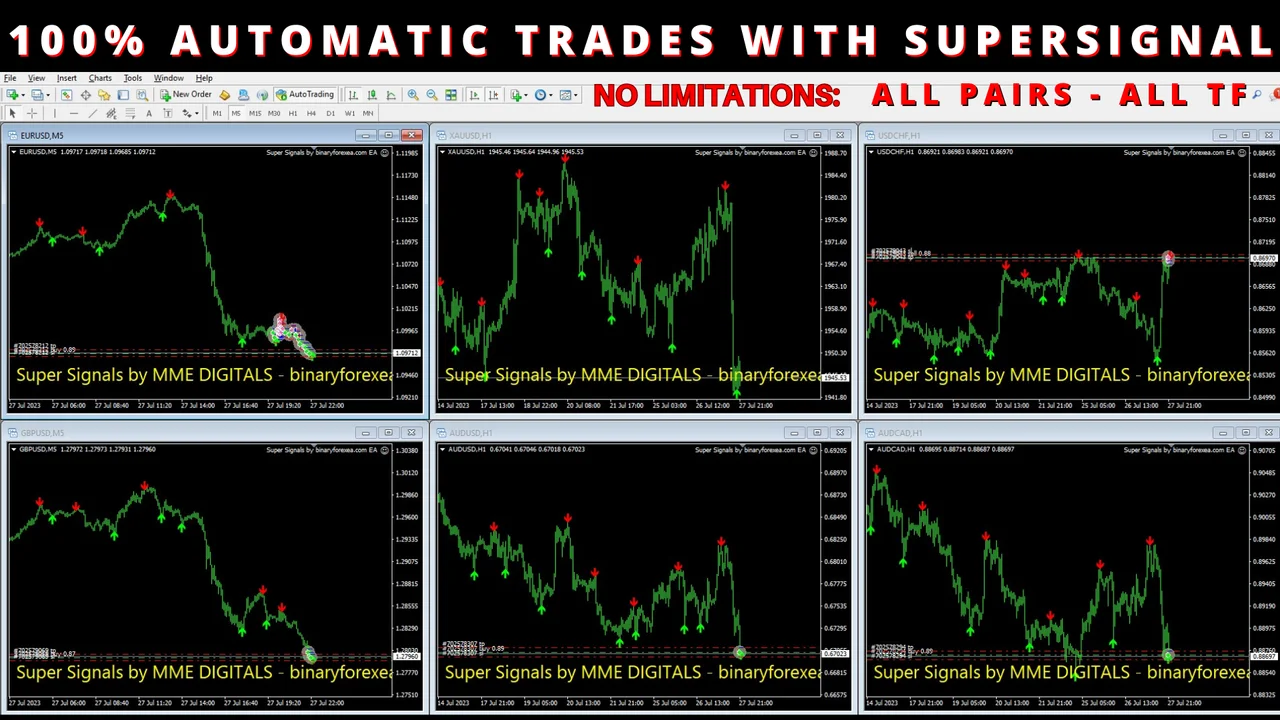
- With SuperSignal EA, you no longer need to manually analyze signals or execute trades. Our EA does it all for you, 100% automatically. Gone are the days of constant monitoring and missed opportunities, so now you can enjoy the freedom of automated trading with confidence.
- Versatility is at the core of this robot: it is designed to work on all currency pairs and timeframes, offering flexibility and adaptability to suit your trading preferences. Whether you’re a seasoned trader or just starting, you can benefit from its automated precision.
- Not only is it powerful, but it’s also accessible to traders with different account sizes. Starting from as little as $100 per pair, you can tap into the potential of this groundbreaking EA.
- Here’s a pro tip: while it can work its magic on any pair, it’s always recommended to select pairs with lower spreads. By doing so, you ensure that the trade opens closer to the signal issuance, maximizing your trading opportunities.
Setting up the SuperSignal EA MT4: super simple
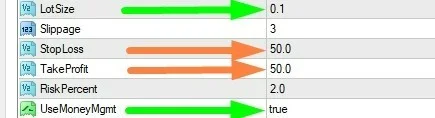
- Lot Size: you have the option to manually set your desired trading lot by adjusting the “Lot Size” parameter. Remember to set “UseMgmt” to false first.
- However, we highly recommend to leave the “UseMgmt” option enabled, set to true, and let the EA automatically determine the lot size based on the risk percentage specified in “Risk Percent”, defaulted to 2% per trade.
- Additionally, depending on your chosen Timeframe (TF) and the desired risk level, you can customize the Stop Loss (SL) and Take Profit (TP) levels. By default, these are set to 50 pips each. Rest assured that the EA will diligently adhere to these SL and TP values, so no position stays open beyond the specified levels.
One robot, five trading styles
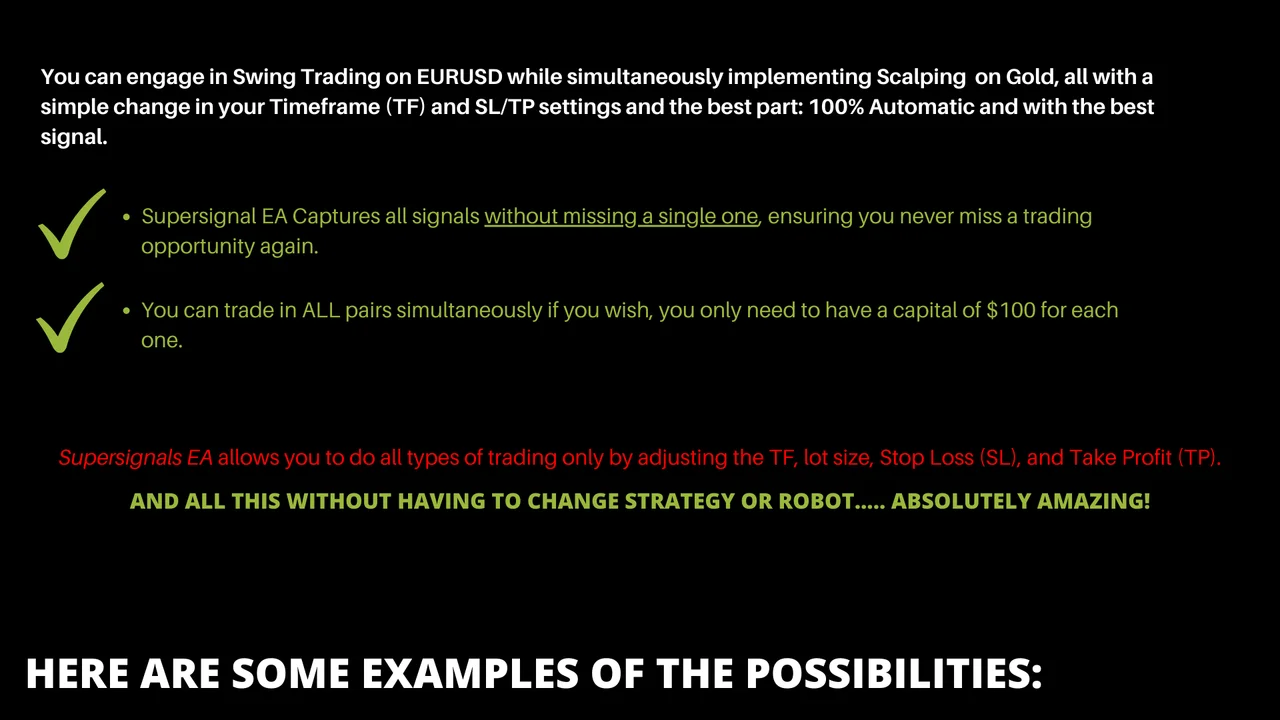
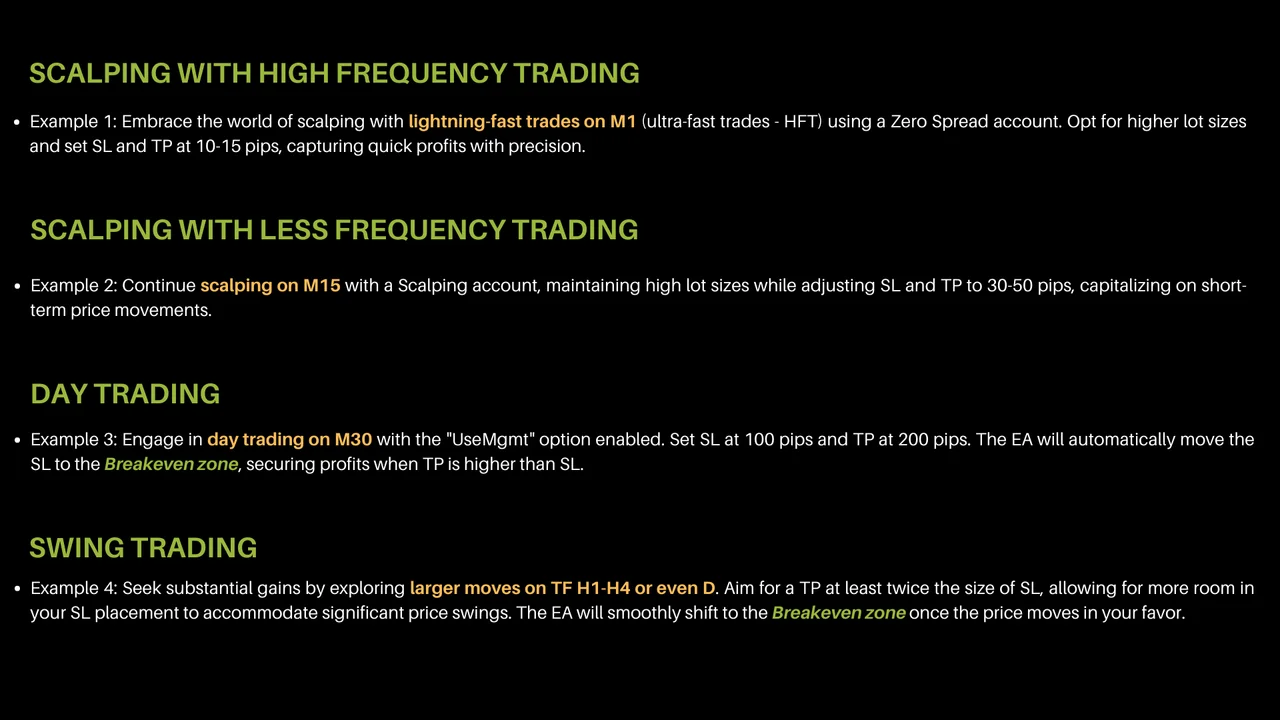
Versatility: Scalping, High-Frequency Trading (HFT), Day Trading, Swing Trading, and Position Trading.
This exceptional EA exhibits remarkable versatility, catering to various trading styles. It can be employed for quick and frequent trading in lower timeframes such as M1, M5, and M15, particularly when using a Scalping account with ultra-low spreads. On the other hand, it also serves well for longer-term trades in M30 and H1 timeframes, and even holds its ground as an effective tool for Swing Trading in H4 and D timeframes. Its adaptability ensures it is an excellent choice for traders across different strategies and preferences.
Installing the SuperSignal EA MT4
- First, open MetaTrader 4 and click File > Open Data Folder.
- Then copy the robot into the Experts folder inside that data folder.
- After that, refresh the Navigator, so the robot appears in the list.
- Next, drag it onto the chart of a low spread pair and choose your timeframe.
- Also, decide between the fixed lot and the automatic lot before you start.
- Finally, switch AutoTrading on.
A zero spread account plus a VPS keeps execution close to the signal, which matters on the faster timeframes. Moreover, a demo run of a few days shows you the rhythm of the robot before real money joins in.
Looking for other automated robots? Then browse all our Expert Advisors and compare them side by side.
Trading leveraged products carries a high level of risk to your capital. Past results do not guarantee future results. You trade at your own risk.